The prompt library
AI Photoshoot Prompts
Plan your next shoot with portrait, fashion and product ideas. Compare photographic examples across models, then adapt the subject, lighting and composition.
How to use these prompts3,609
prompts to explore
Find an image. Make it yours.
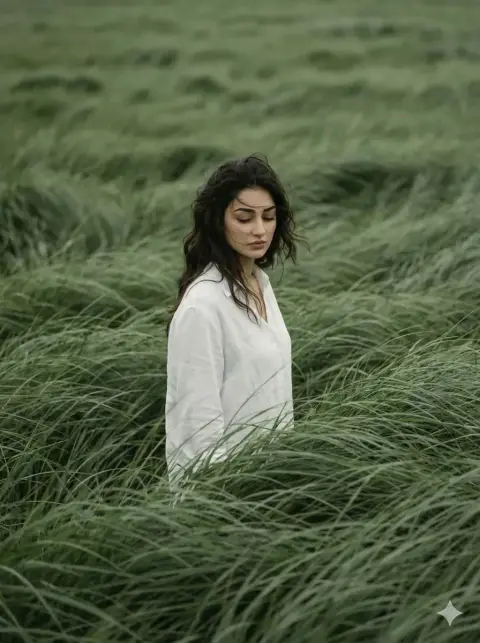
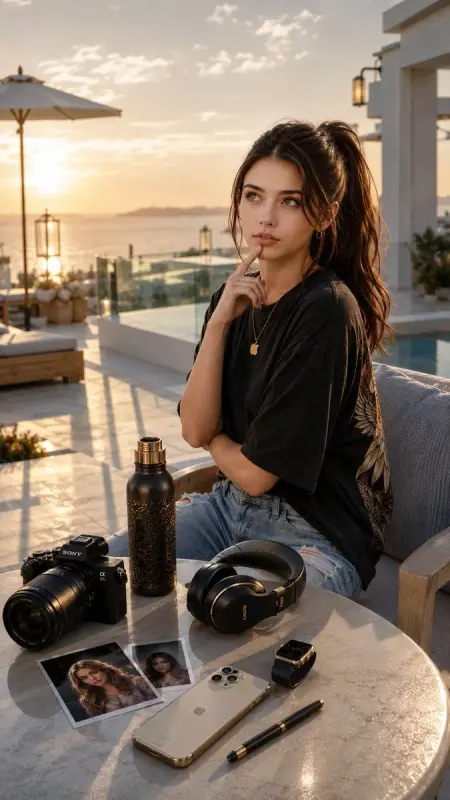
AI Portrait Photoshoot Prompts
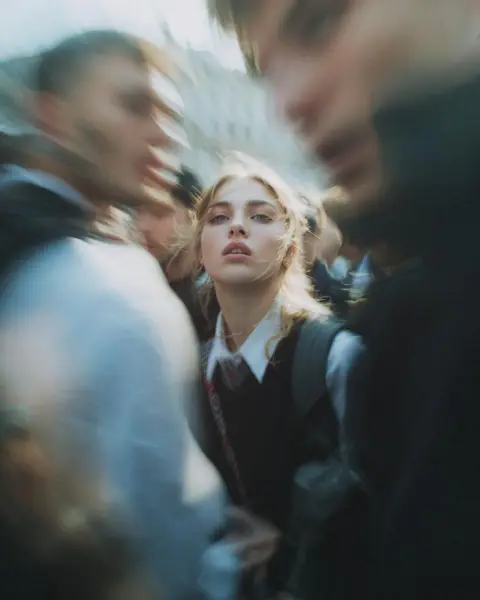
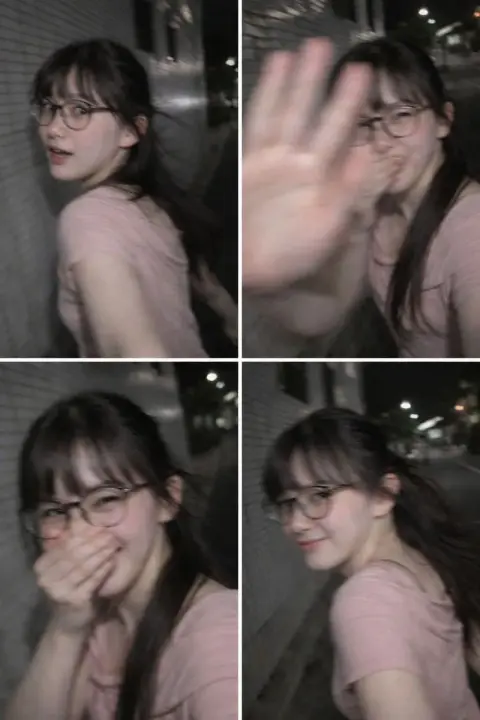
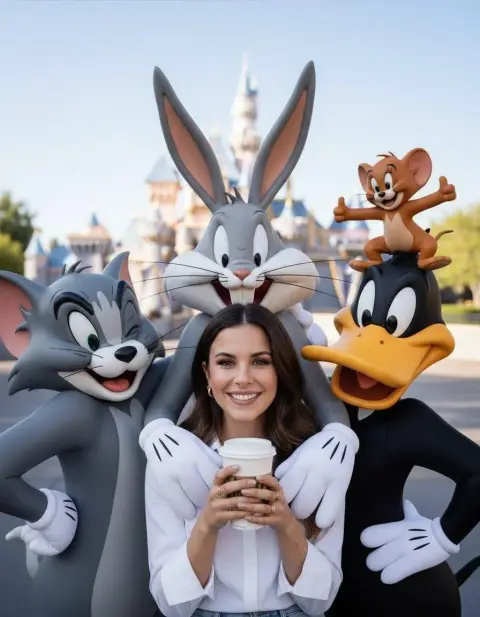
Explore faces, expressions, lighting and personal photo ideas. Add your own reference when the prompt asks for a particular identity.
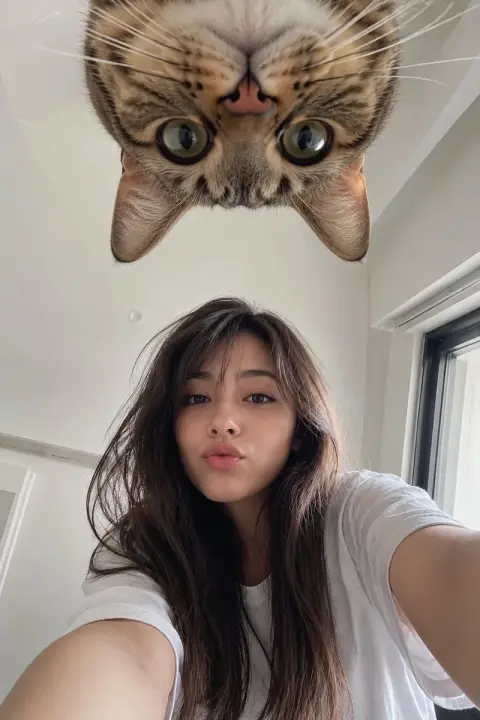
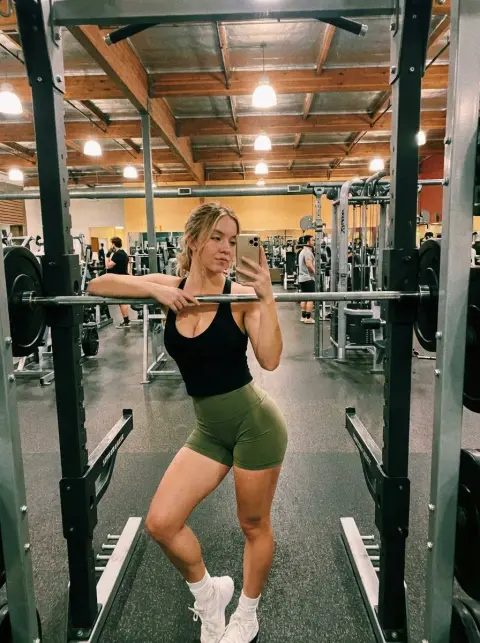
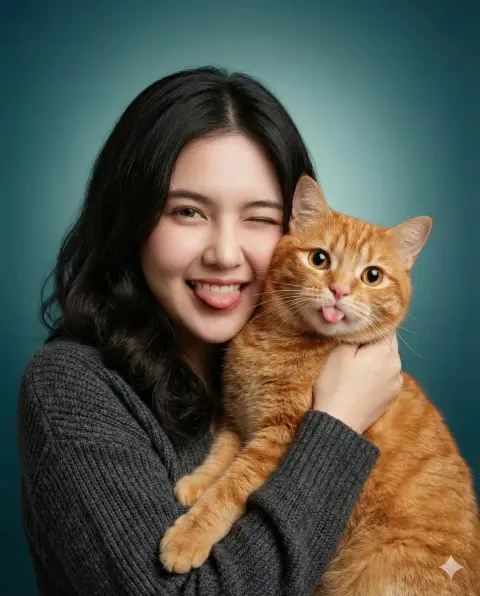
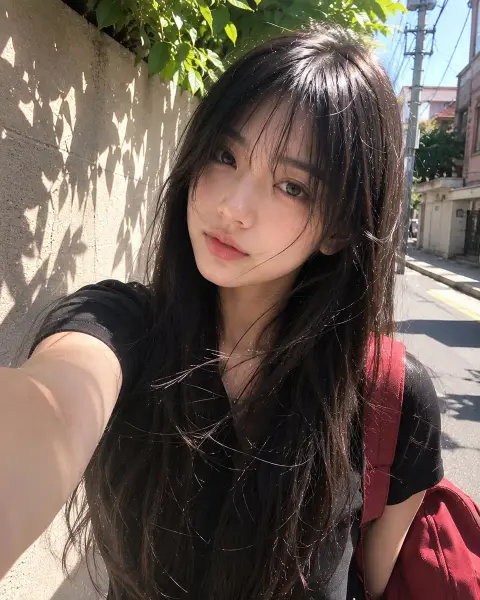
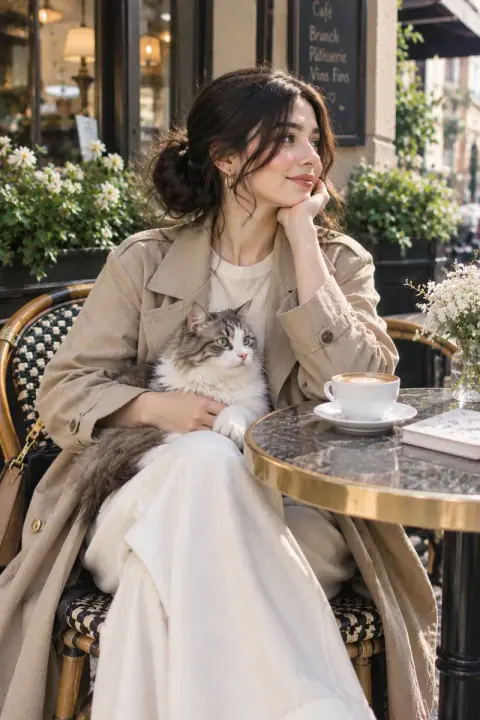
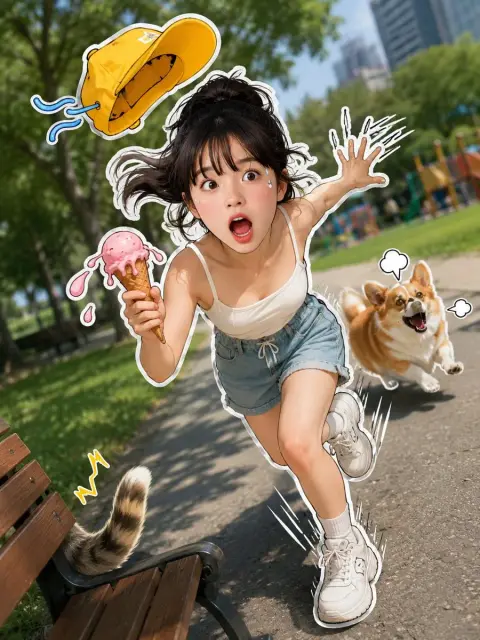
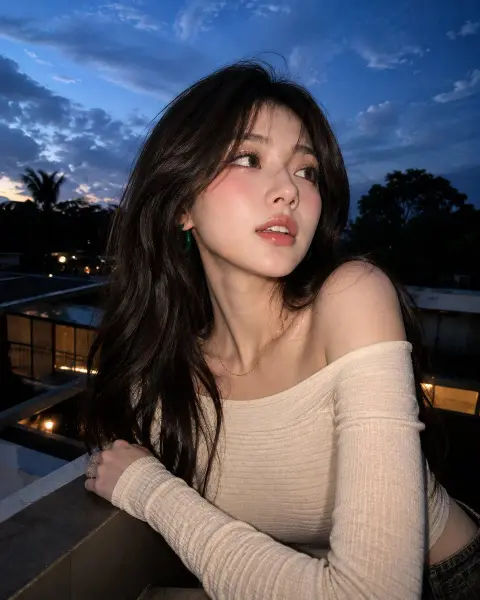
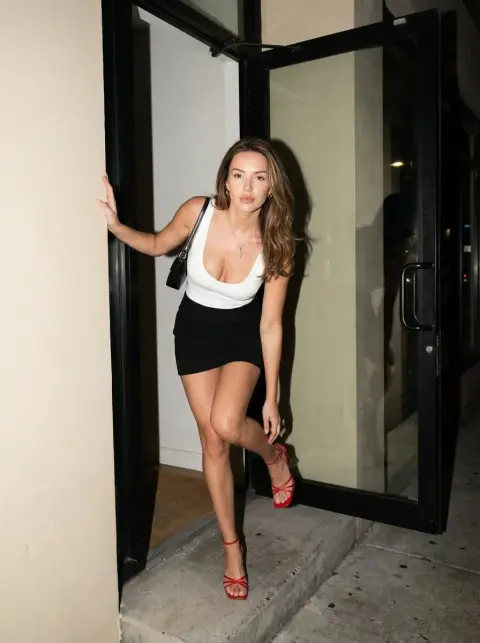
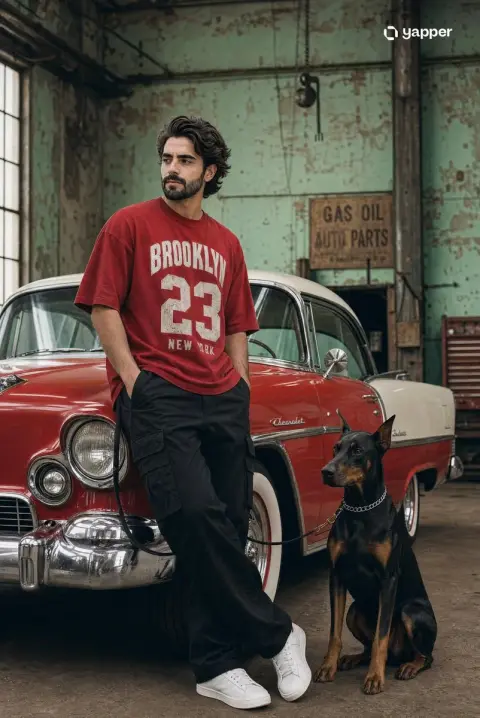
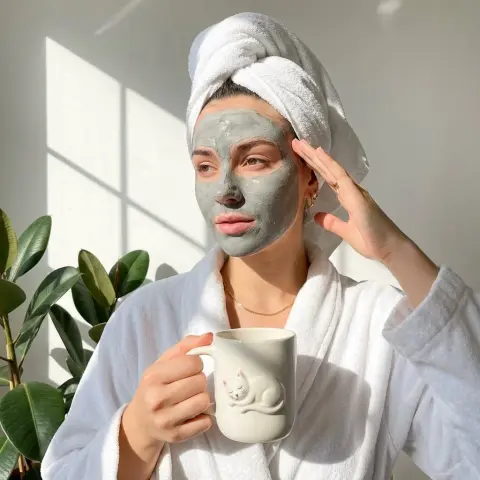
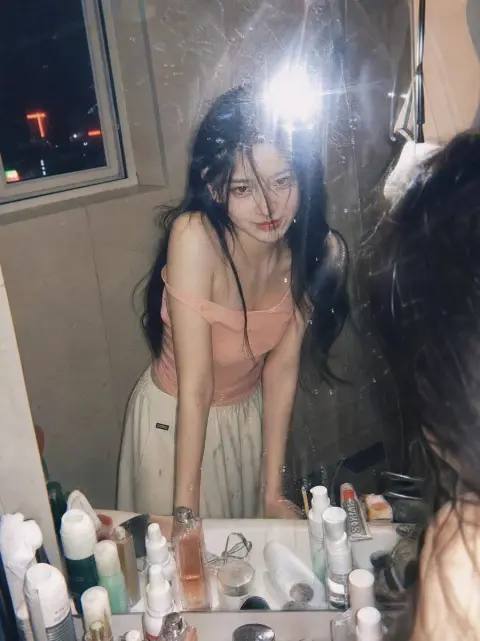
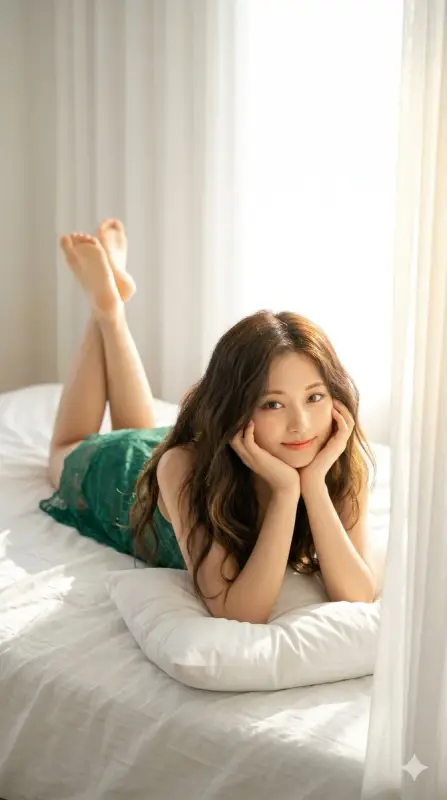
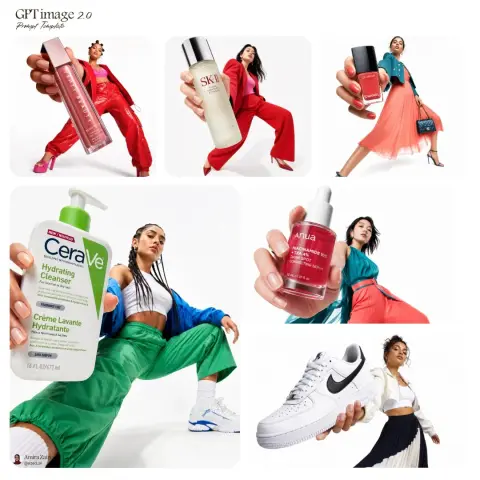
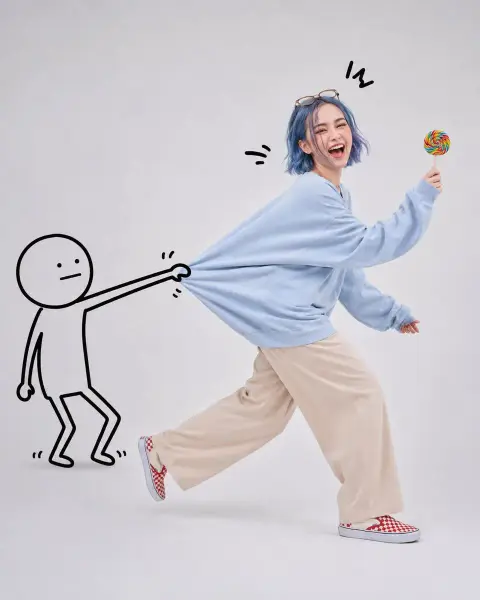
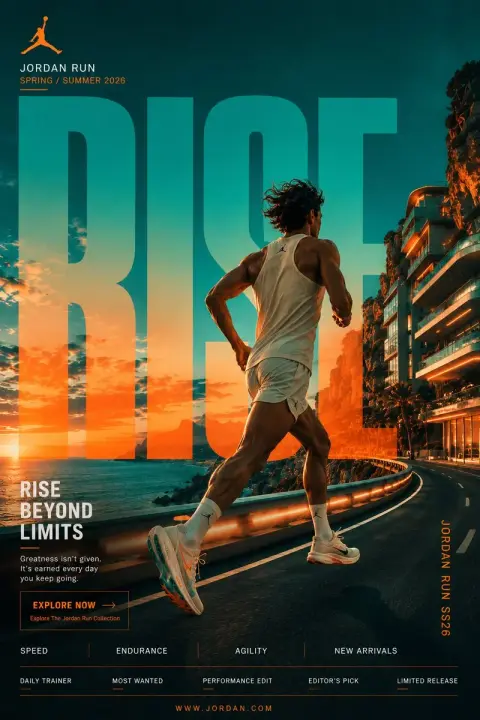
AI Fashion Photoshoot Prompts
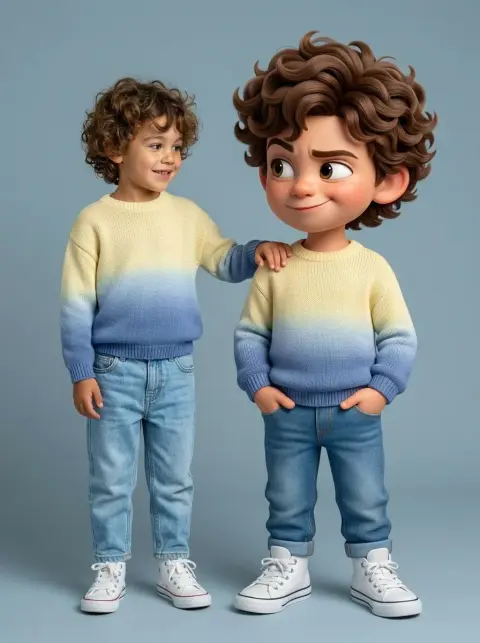
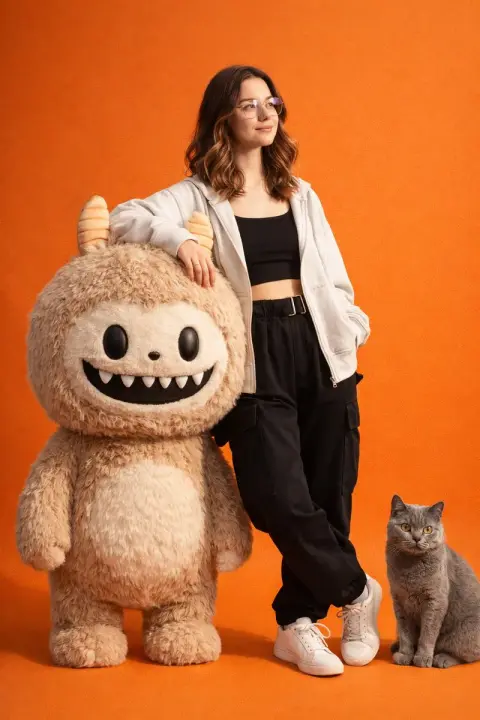
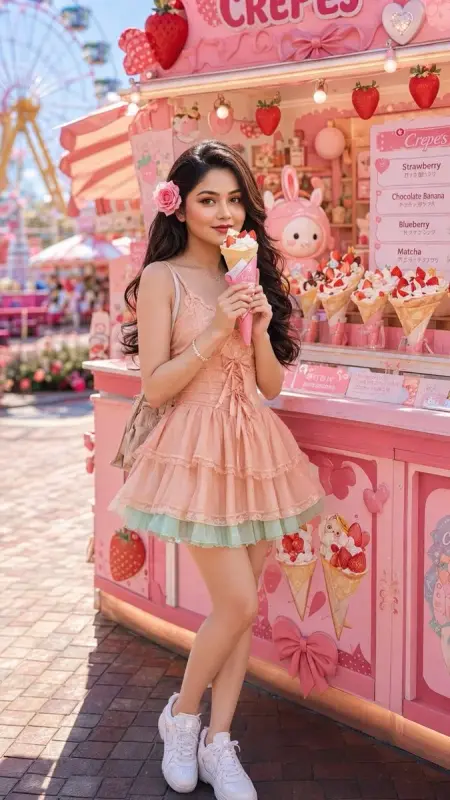
Compare outfits, editorial poses and styling. Adapt the clothing and setting to your own shoot.
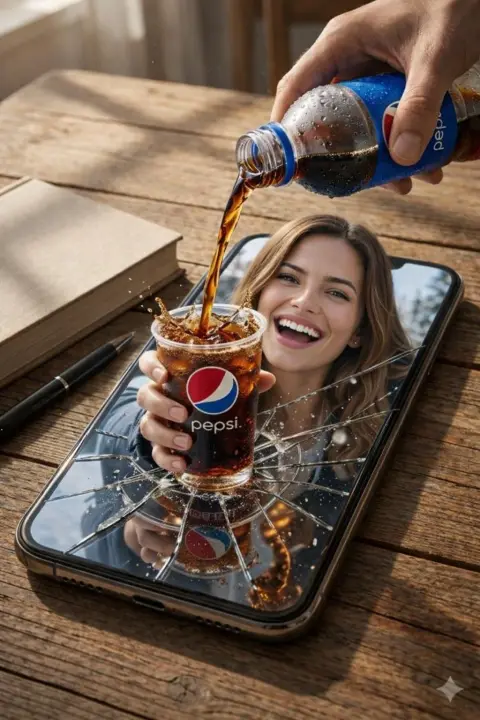
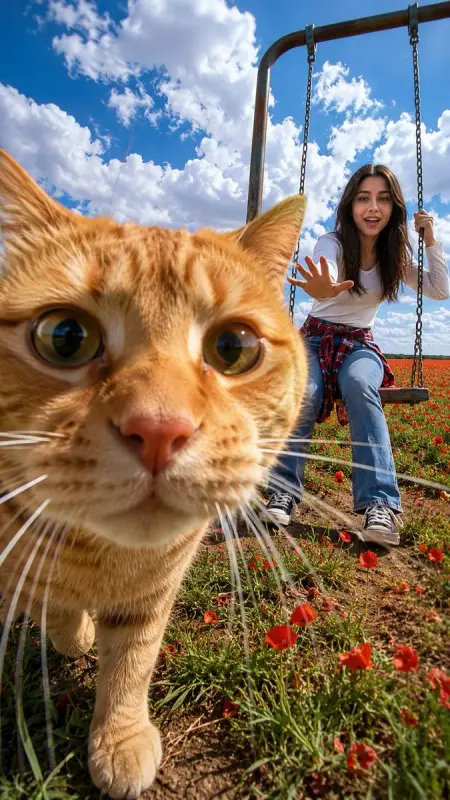
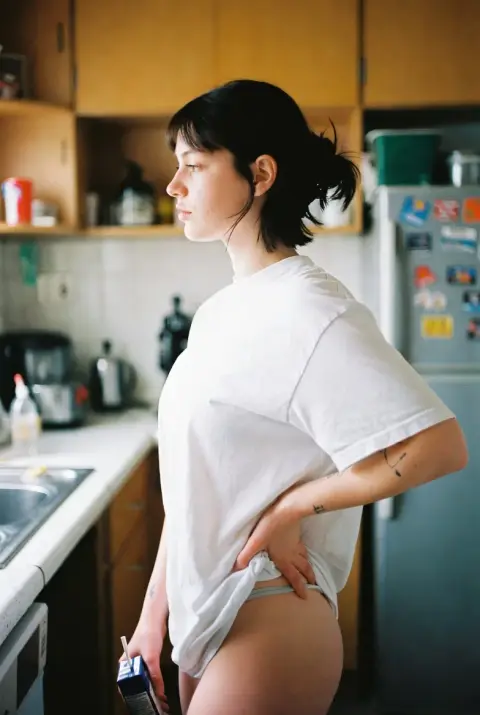
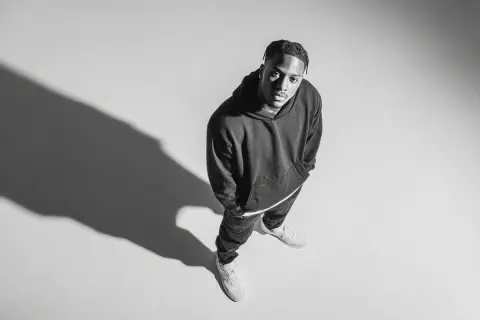
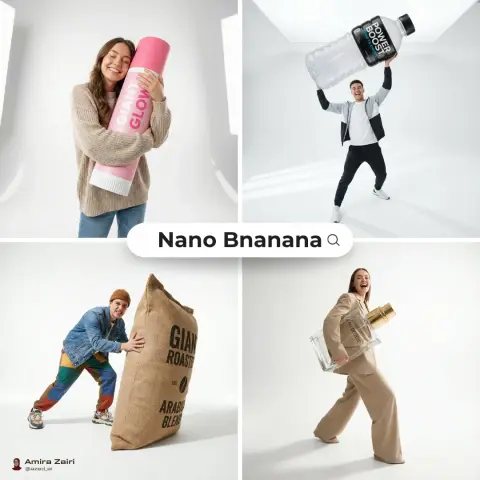
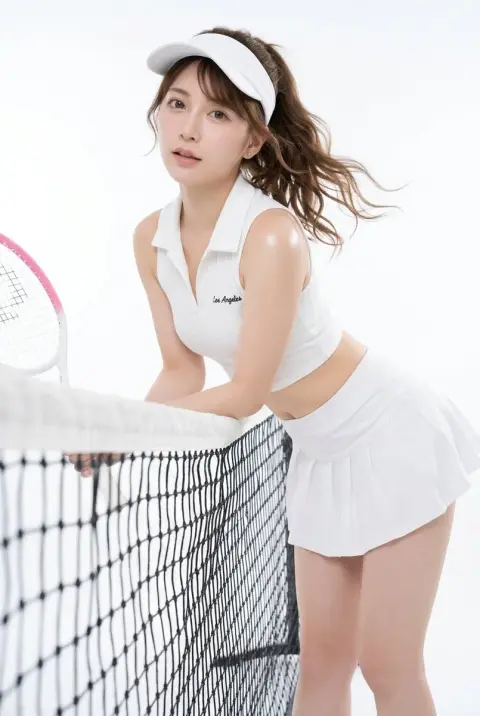
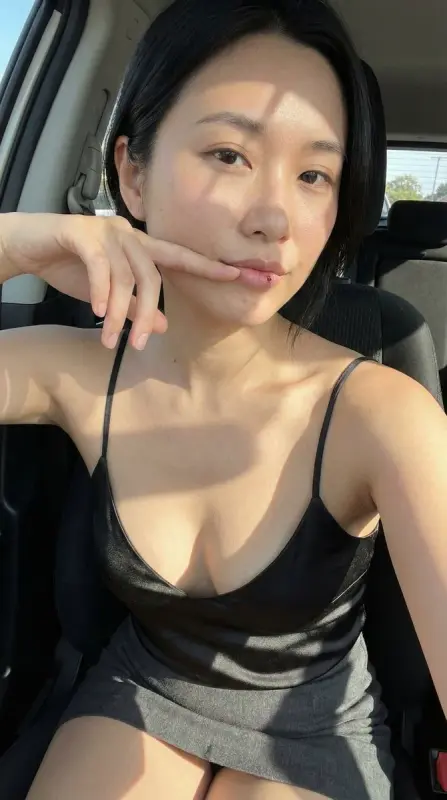
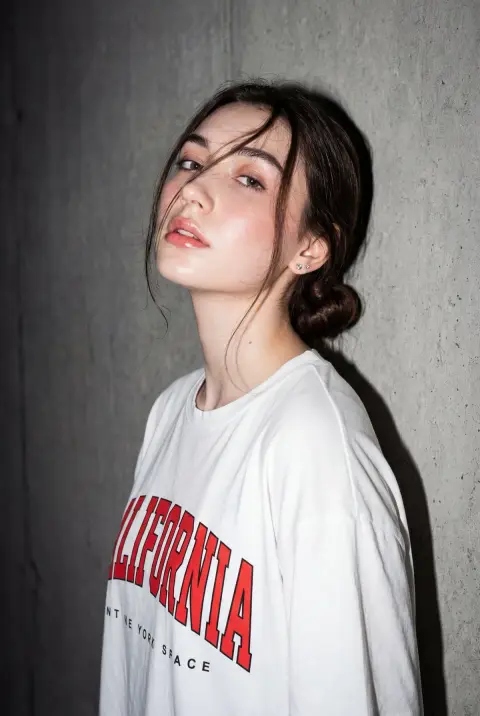
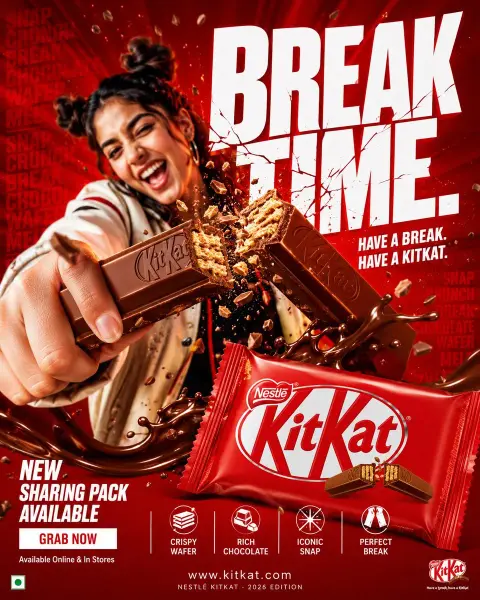
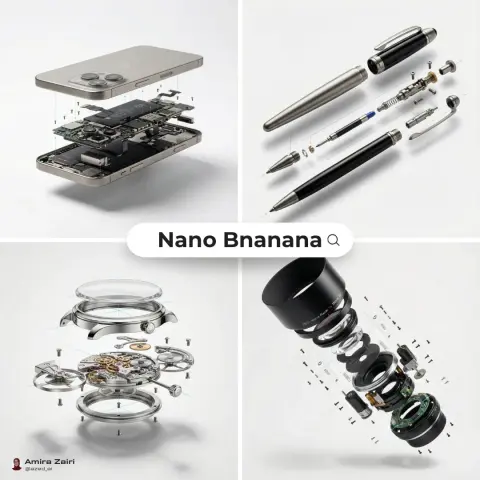
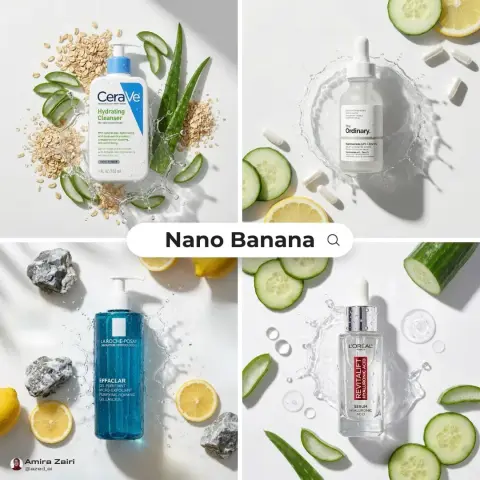
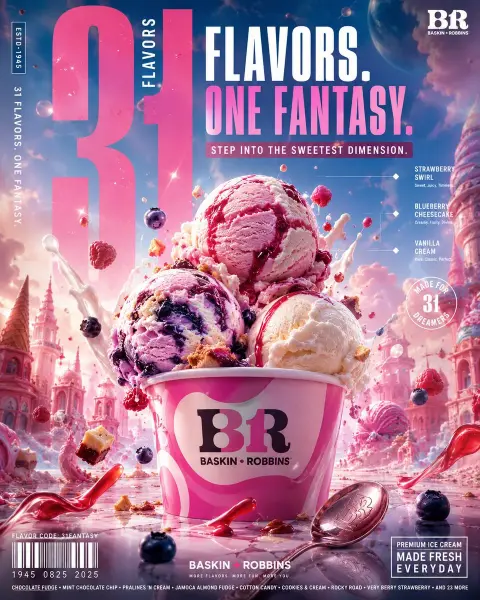
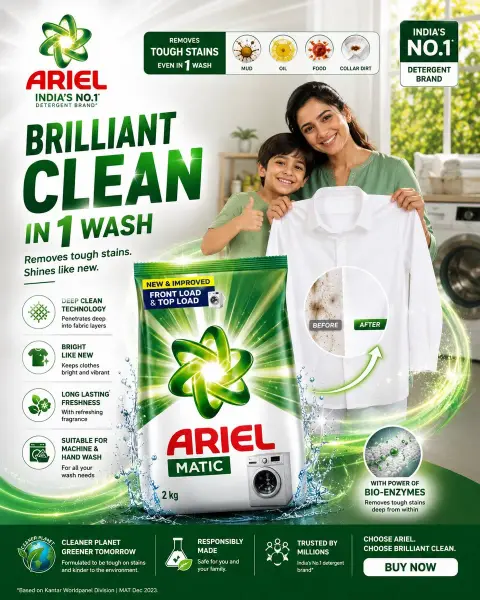
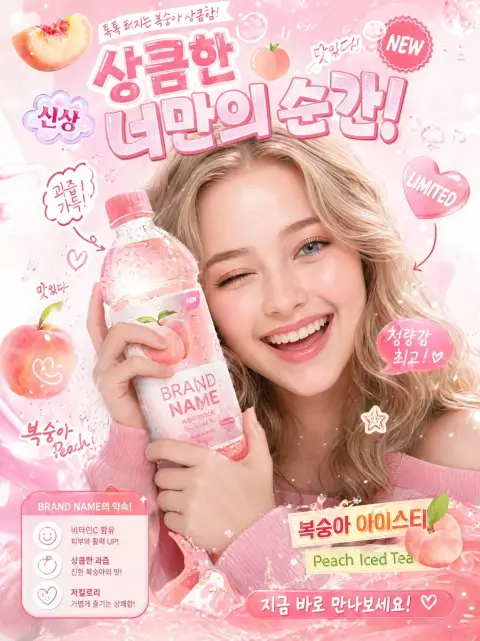
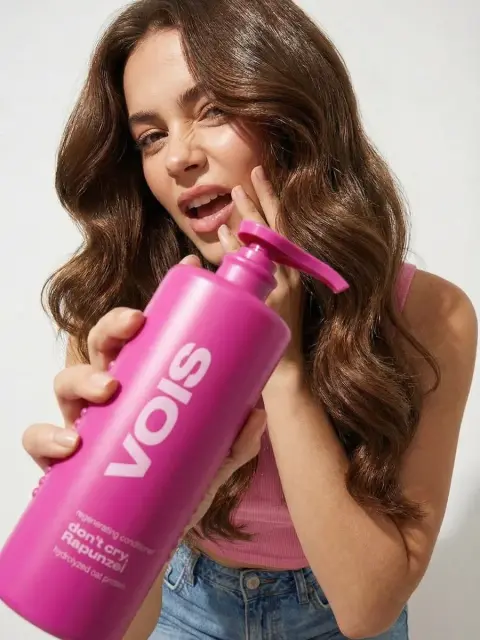
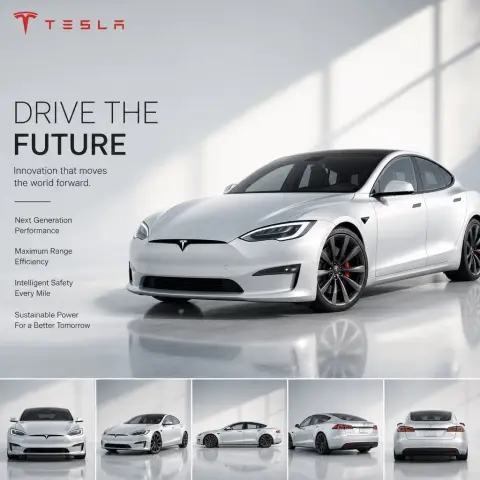
AI Product Photoshoot Prompts
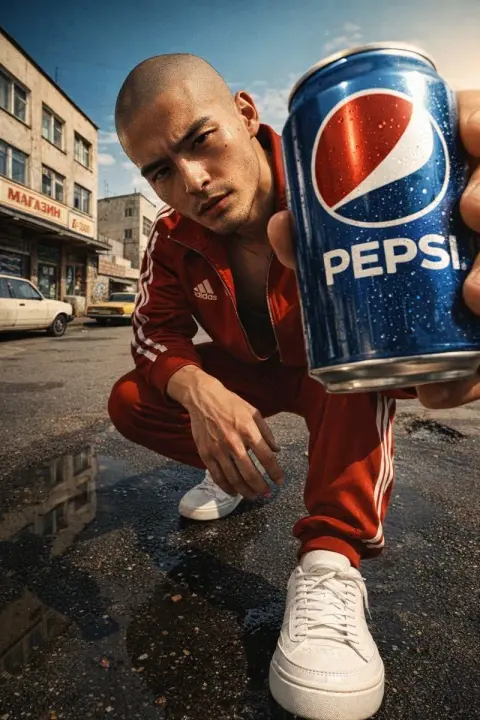
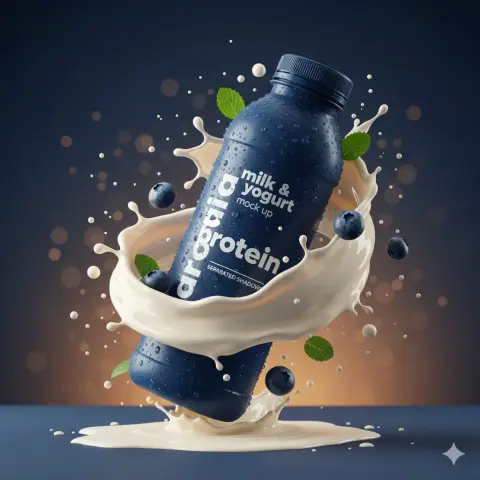
Find product compositions, surfaces and lighting setups. Check packaging and labels after generating.
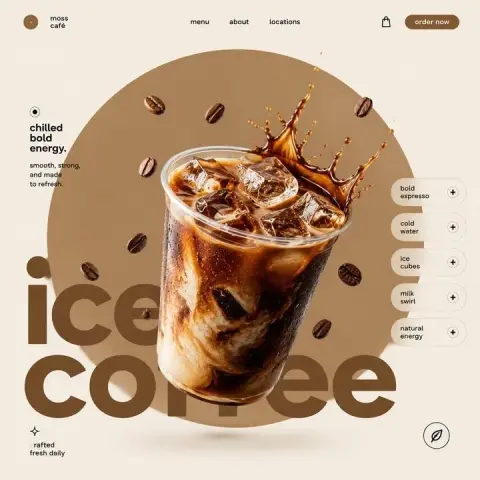
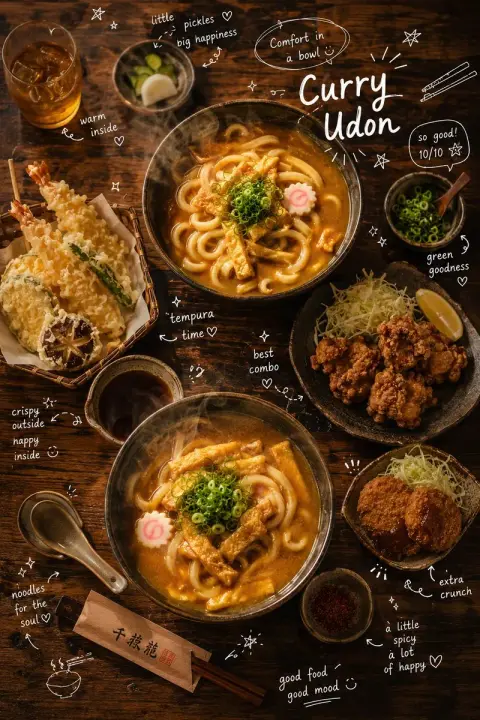
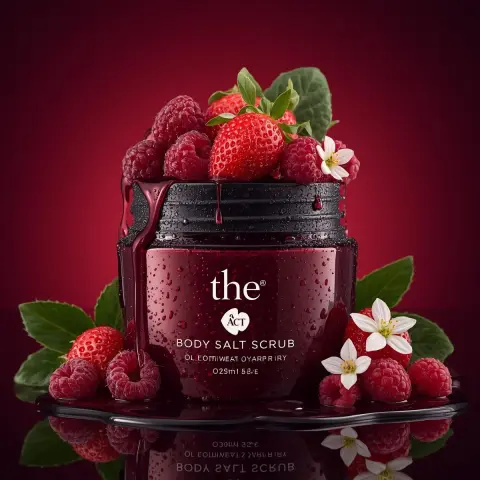
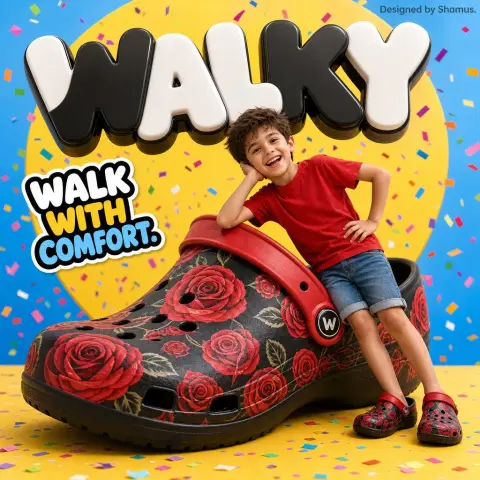
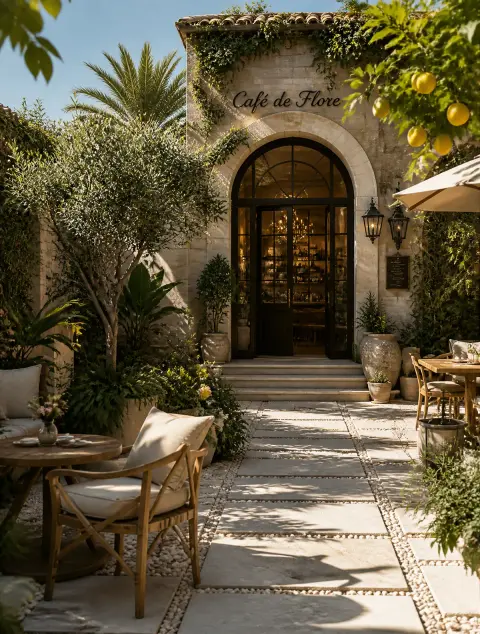
AI Landscape Photoshoot Prompts
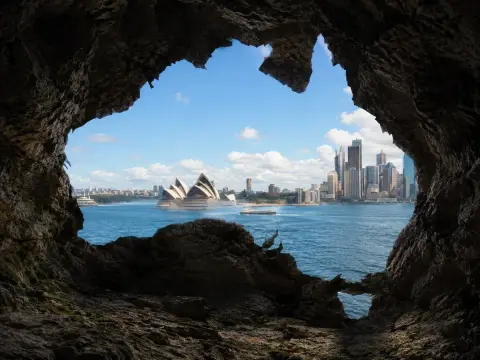
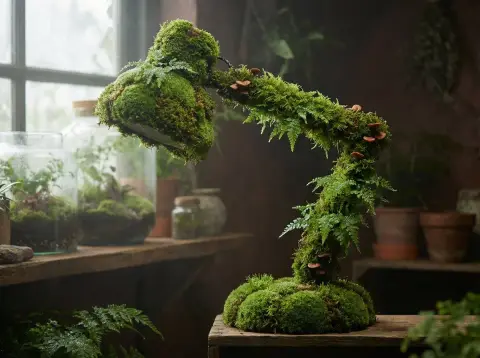
Explore outdoor scenery, imagined environments and atmospheric landscapes.
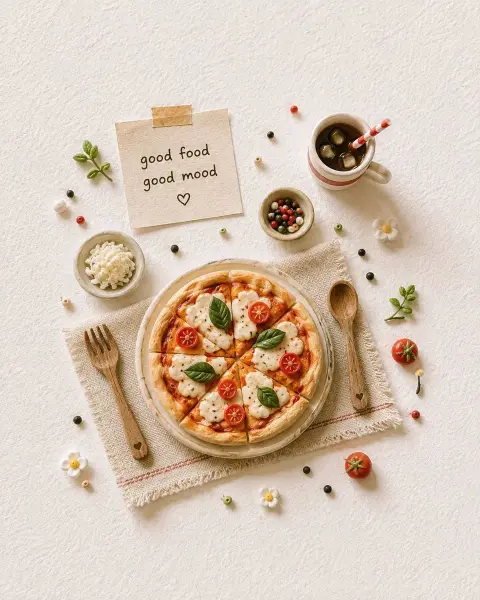
AI Food Photoshoot Prompts
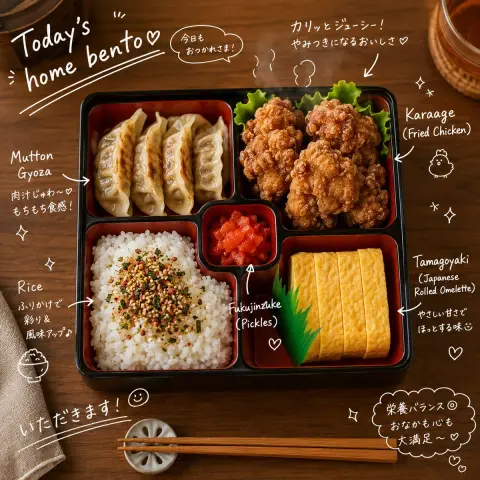
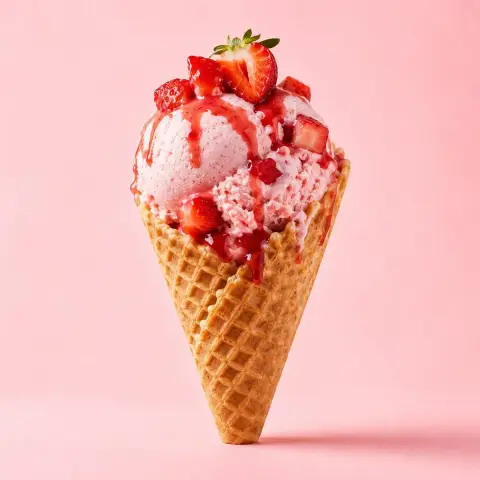
Browse food and drink compositions, textures, props and serving ideas.
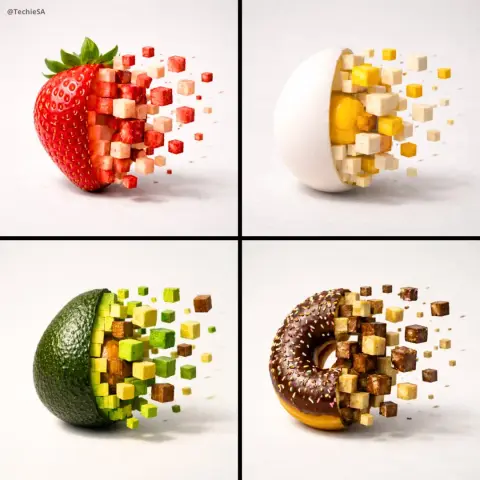
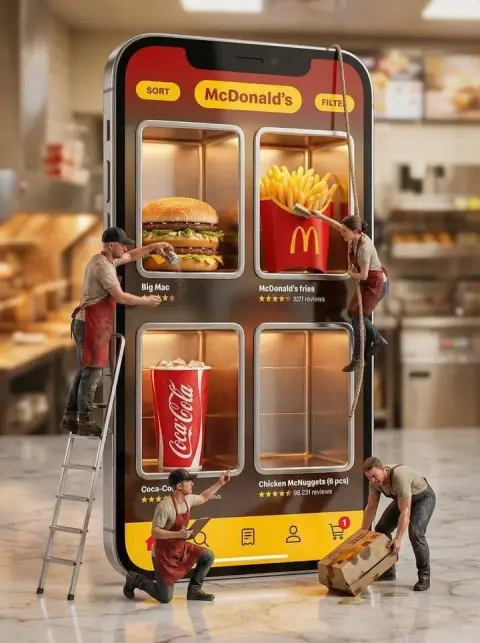
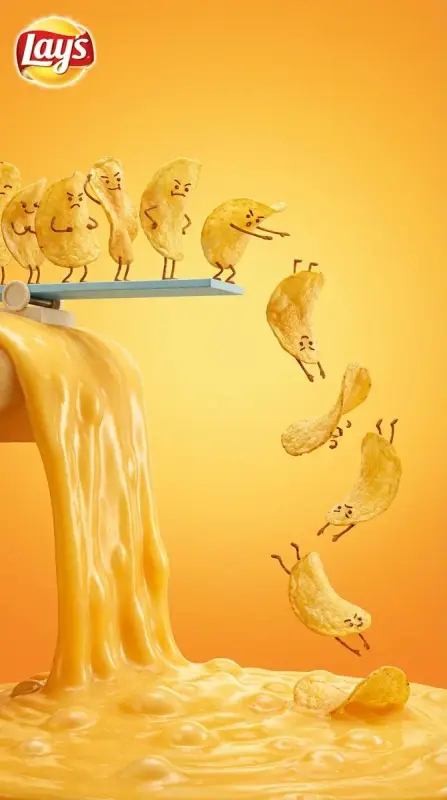
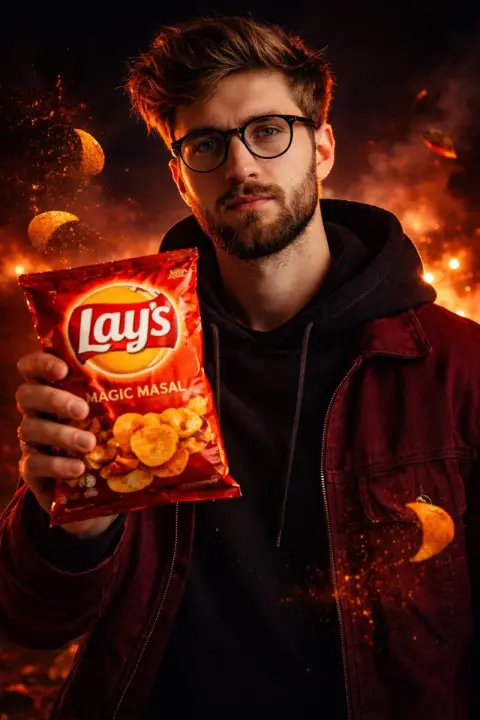
AI Interior Design Photoshoot Prompts
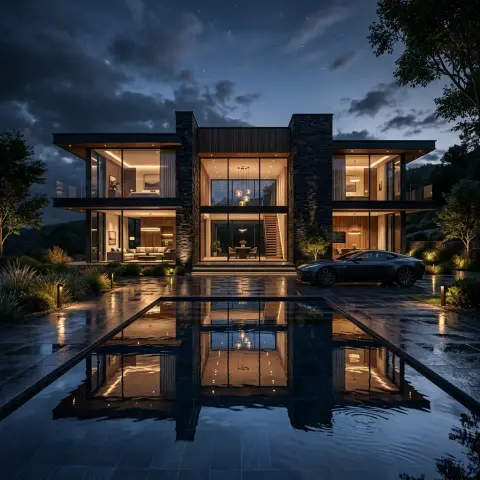
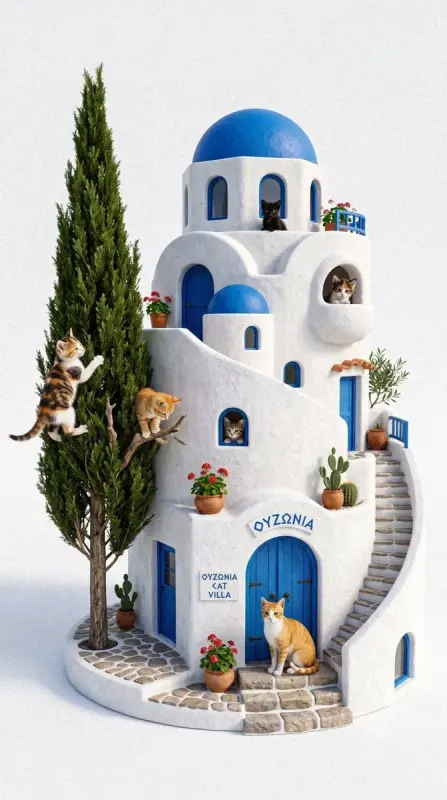
Find room concepts, furniture arrangements and architectural scenes.
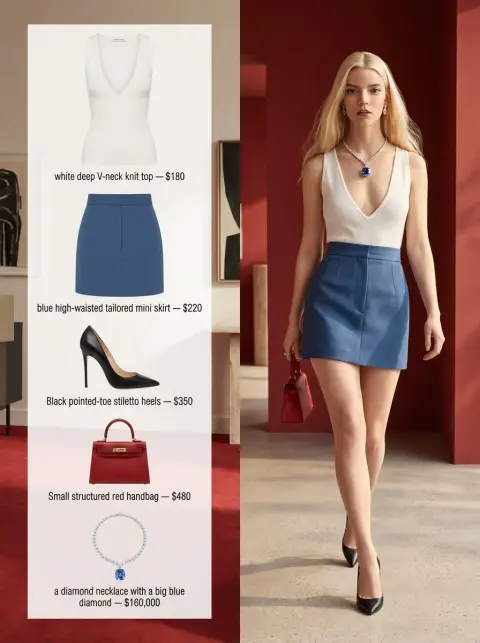
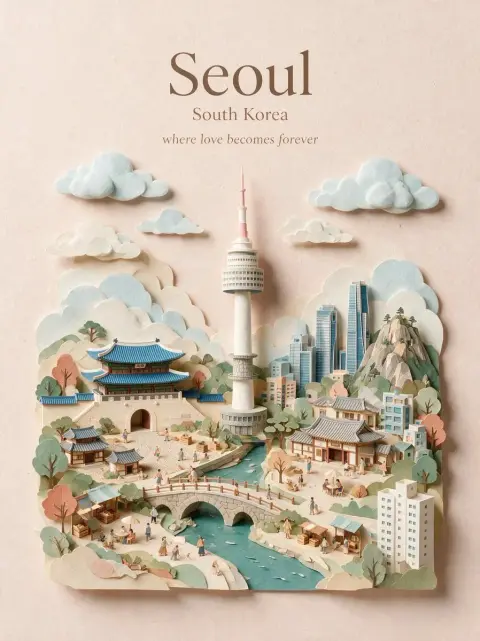
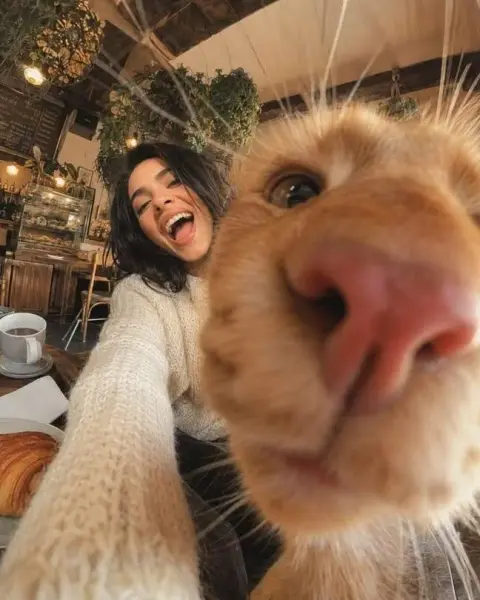
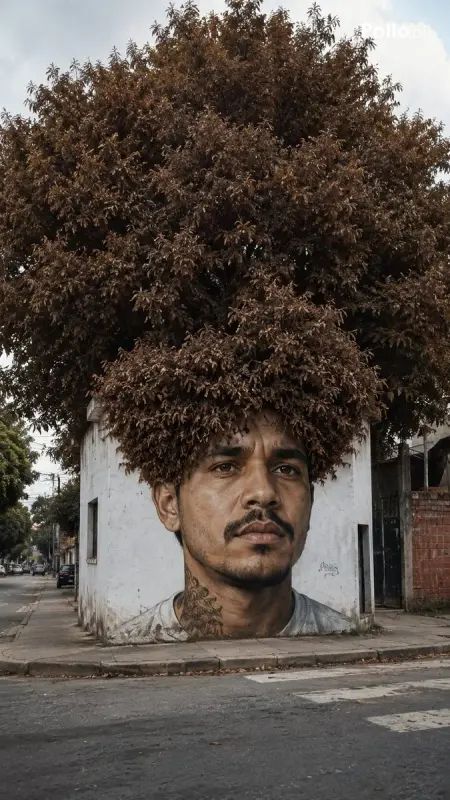
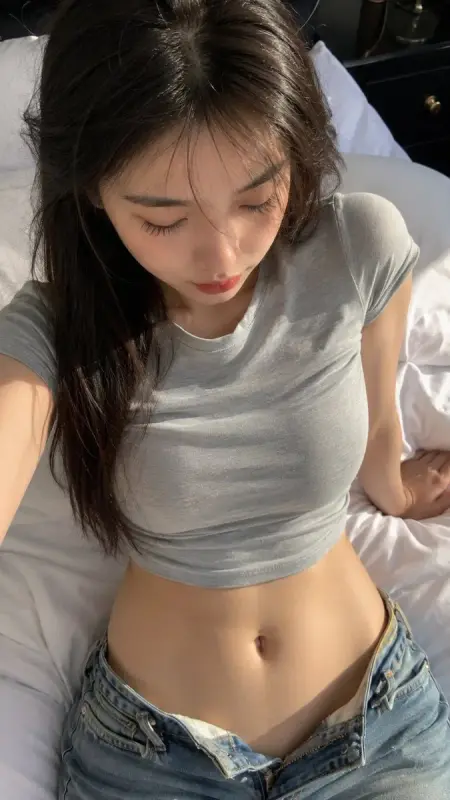
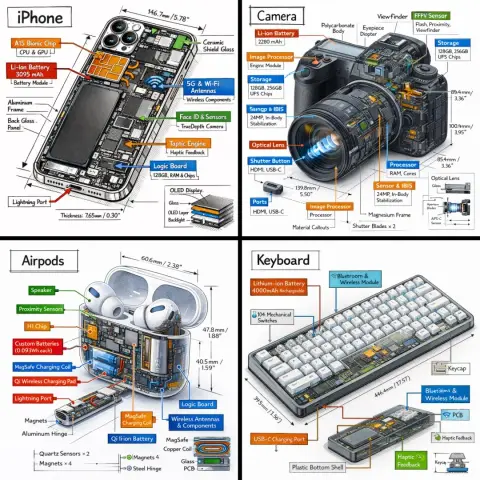
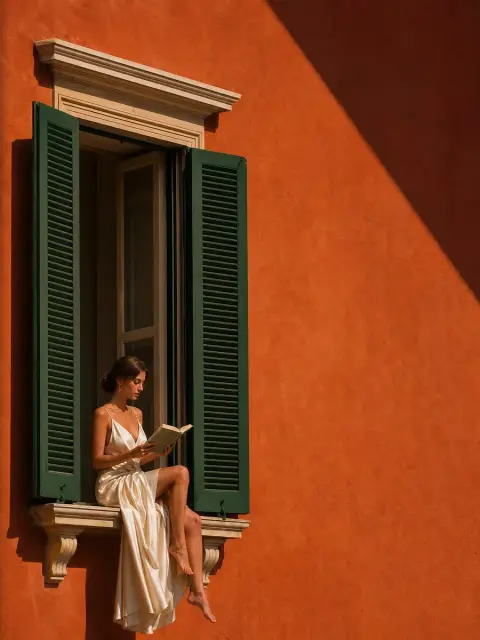
Other AI Photoshoot Prompts
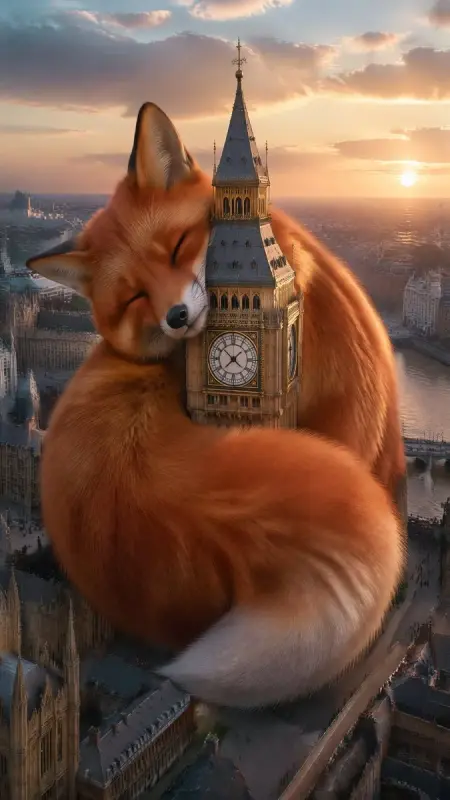
More photographic ideas, including campaigns and scenes beyond the main shoot categories.
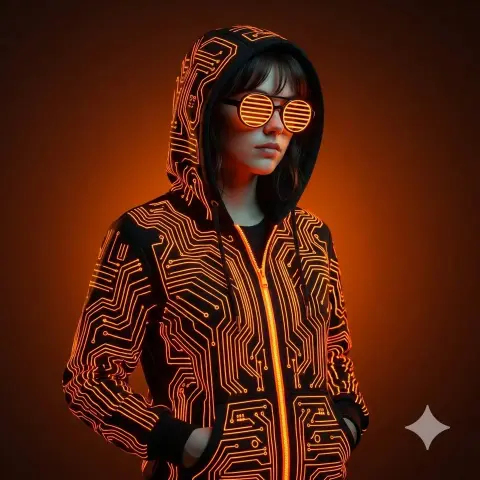
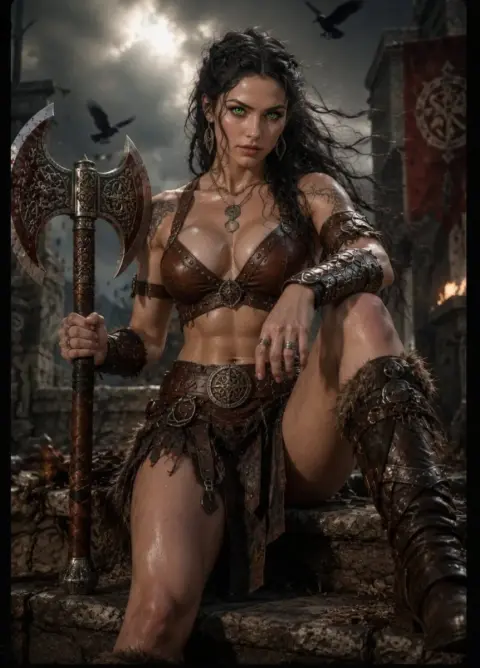
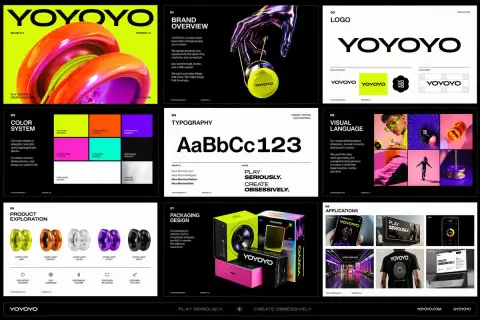
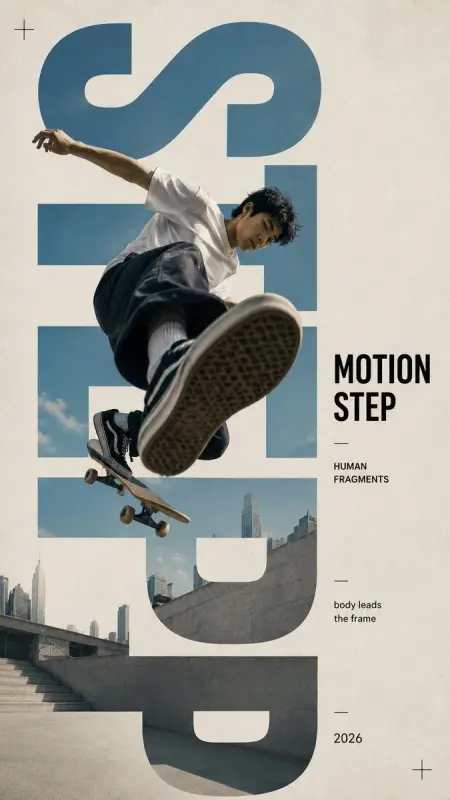
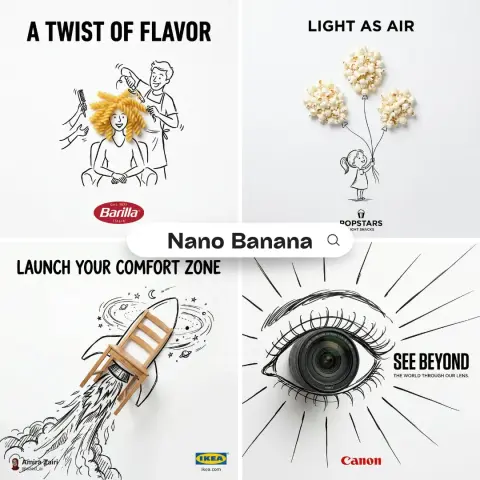
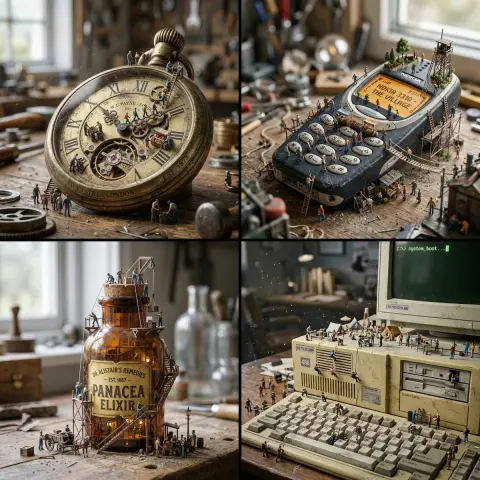
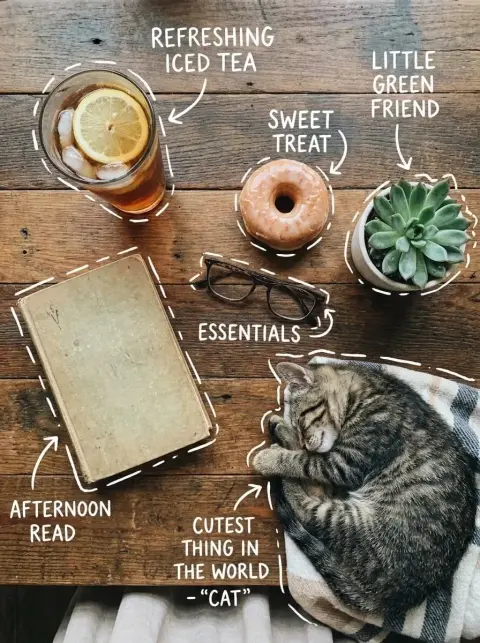
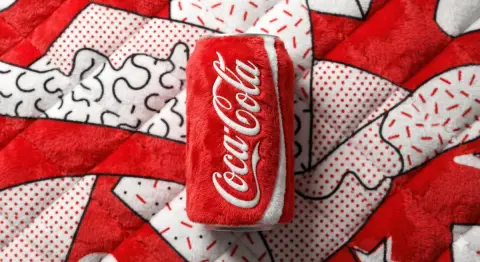
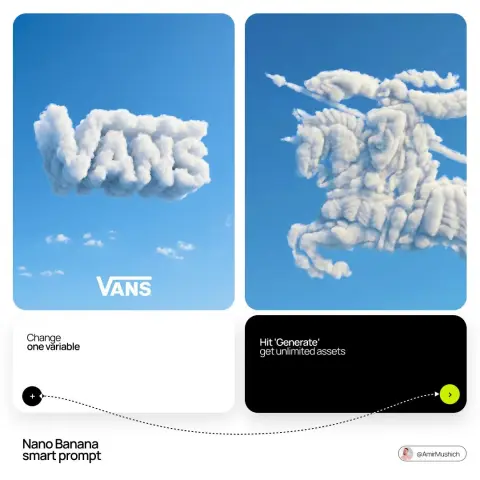
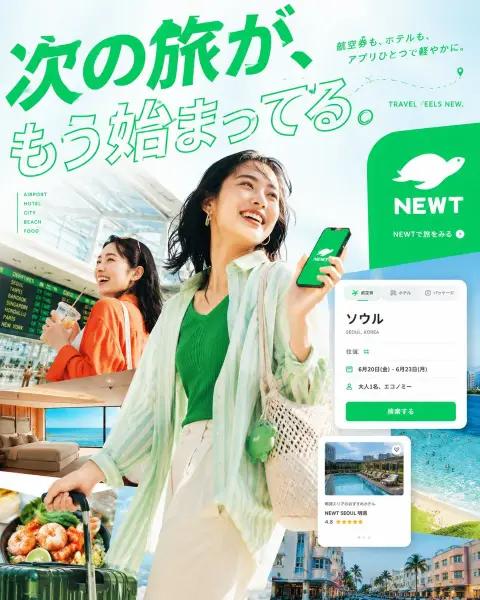
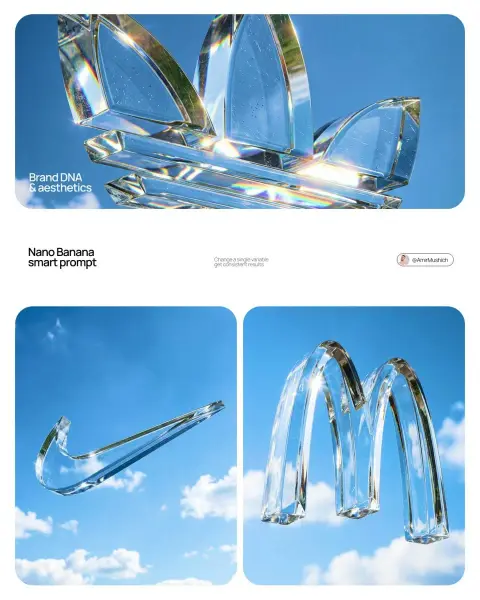
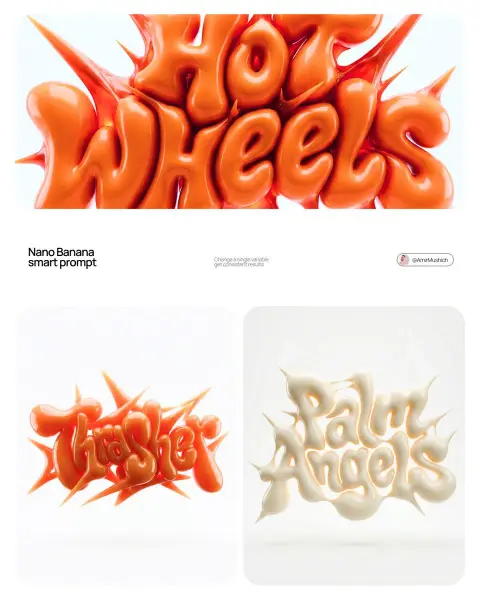
From inspiration to image
How to Use AI Photoshoot Prompts
Start with an example close to your idea. Keep what works, change the details, and build your own result.
- 01
Choose a photographic starting point
Browse portraits, fashion, products or another shoot category. Open an image to read the full prompt and compare the framing with your intended result. Copy it or use the prompt button to carry the text into the generator.
- 02
Describe the shoot, not just the mood
Name the subject, outfit, location and framing. Then specify one light setup, such as soft window light from the left or a single studio key light. Concrete directions are easier to revise than a list of quality adjectives.
- 03
Use a reference when identity matters
For a portrait of yourself, upload a clear image in the generator and explain which facial features and hairstyle should stay unchanged. A written description alone will not reliably preserve an identity.
- 04
Change one variable at a time
Keep the subject and pose while testing a new background or light direction. Check faces, hands and clothing details before using the result. The same prompt can produce different results across models and runs.
Frequently Asked Questions
How do I get natural skin instead of a plastic look?
Ask for visible skin texture, soft directional light and restrained retouching. Remove conflicting instructions such as flawless skin and heavy beauty filters. Review the result at full size before adjusting the prompt.
How can I keep a series of photos consistent?
Reuse the same reference, subject description, wardrobe, model and lighting setup. Change only the pose or framing between images. Even with the same instructions, check each result for changes in facial features and clothing.
What should I include in a product photoshoot prompt?
Describe the product, surface, background, camera angle and light direction. Upload a reference when shape or packaging matters, and explicitly state which details to preserve. Check labels and proportions after generating.
Which aspect ratio should I choose?
Choose the ratio for the final placement: a vertical frame for portraits, a square for a product tile or a wide frame for a banner. Leave room for cropping or added copy, and select the matching ratio in the generator when available.
Can I copy these photoshoot prompts for free?
Browsing and copying are free. Use the copy control on an example or open its detail page for the full text. Generating an image is a separate action and uses the pricing of your chosen tool.
Which model should I use for an AI photoshoot?
Each example shows its source model family. Start with that family where available, then compare the result with your reference. These examples span GPT Image and Nano Banana; neither model is required for every photography task.
Do I need to upload a photo?
Only when the prompt relies on a reference or you want to retain a particular person or object. Upload your own reference; the example output is not the original input photo.
How do I make a photoshoot prompt my own?
Replace the subject, clothing and location, then adjust framing and light. Remove text, brands or props that do not belong in your shoot. Keep directions that explain the photographic effect you want.