Pet Photo to Watercolor
Turn a favorite pet photo into a warm, hand-painted portrait.
Transform an image online with AI. Upload a reference, describe your changes, and try image to image generation with free sign-up credits.
Image to Image Examples
Explore what you can create from a reference image.
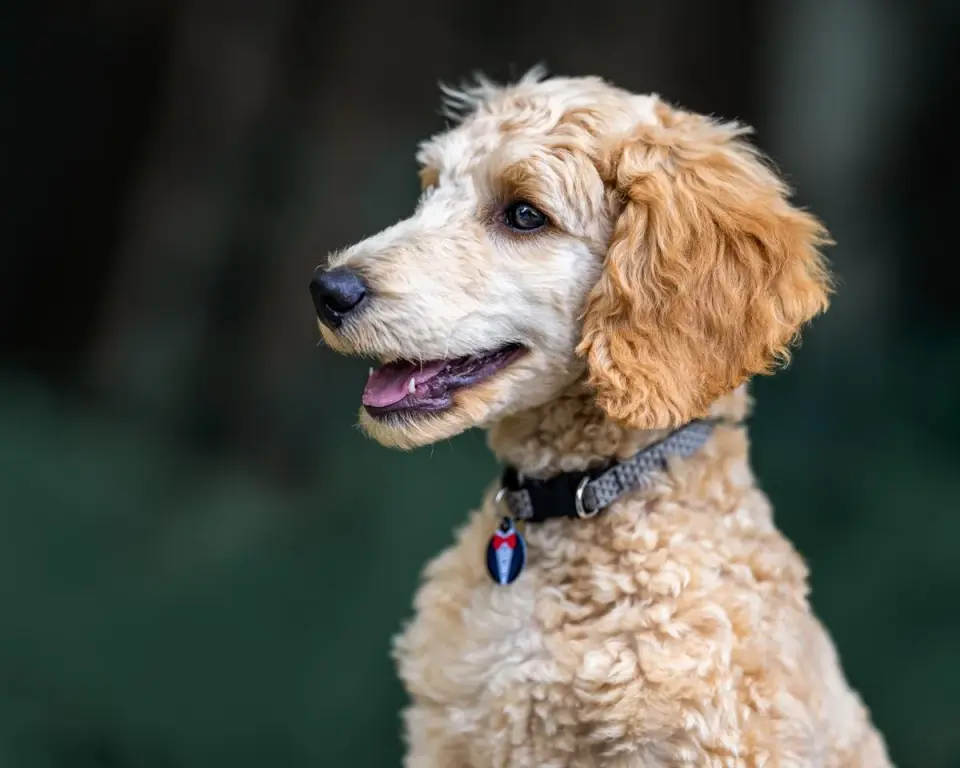 Original
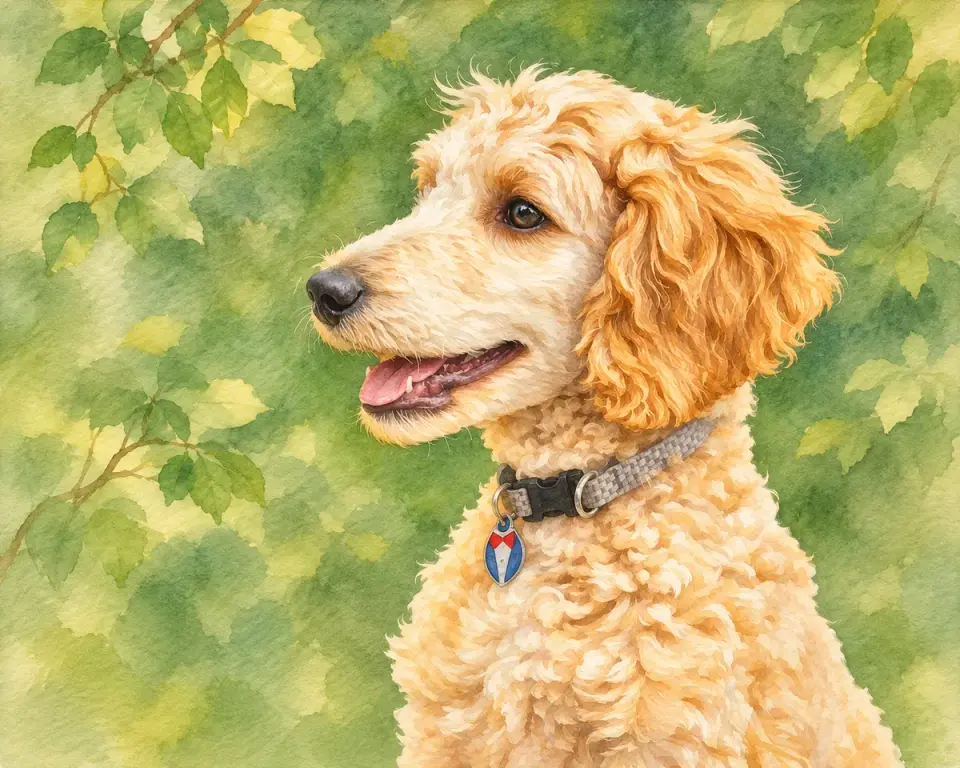 Generated
Explore examples of AI-generated changes to style, setting and details. Results vary by model and prompt.
Turn a favorite pet photo into a warm, hand-painted portrait.
Reimagine a travel photo in a sunlit seaside setting.
Give a simple product photo a new setting for a campaign or social post.
Turn a room sketch into a realistic interior while keeping its layout.
Use a character reference to create a new scene with recognizable details.
A simulated vintage photo shows how scratches and faded color can be improved.
Explore a different interior style while using the original room as a reference.
Clear a distracting object from a photo and rebuild the space behind it.
THE WORKFLOW
Add the image you want to transform. You can also add reference images to guide the result.
Say what you want to change and name the details you want the model to keep.
Select a model and the available output settings. The workbench shows the credit cost before generation.
Check the result, especially faces, text and product details. Refine your prompt or download the image.
PROMPTING TIPS
Image to image creates a new image, so even details you want to keep can shift. Be specific about the change and the features that matter most.
Start with one clear instruction, such as changing the background or the material.
Describe the subject, pose, colors or composition you want the model to preserve.
Inspect faces, logos and text. If details drift, try a more focused prompt or another model.
Text to image starts with a written description. Image to image also uses your uploaded image as a reference and generates a new image based on your instruction.
The model uses your image as a reference, but it can change details you did not ask to change. Describe the features you want to keep, make one change at a time, and review the result carefully.
New accounts receive 2 free credits on sign-up. Generation uses credits, and the cost depends on your selected settings. The workbench shows the cost before you generate.
You can add up to five reference images per generation. Use reference images to guide the subject or style.
You can upload JPEG, PNG and WebP images. Use a clear original when possible, especially when small details matter.
The download flow does not add a visible site watermark. Some models may embed invisible provenance signals in their output.
You retain rights to the content you submit under our Terms. Commercial use also depends on your rights to the original image, third-party material and applicable model terms.
We do not use your uploaded images to train our models. Model providers process images under their own API terms; see our Privacy Policy for details.
No. This tool generates a new image using your reference and prompt. A format converter changes a file from one format to another.
Upload a reference, describe your idea and get started with free sign-up credits.
Open the generator