The prompt library
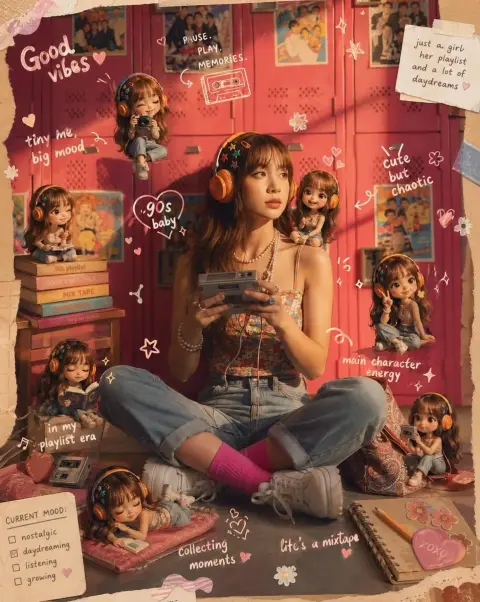
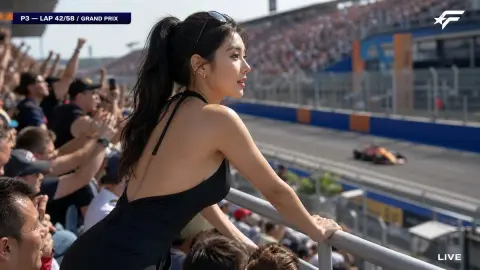
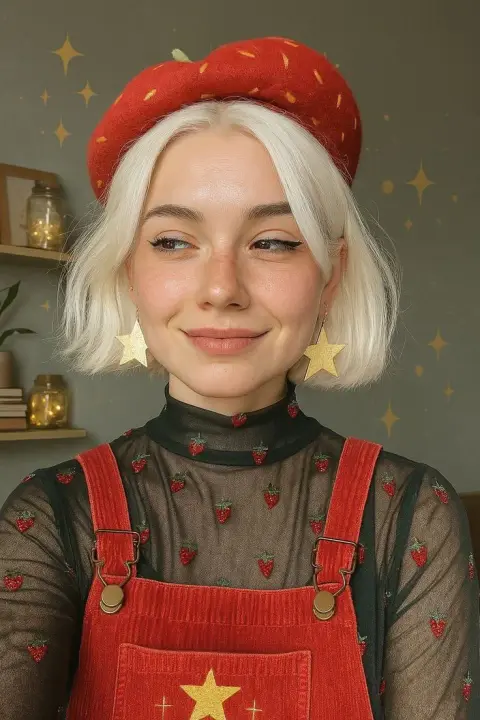
ChatGPT Photo Prompts
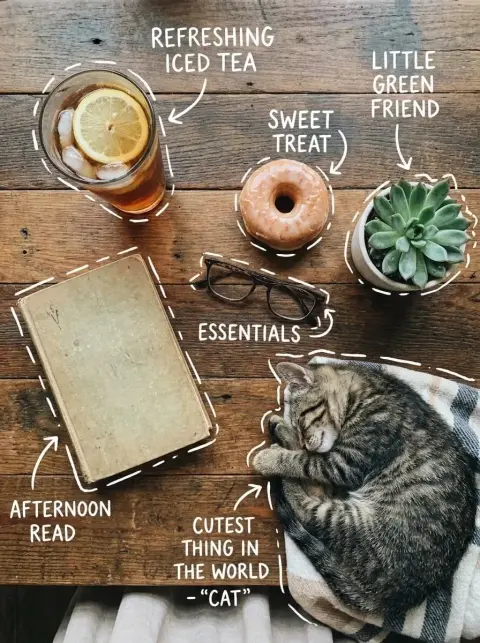
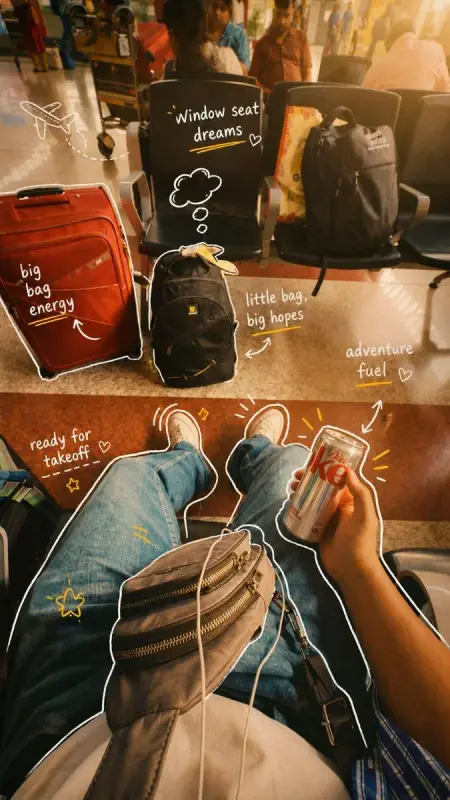
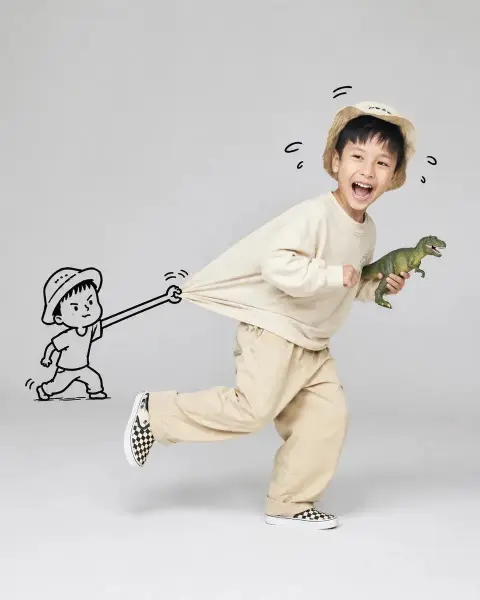
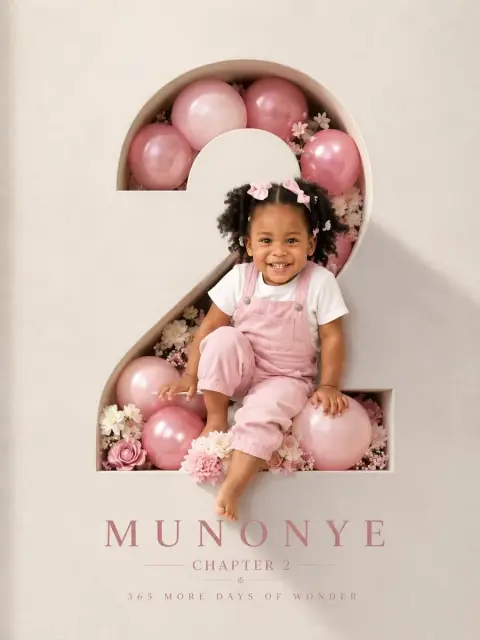
Find ChatGPT image prompts for portraits, products and creative scenes. Browse GPT Image examples, then copy a prompt or adapt it to your own subject.
How to use these prompts5,877
prompts to explore
Find an image. Make it yours.
ChatGPT Portrait Prompts
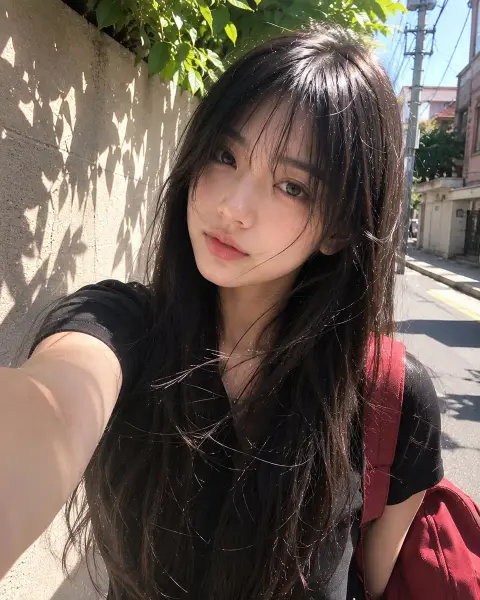
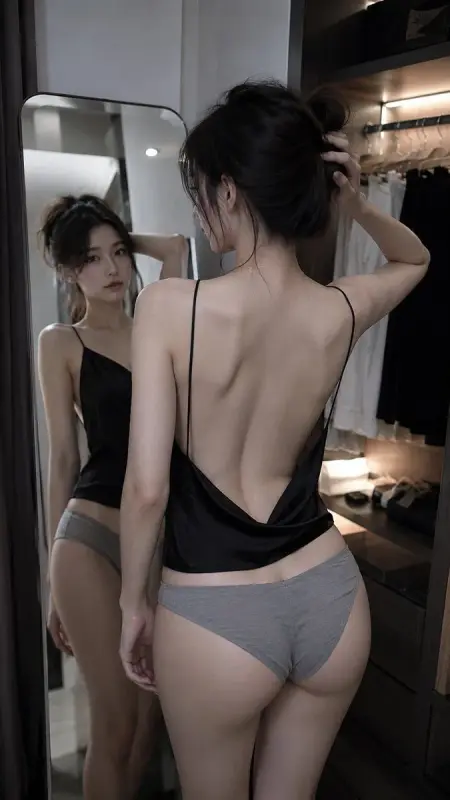
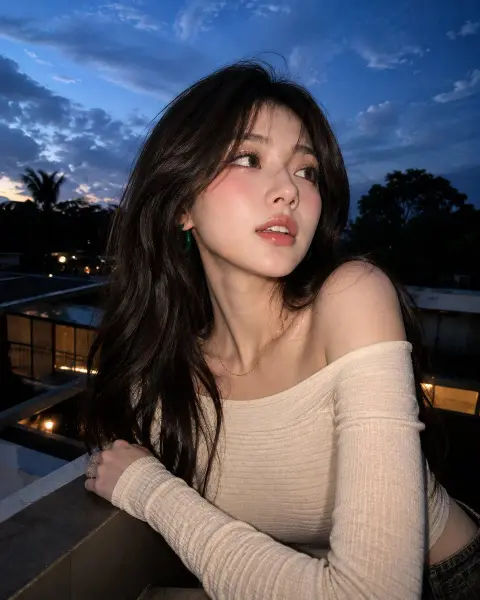
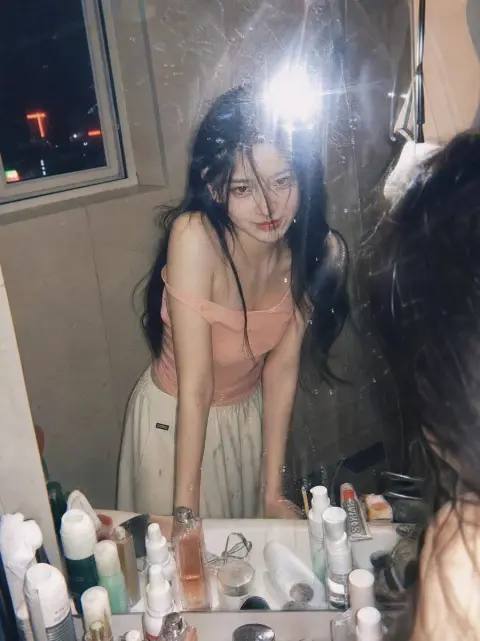
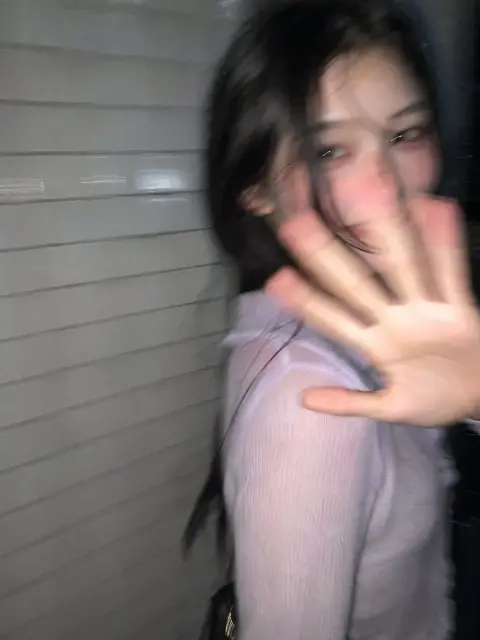
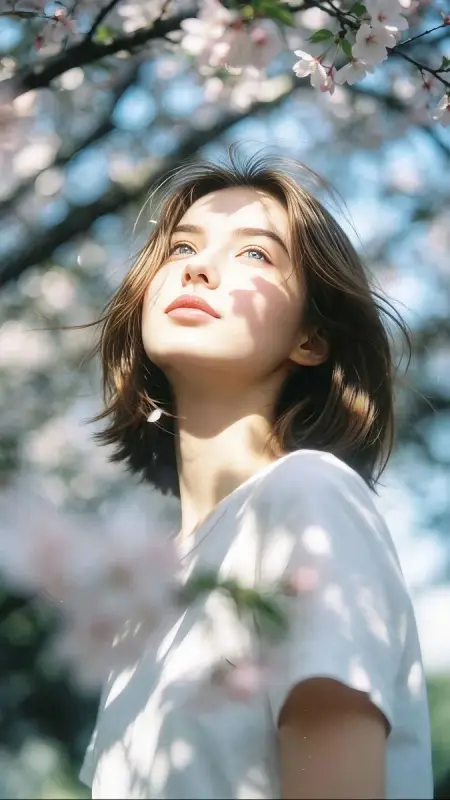
Explore faces, expressions, lighting and personal photo ideas. Add your own reference when the prompt asks for a particular identity.
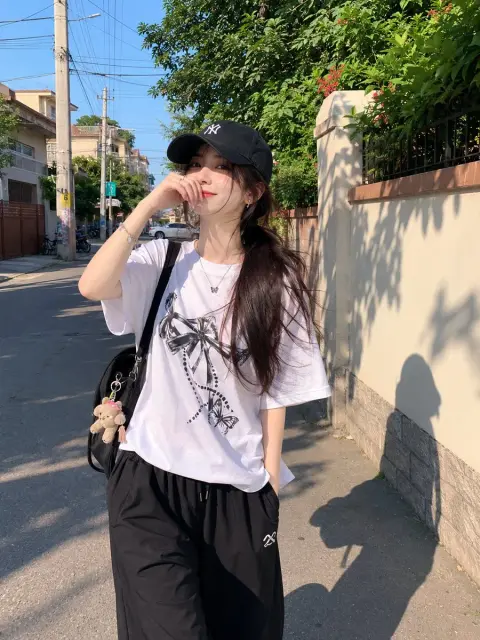
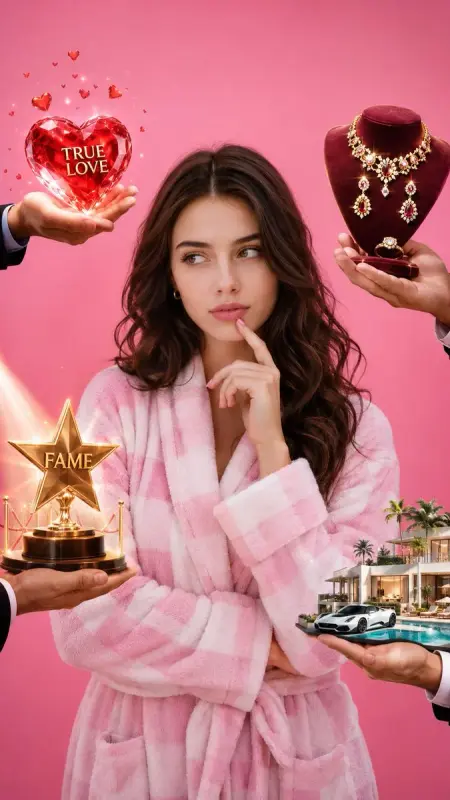
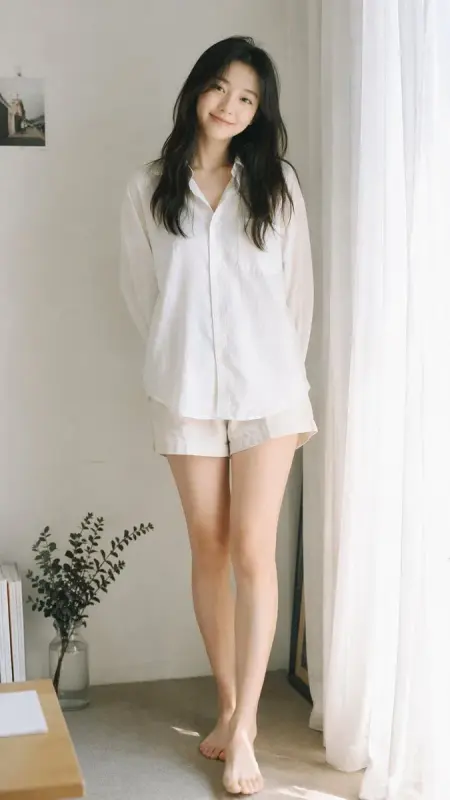
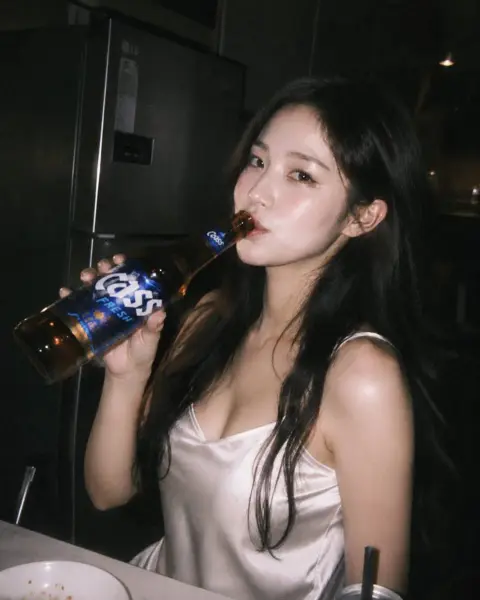
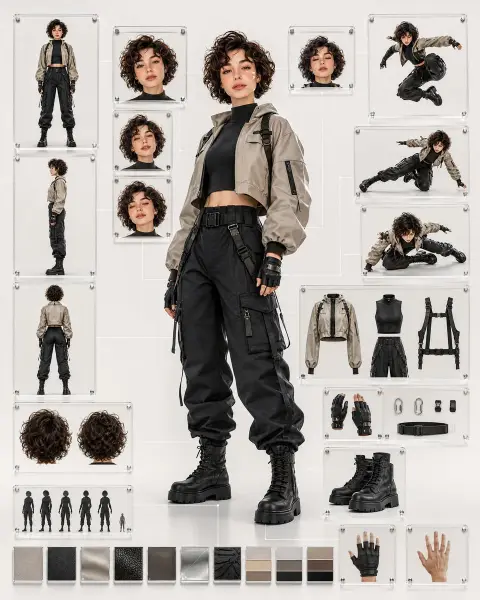
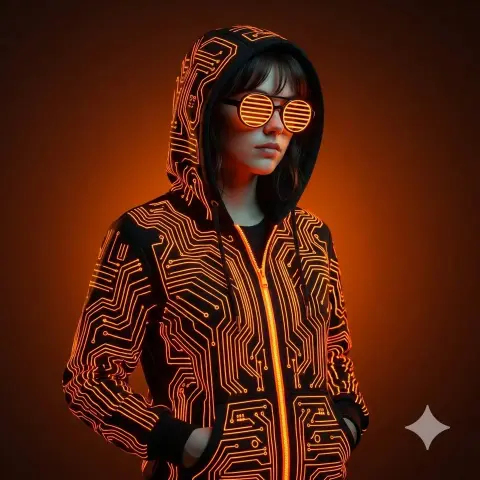
ChatGPT Fashion Prompts
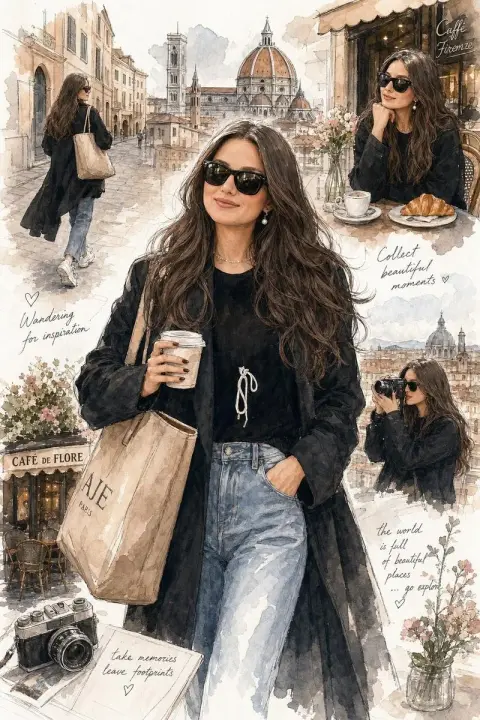
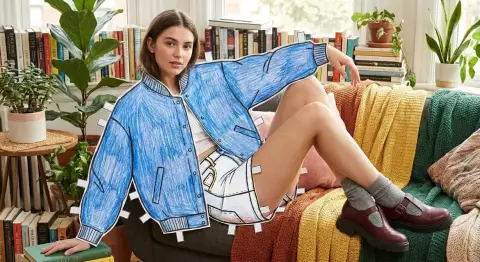
Compare outfits, editorial poses and styling. Adapt the clothing and setting to your own shoot.
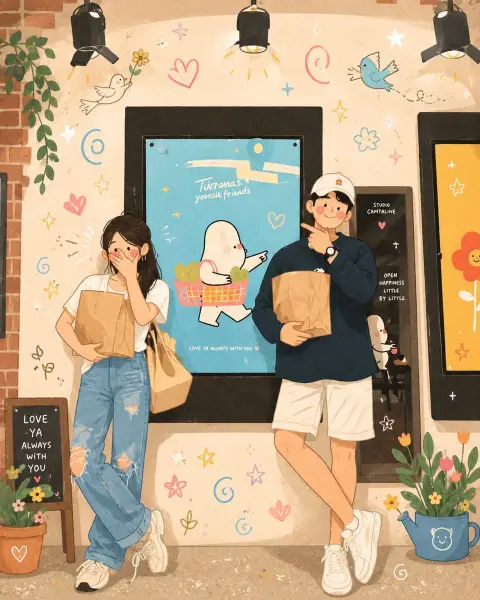
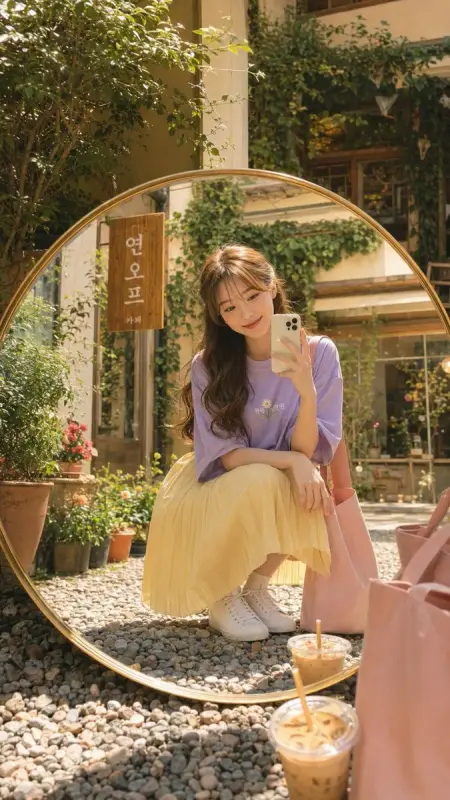
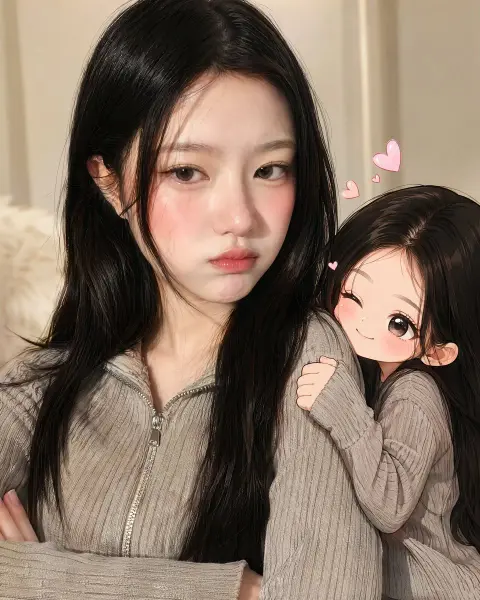
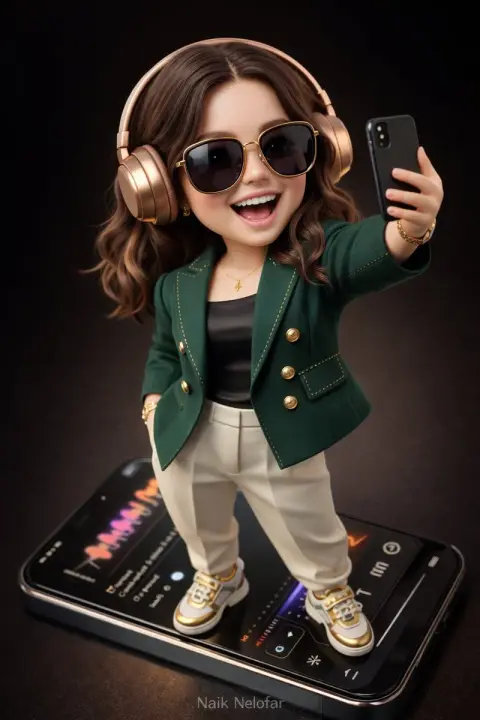
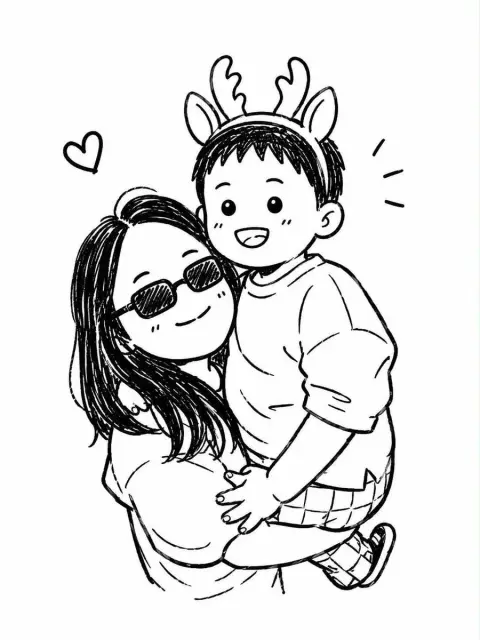
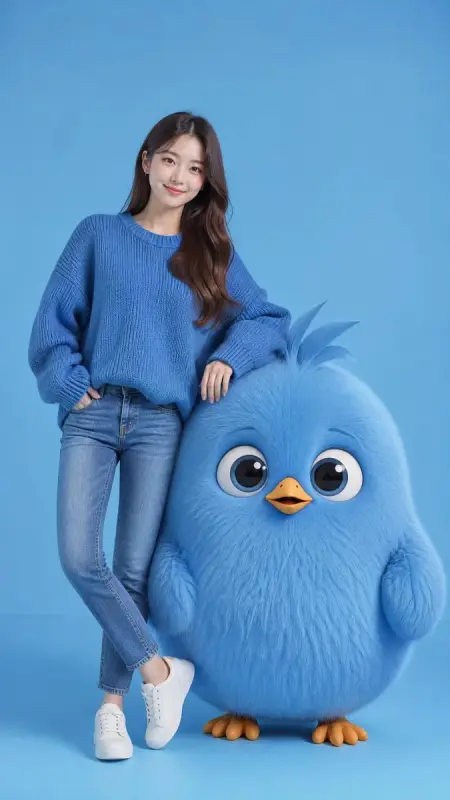
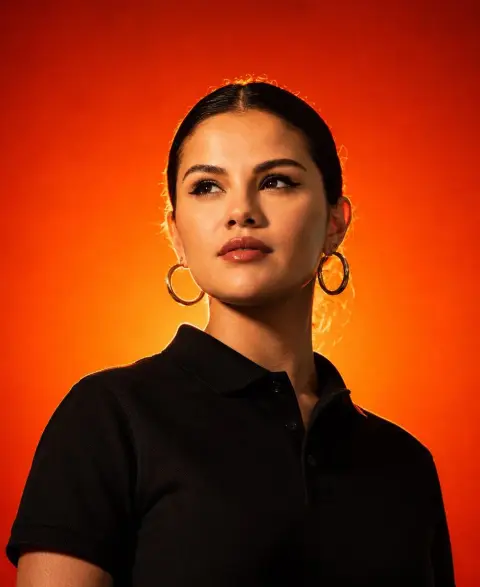
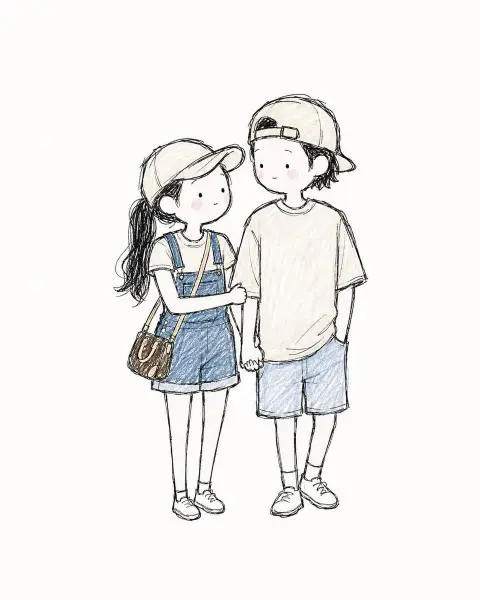
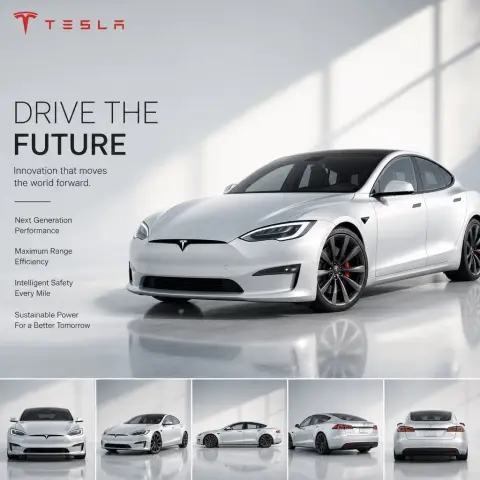
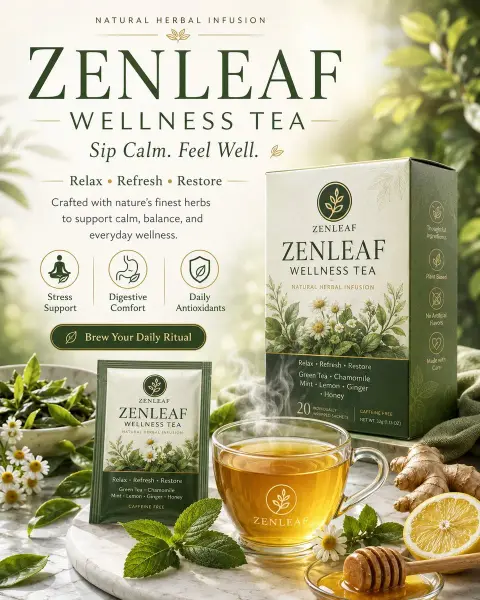
ChatGPT Product Photography Prompts
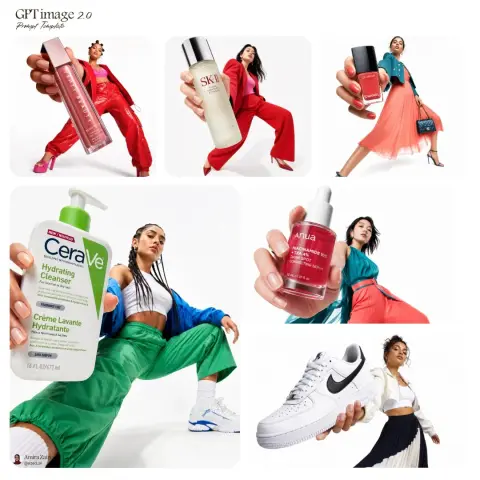
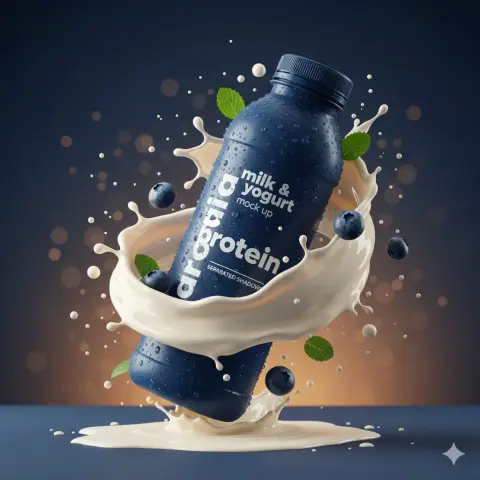
Find product compositions, surfaces and lighting setups. Check packaging and labels after generating.
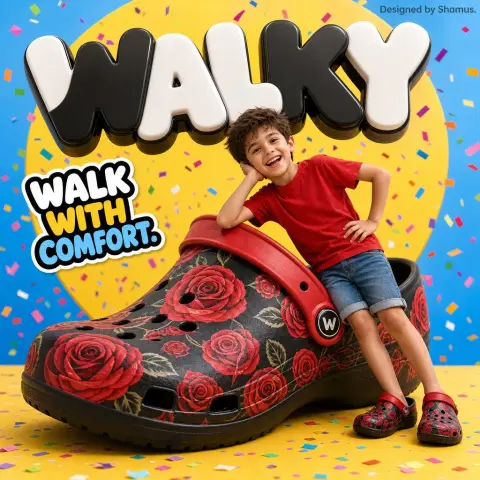
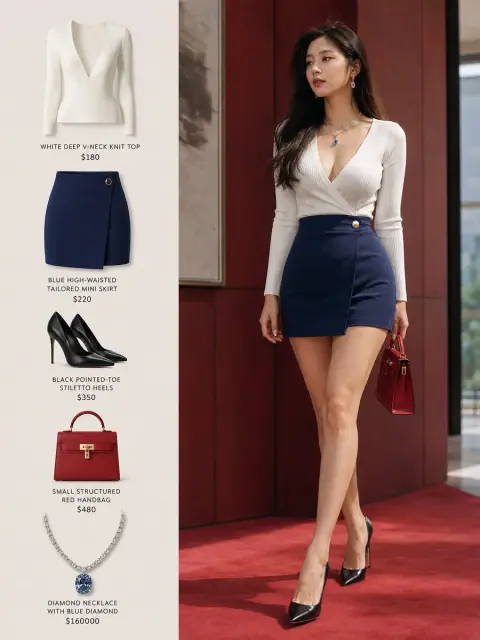
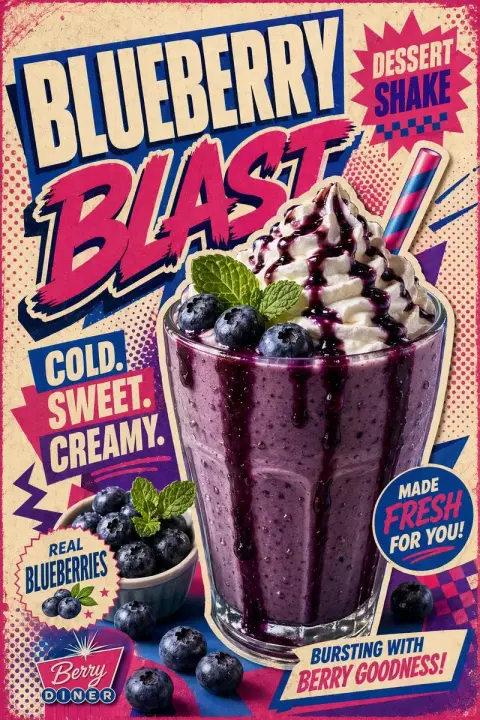
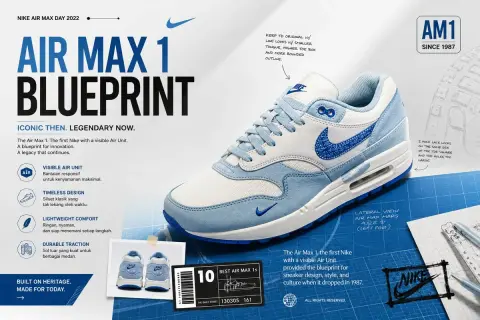
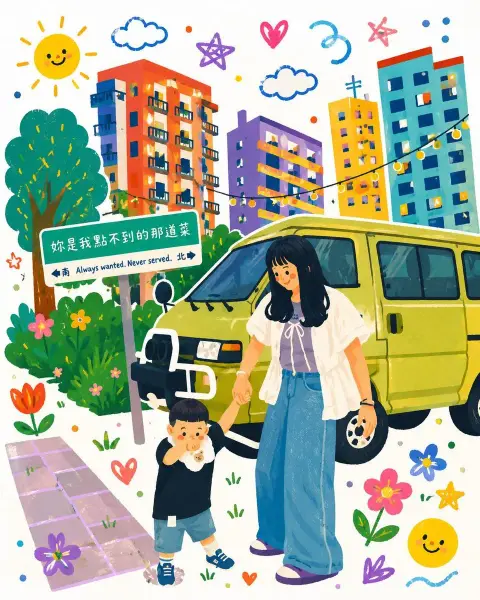
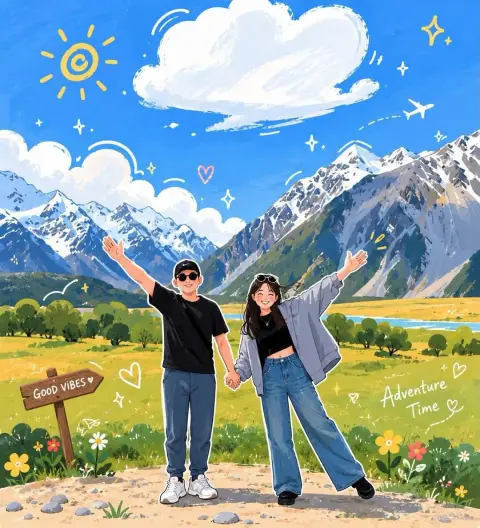
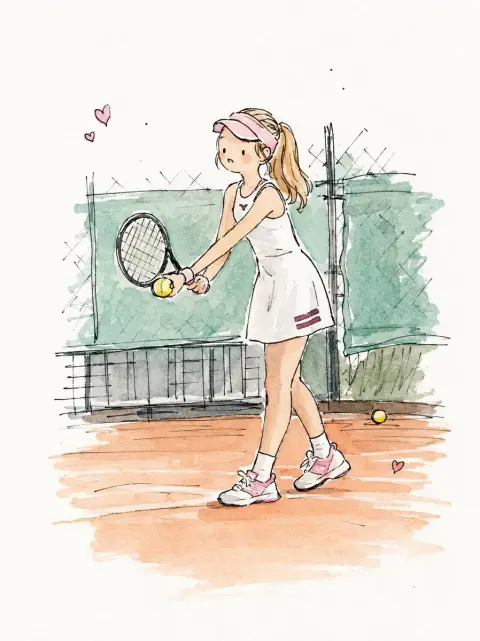
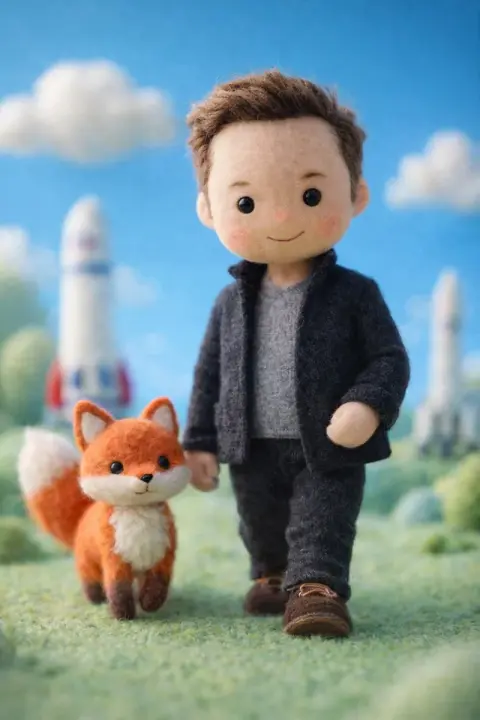
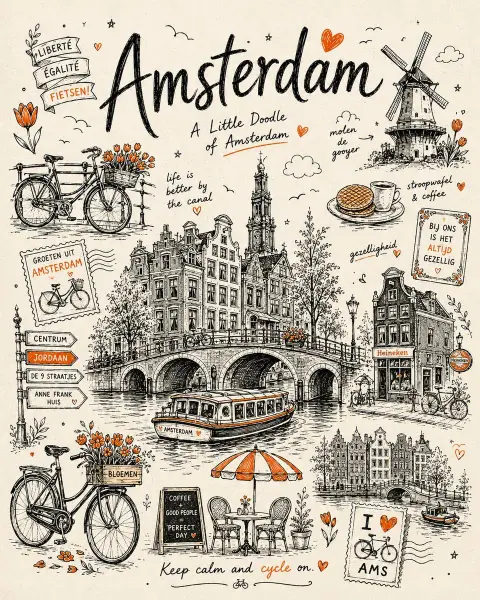
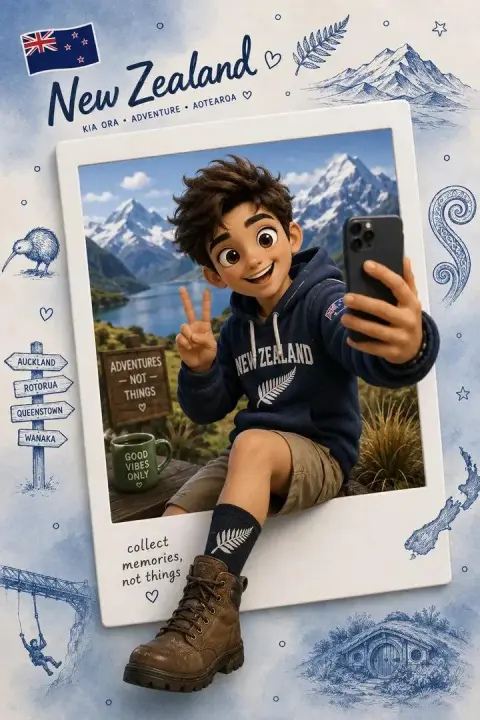
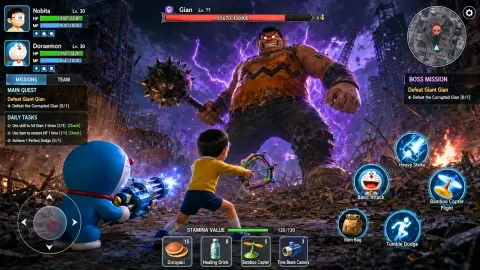
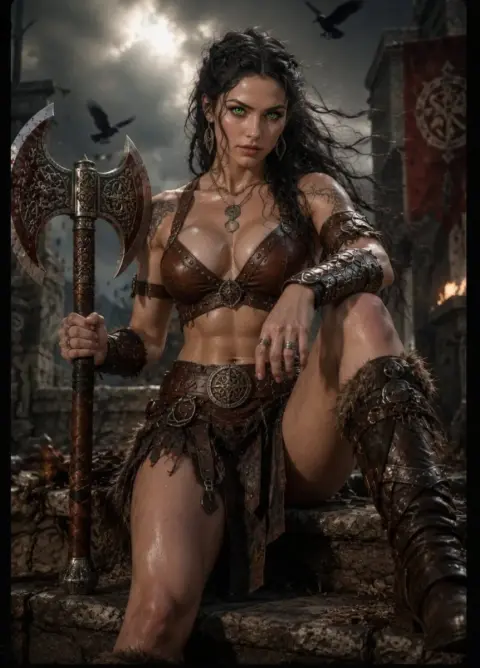
ChatGPT Illustration Prompts
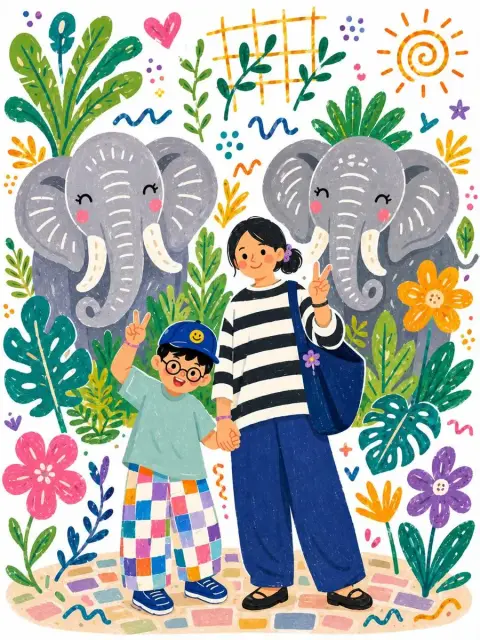
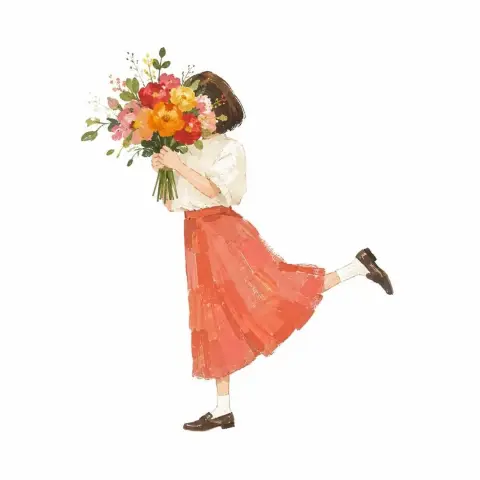
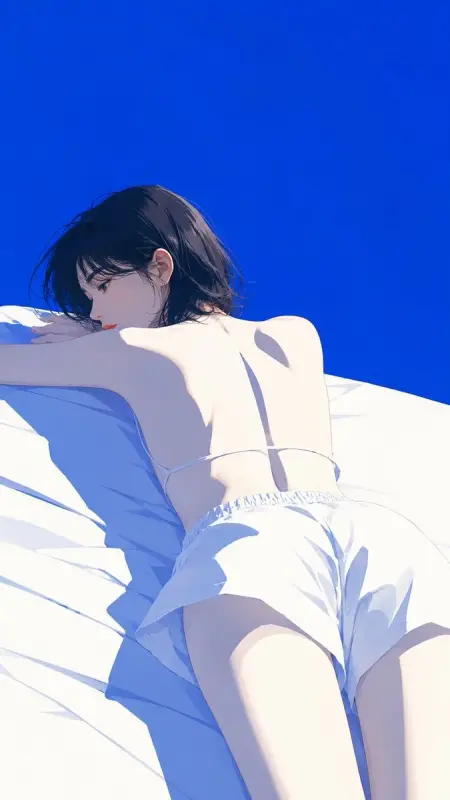
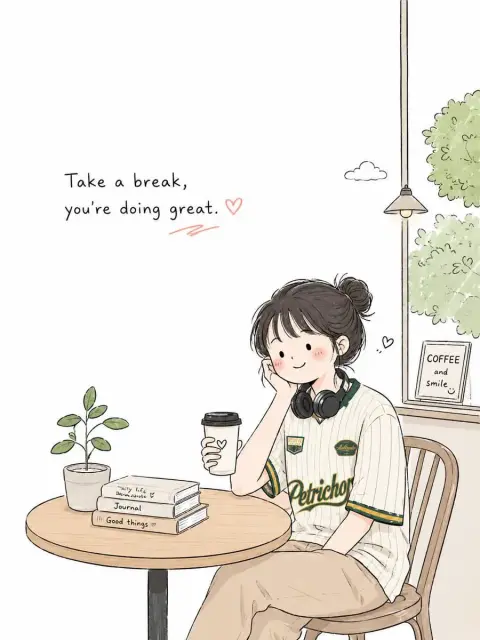
Browse drawn characters, painted scenes and three-dimensional illustration ideas.
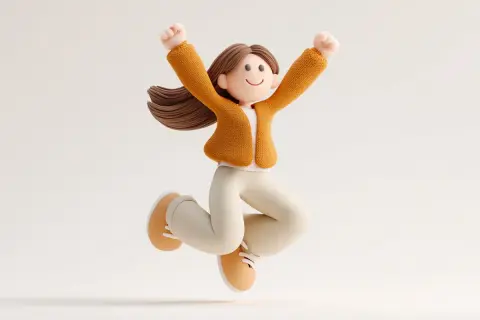
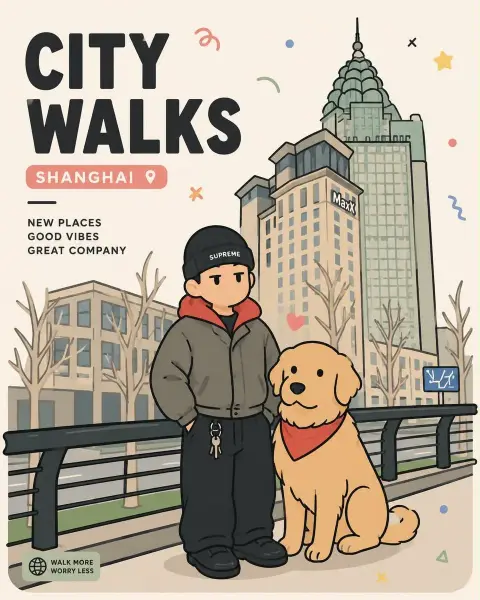
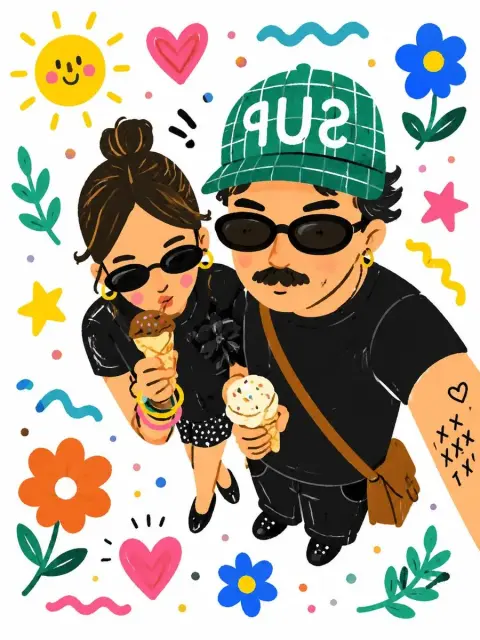
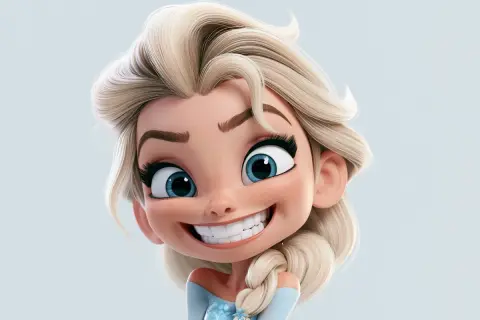
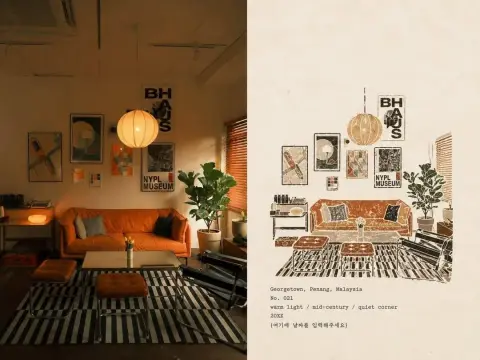
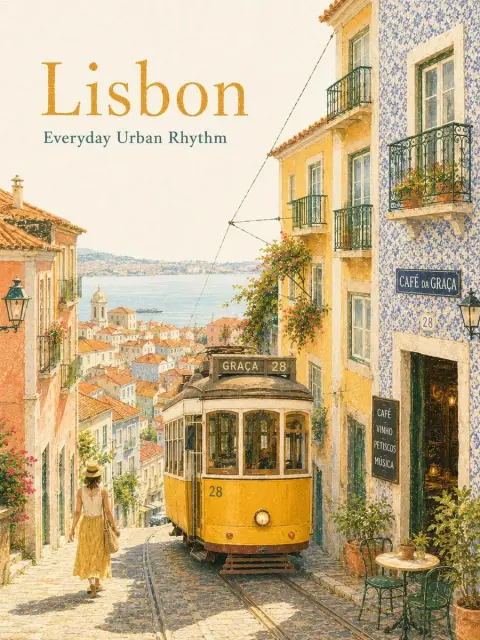
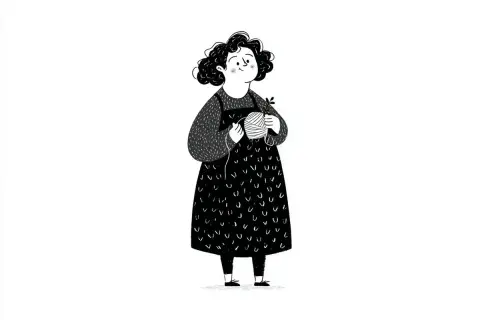
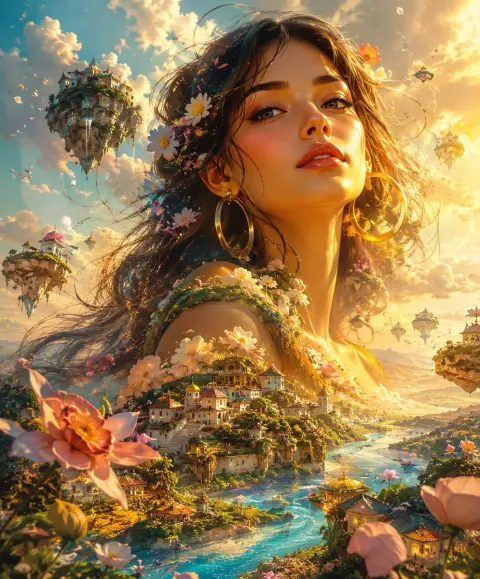
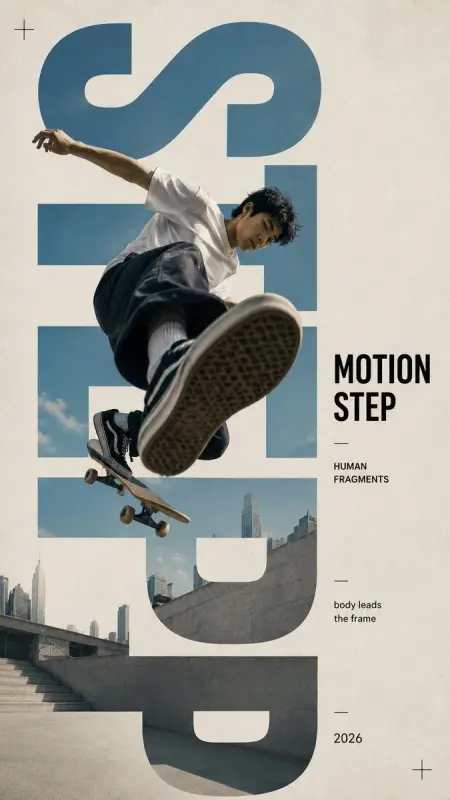
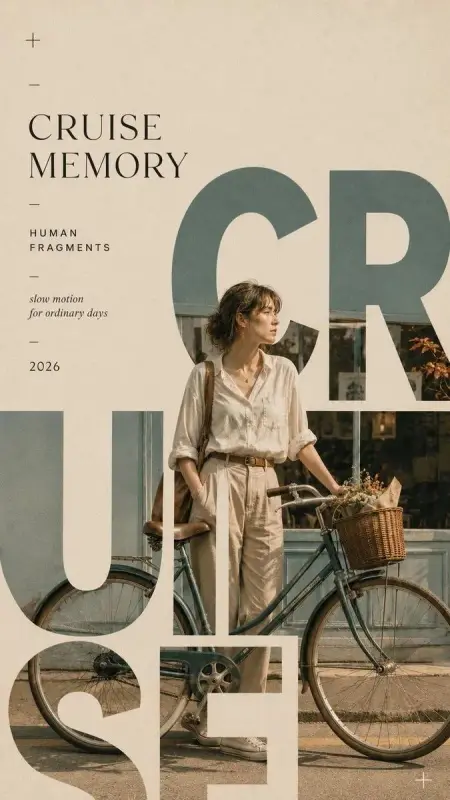
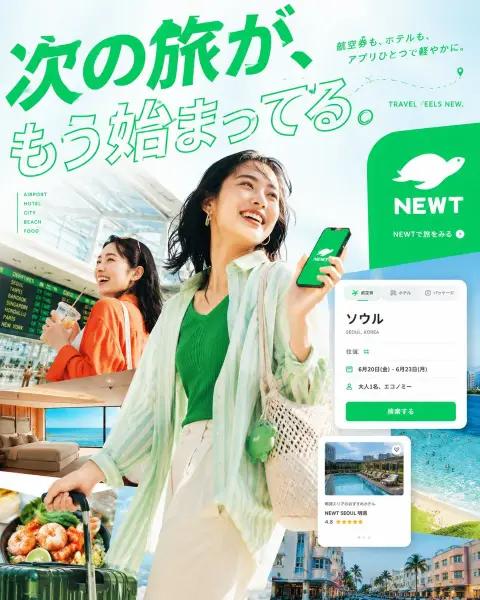
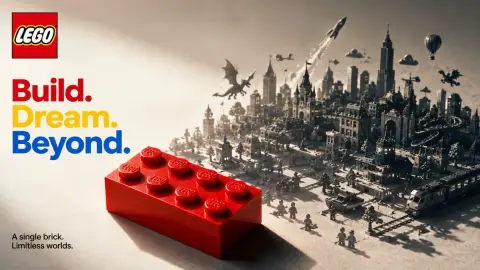
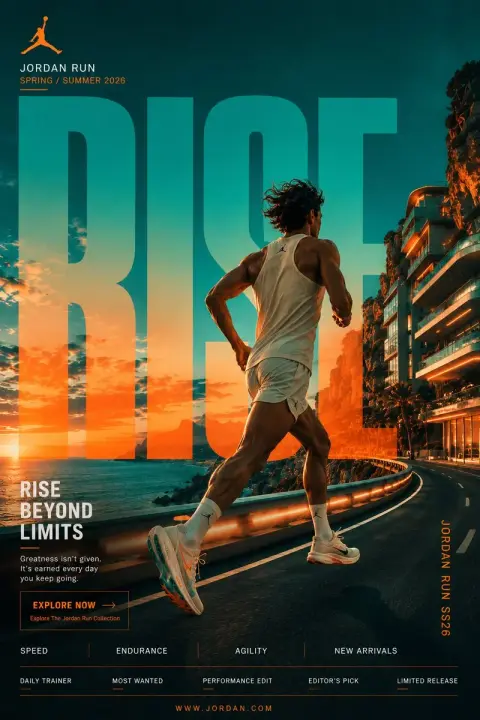
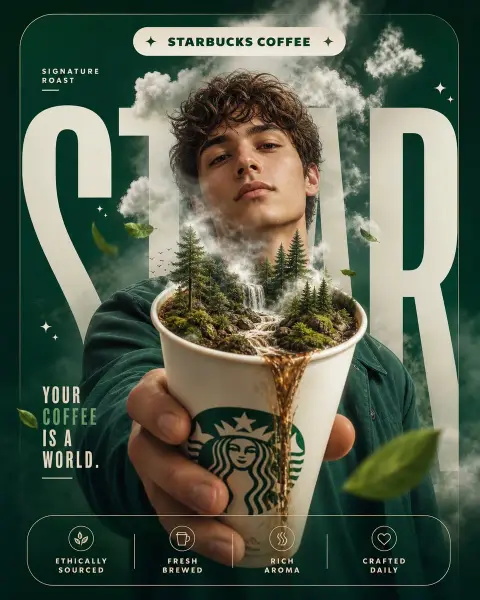
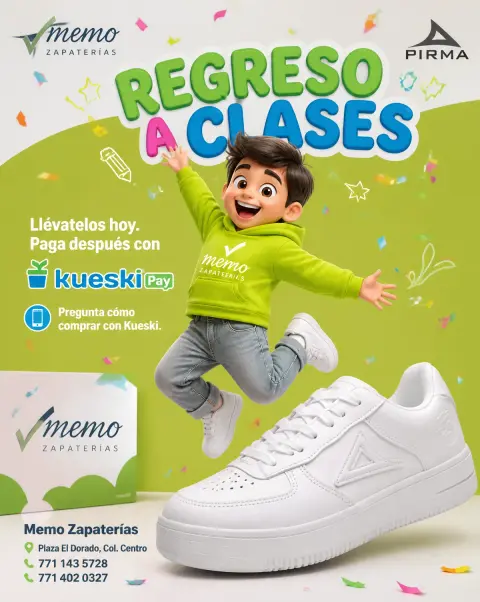
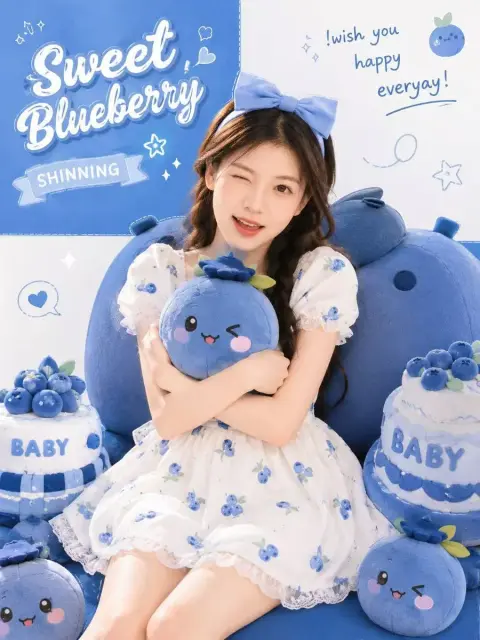
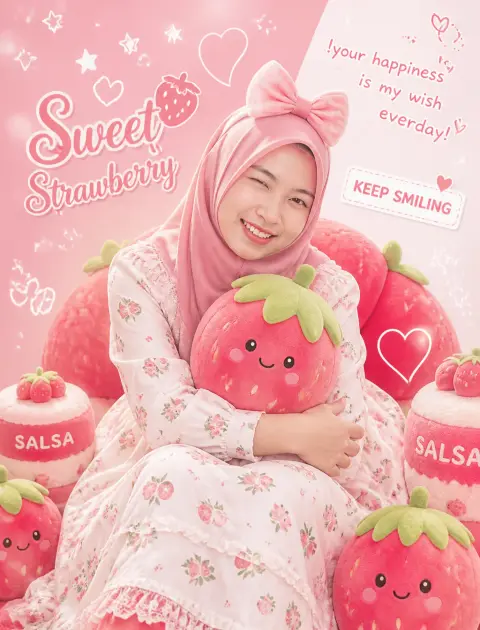
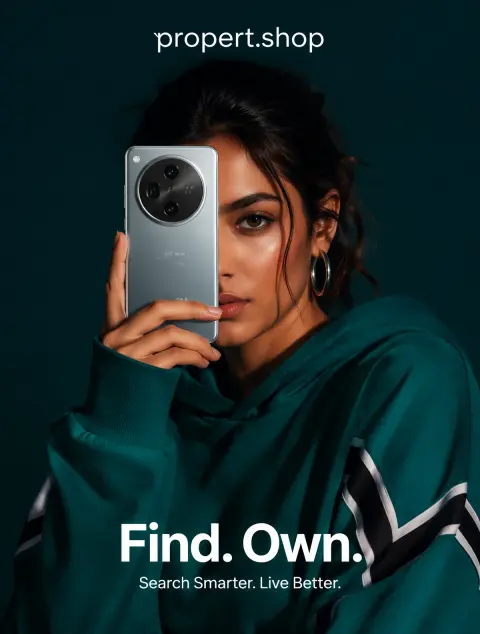
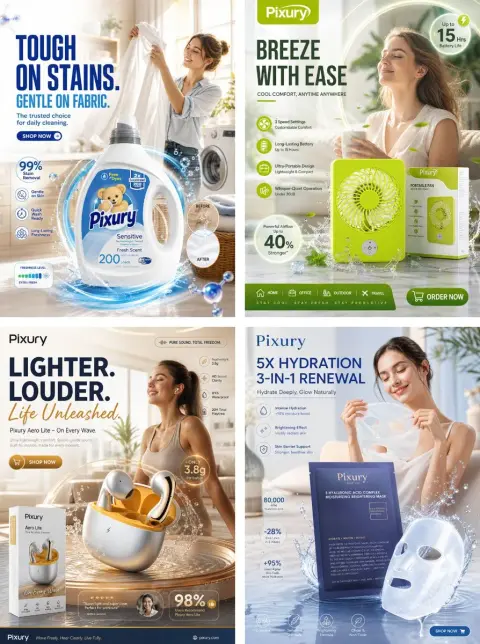
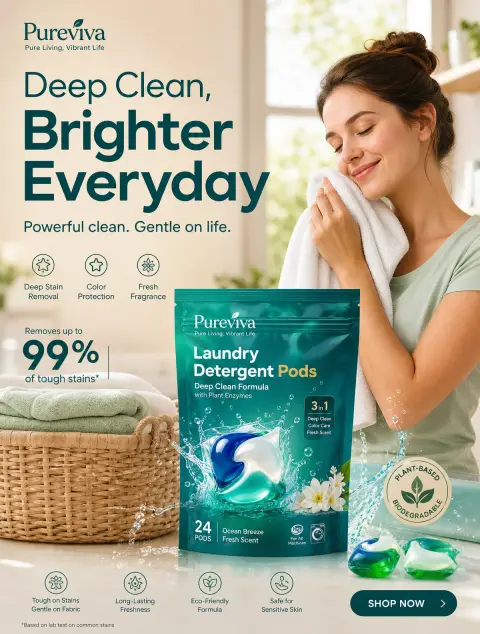
ChatGPT Poster Design Prompts
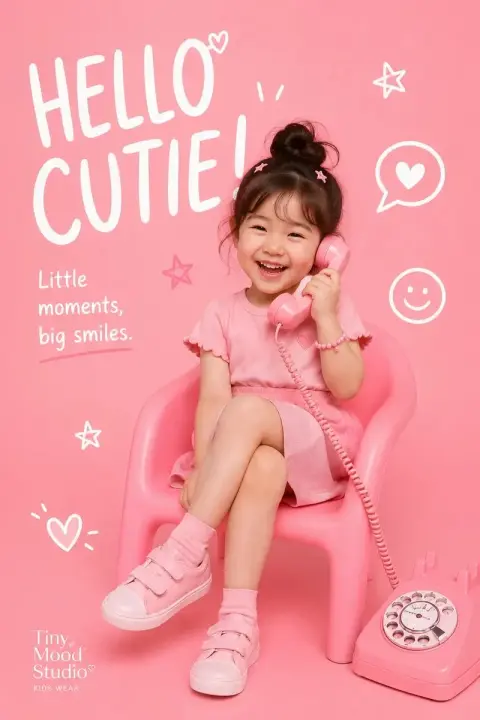
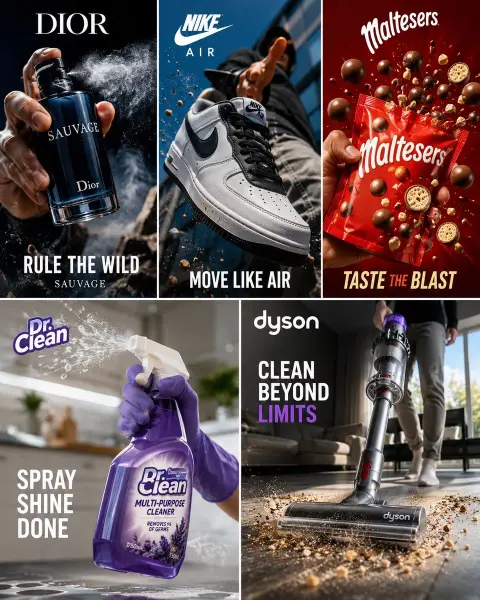
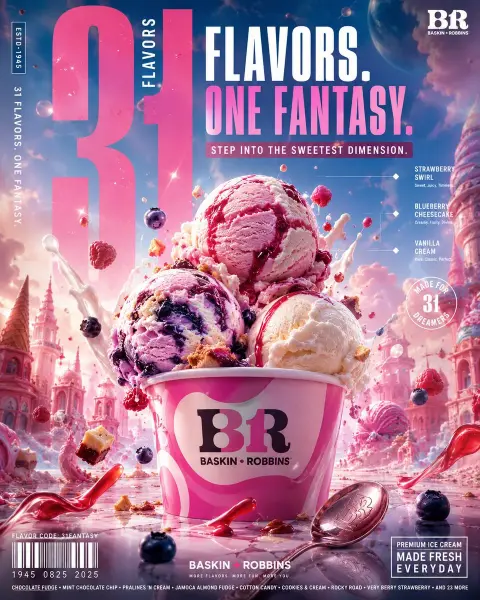
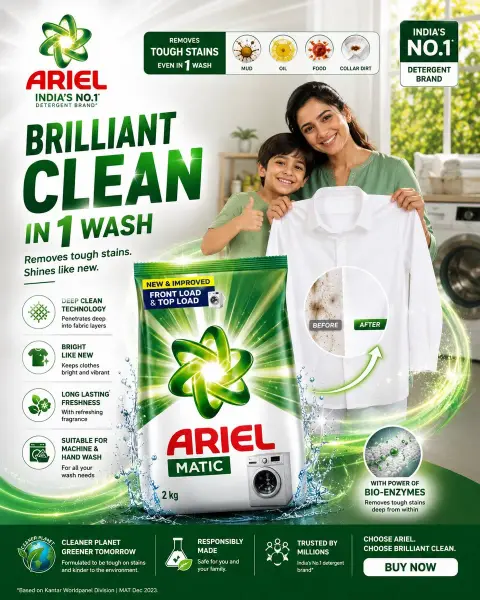
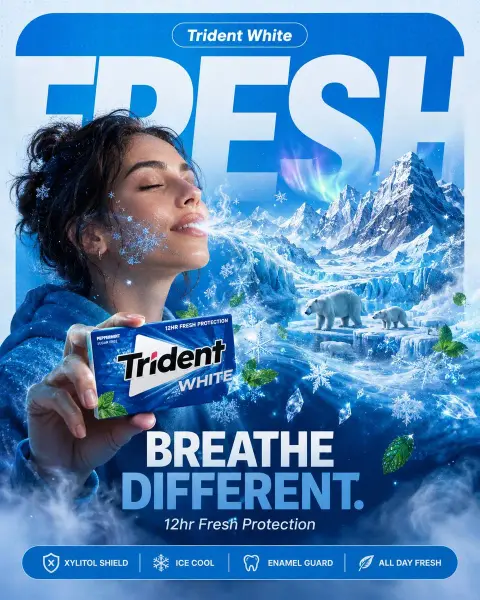
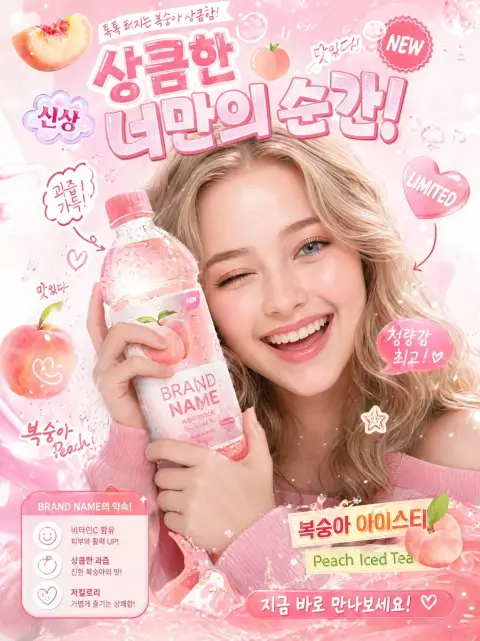
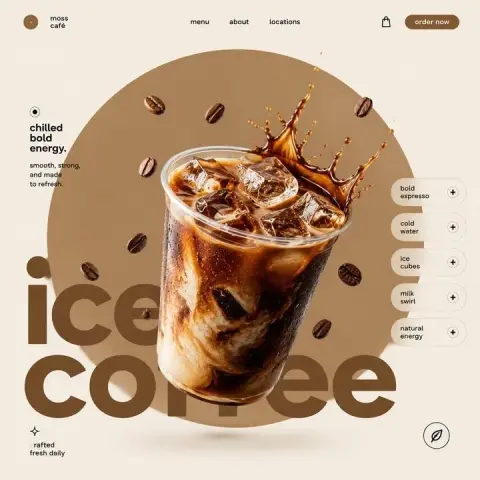
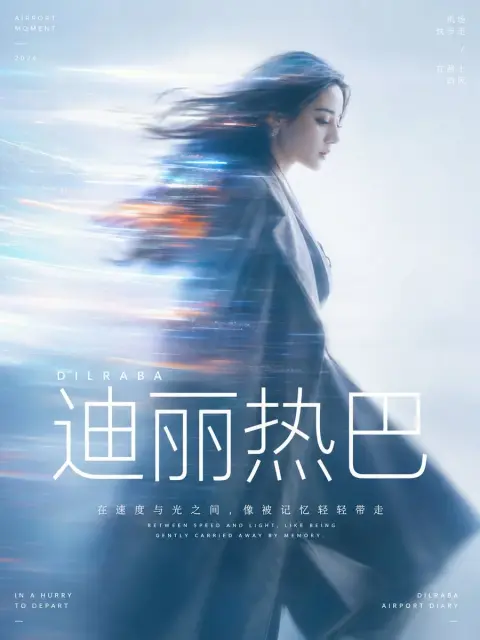
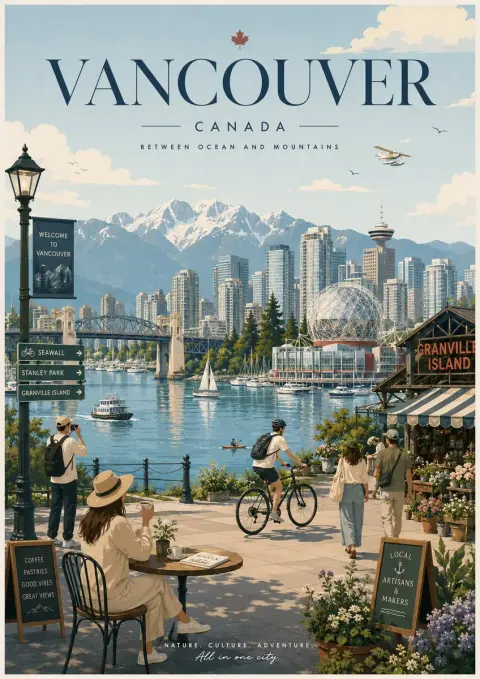
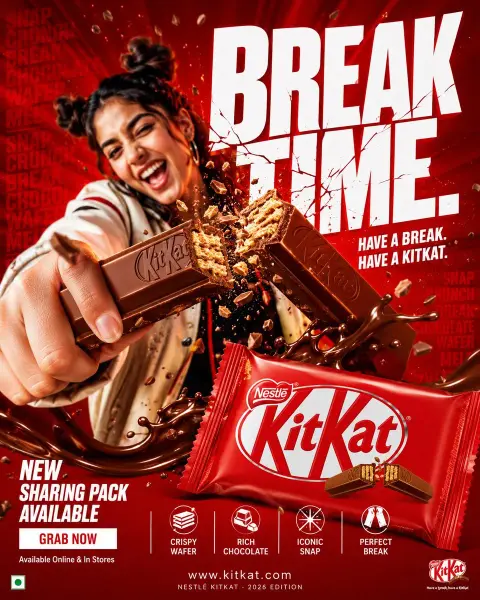
Explore poster layouts and image-led campaigns. Replace the original text and brand details before use.
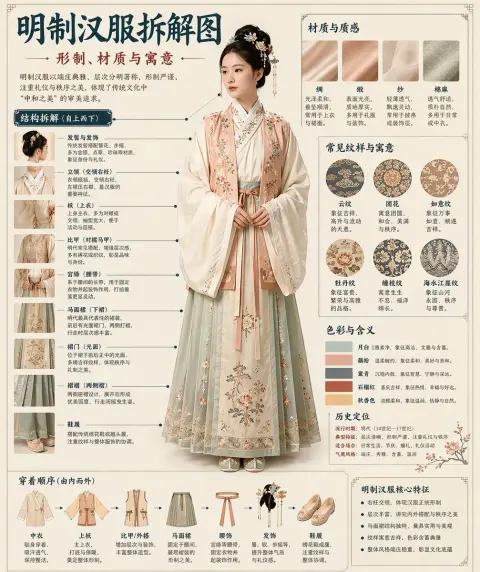
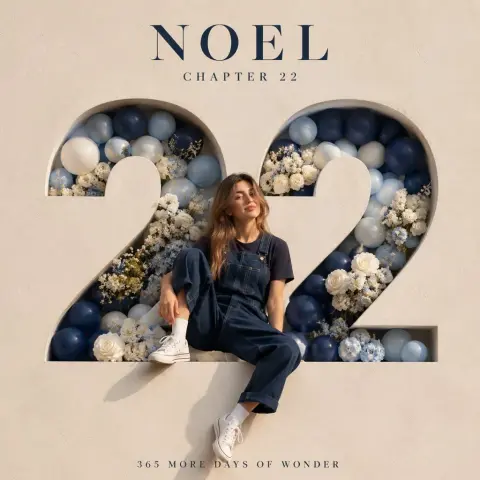
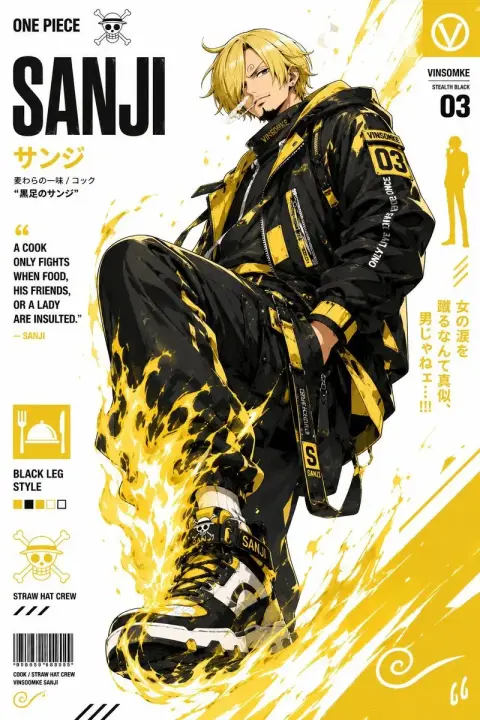
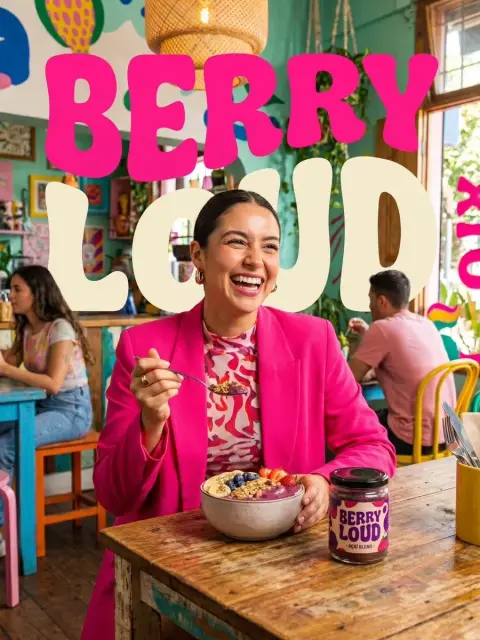
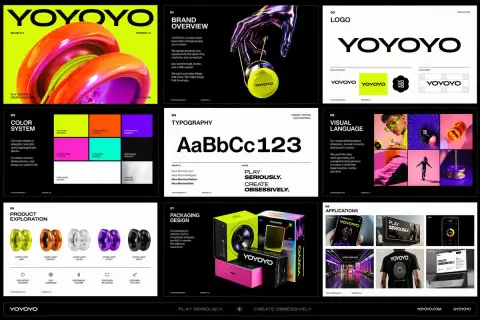
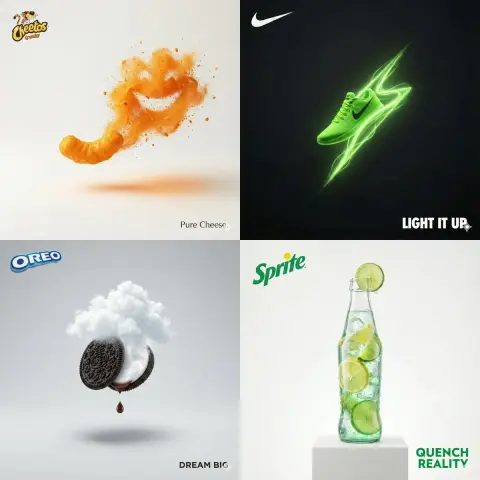
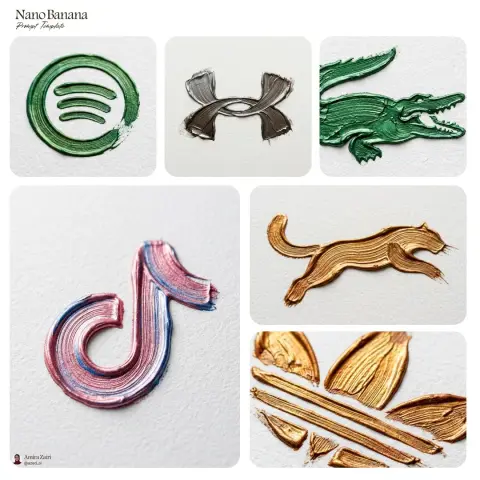
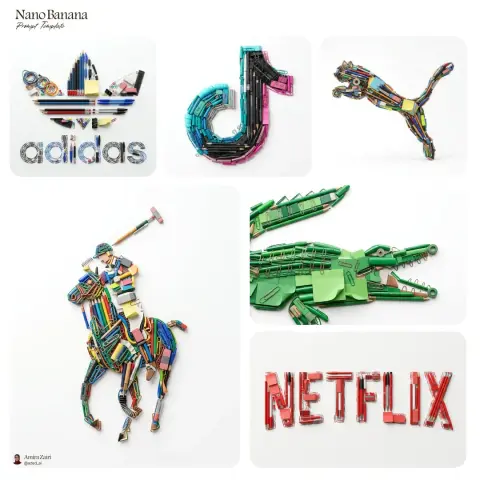
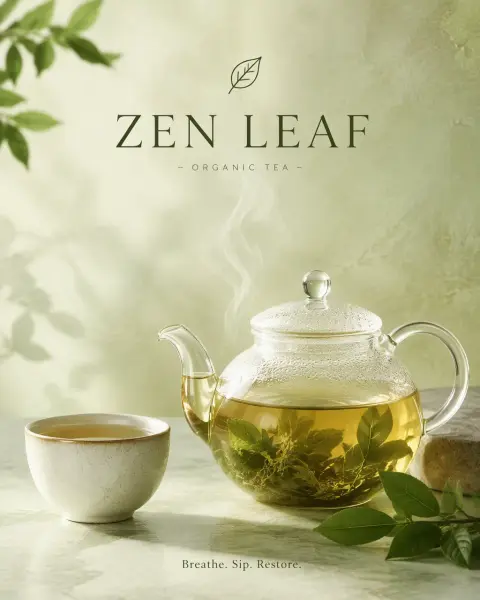
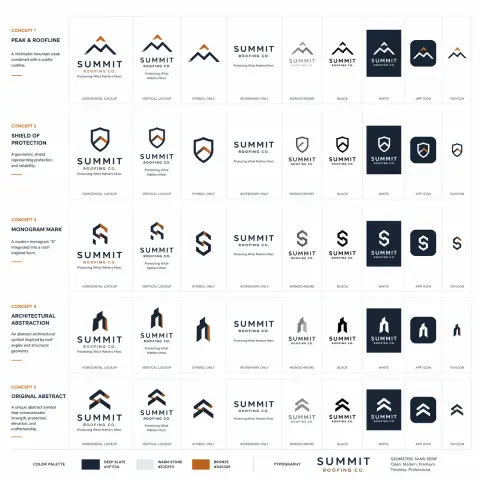
ChatGPT Branding Prompts
Study visual identities and brand campaign concepts, then adapt the colors, symbols and wording.
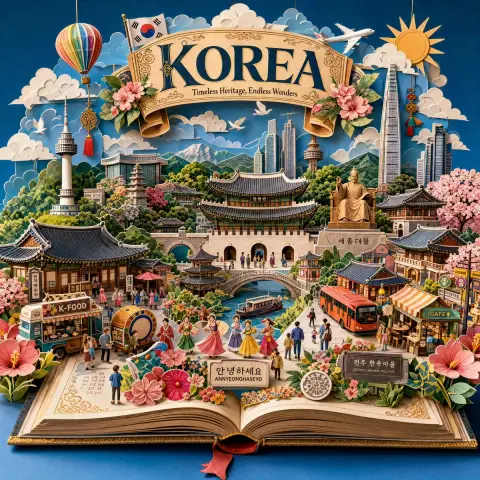
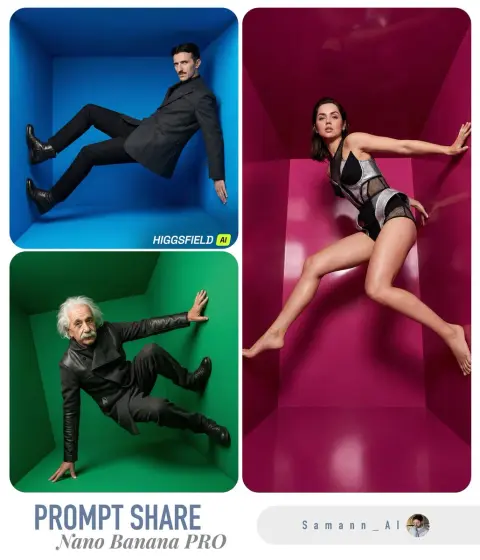
ChatGPT Landscape Prompts
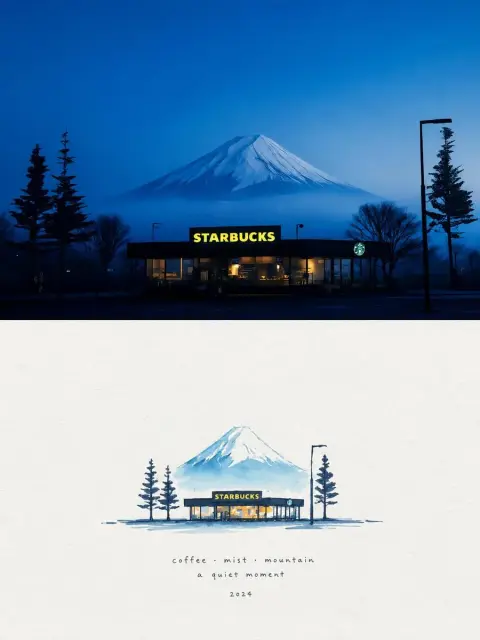
Explore outdoor scenery, imagined environments and atmospheric landscapes.
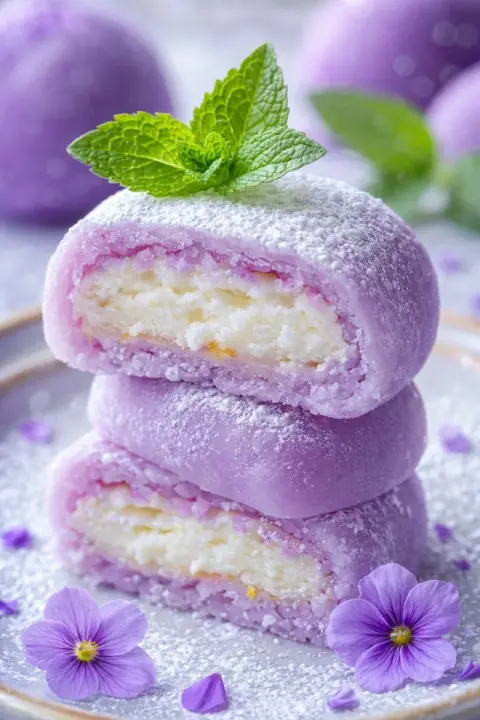
ChatGPT Food Photography Prompts
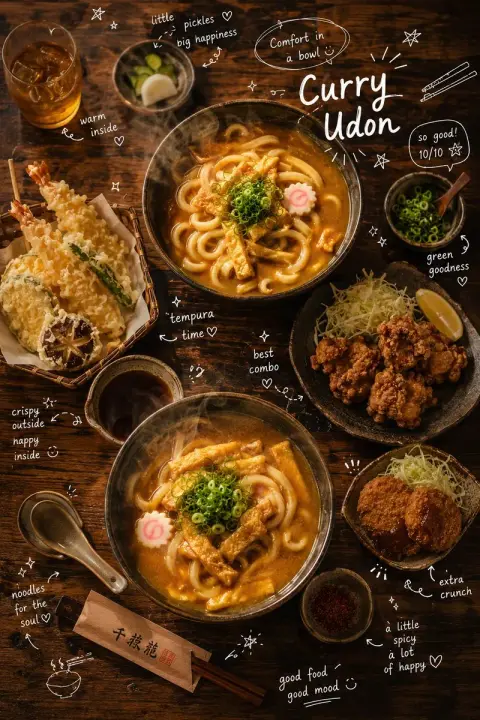
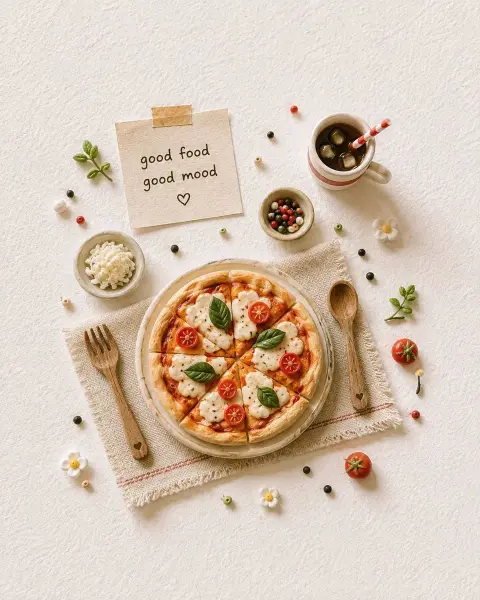
Browse food and drink compositions, textures, props and serving ideas.
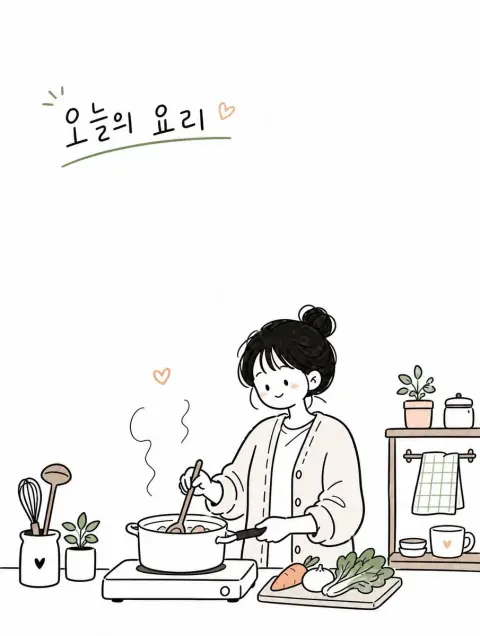
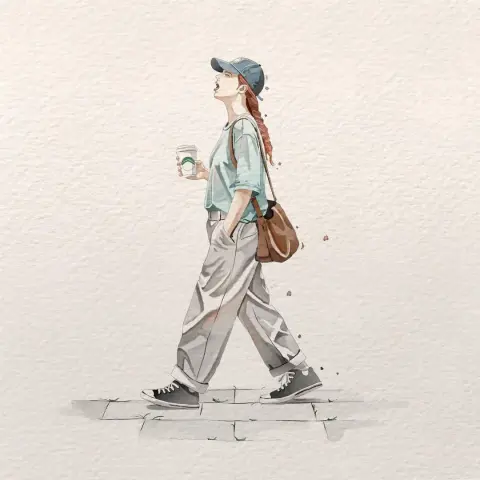
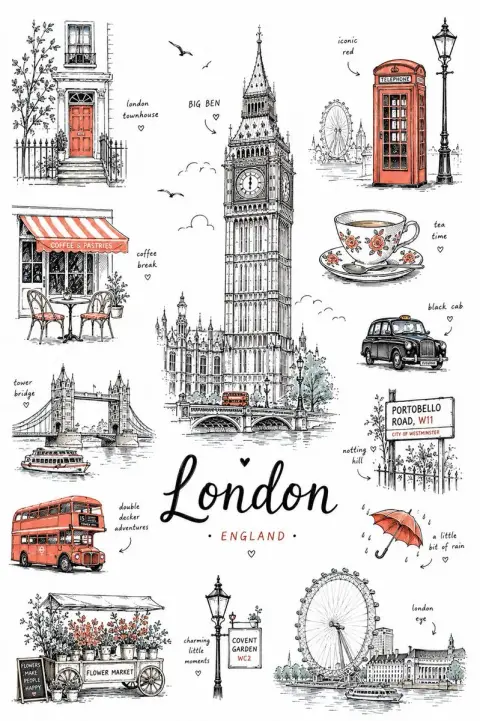
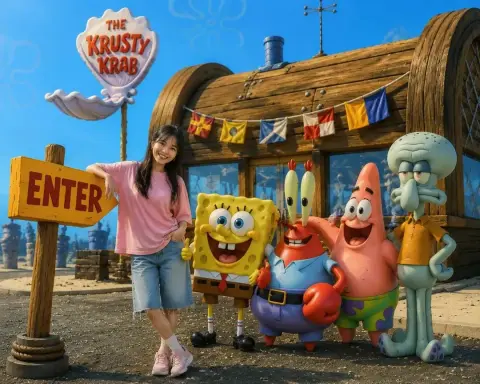
ChatGPT Interior Design Prompts
Find room concepts, furniture arrangements and architectural scenes.
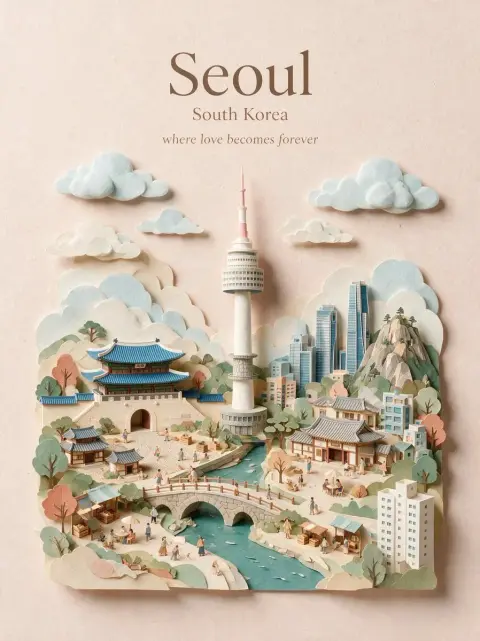
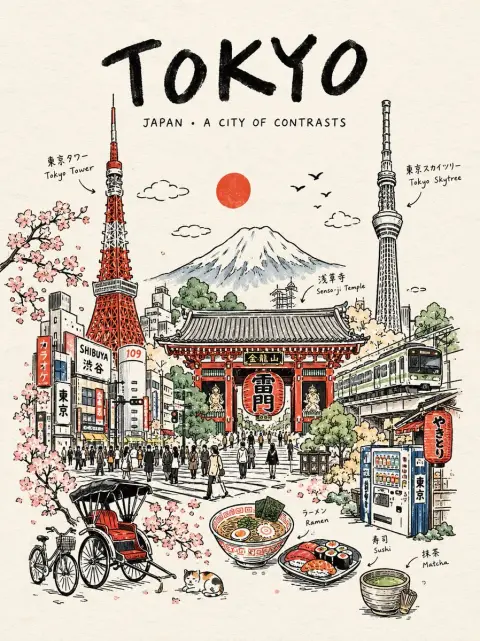
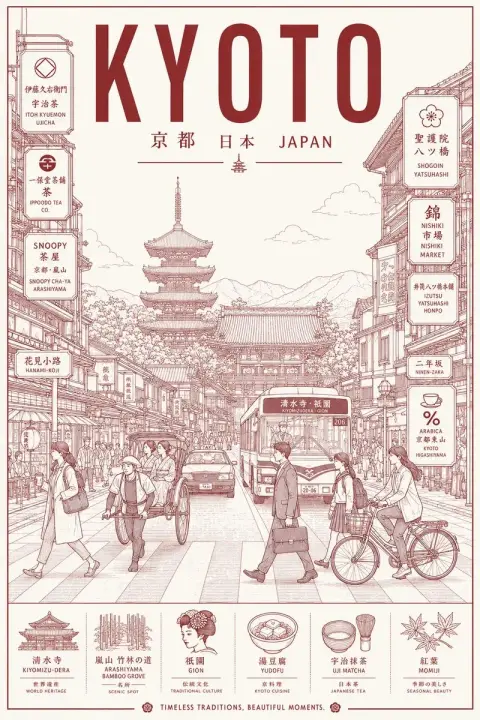
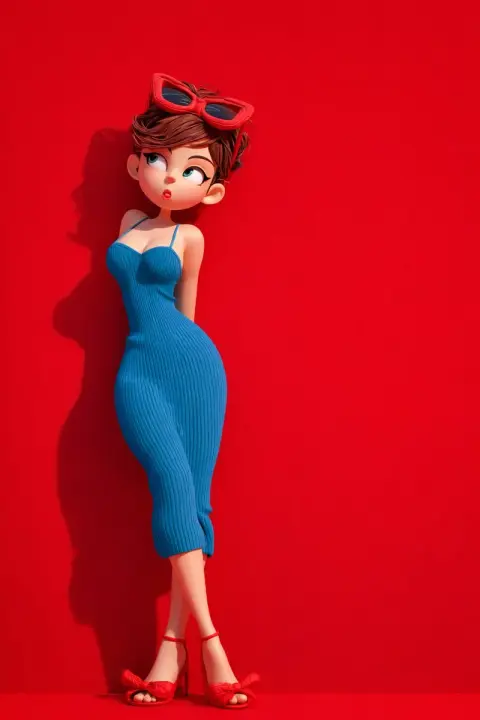
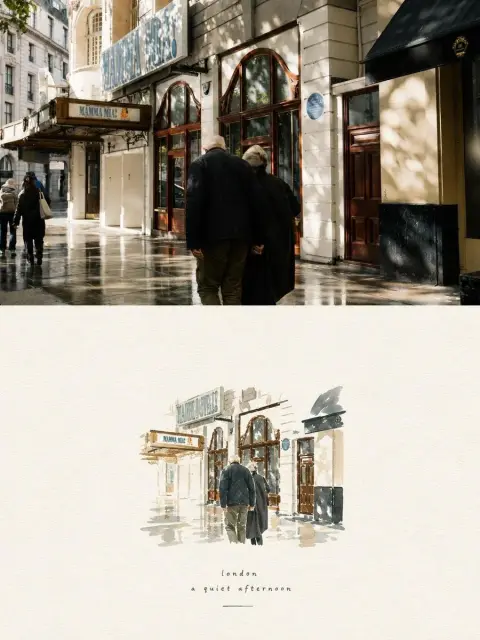
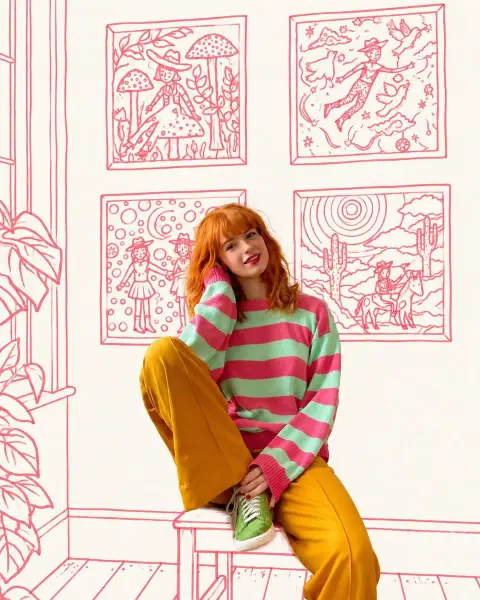
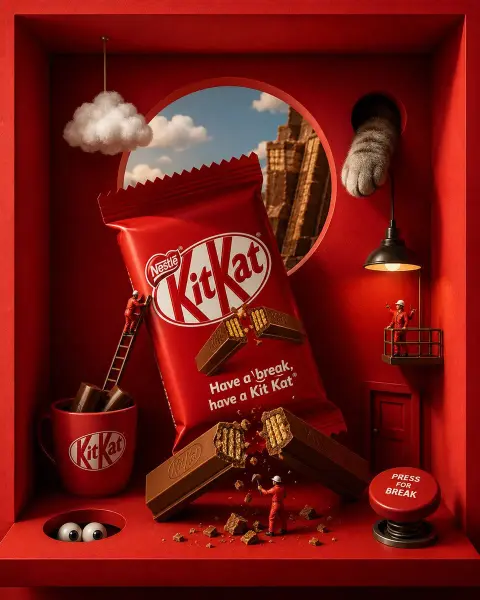
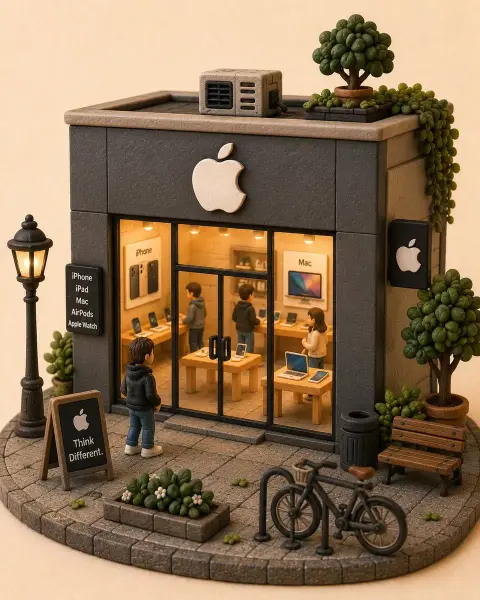
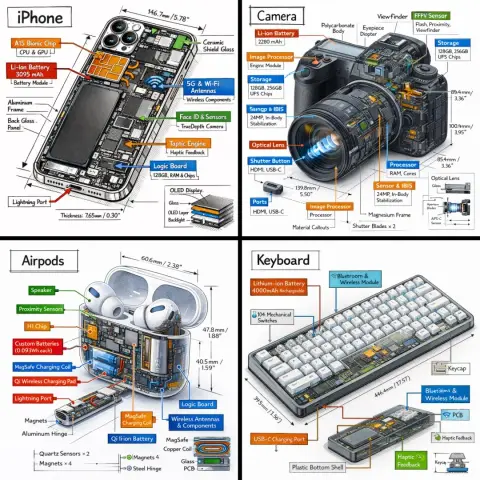
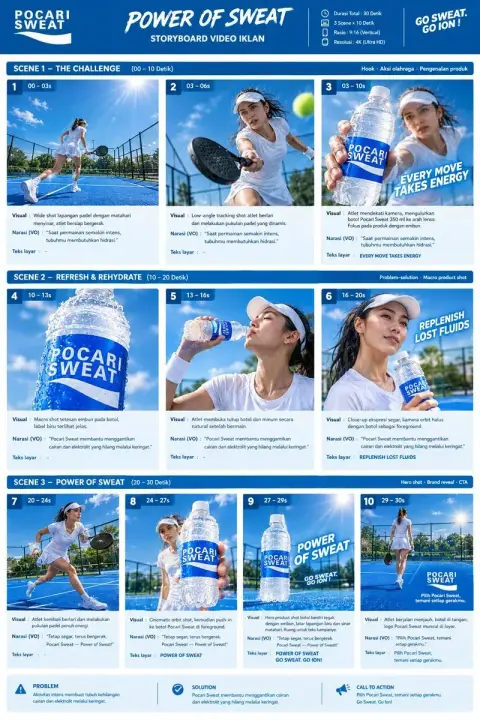
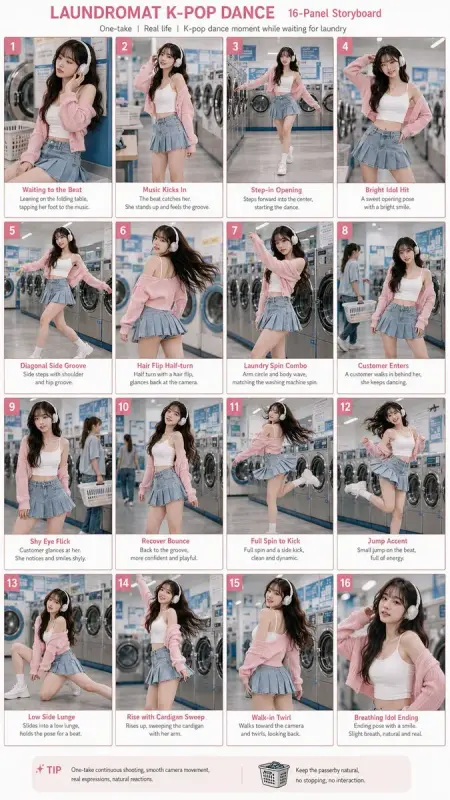
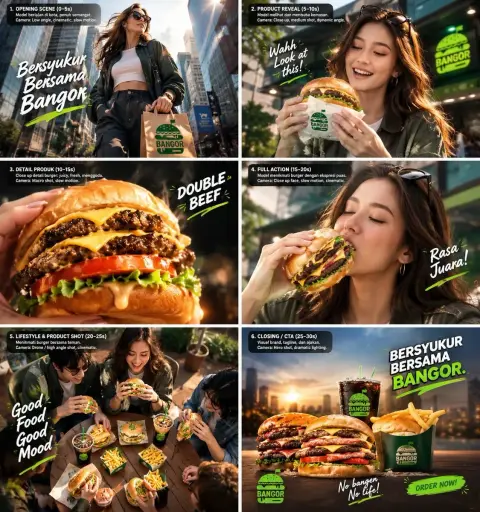
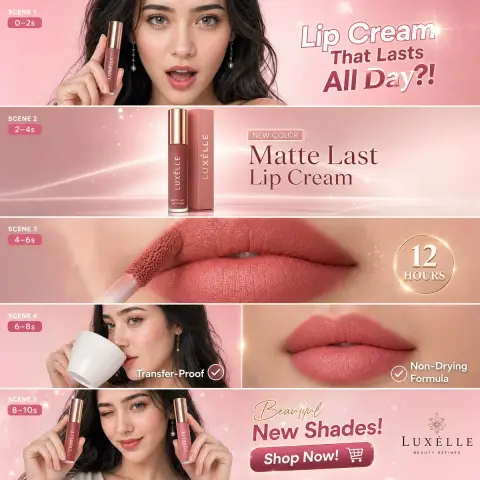
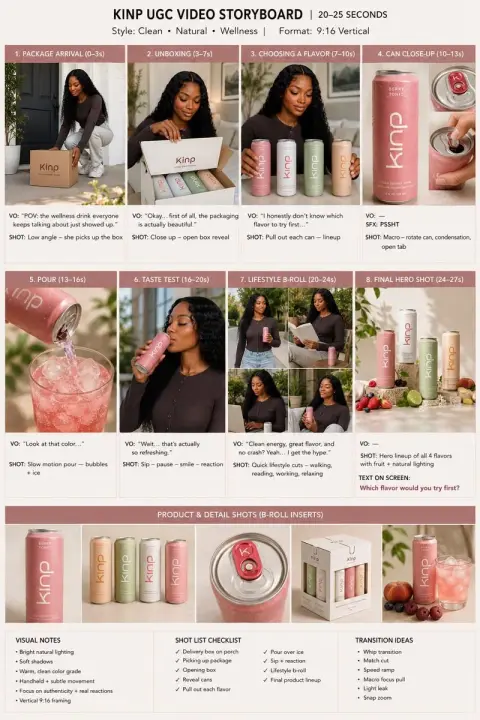
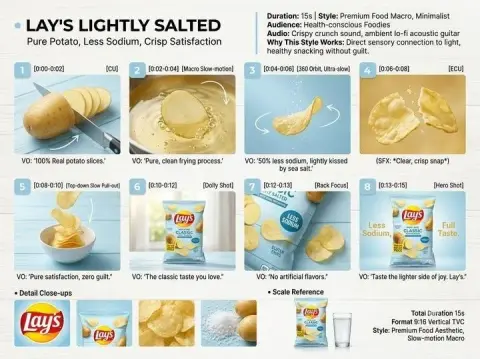
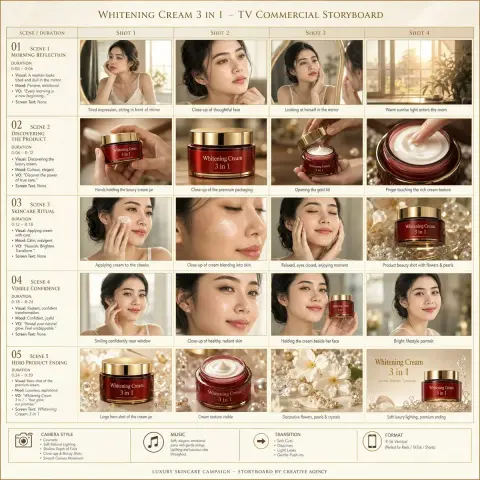
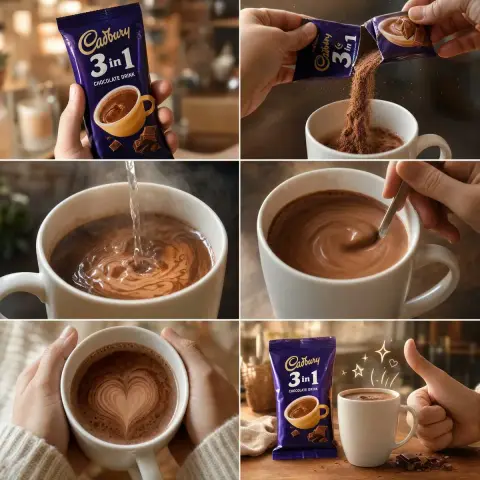
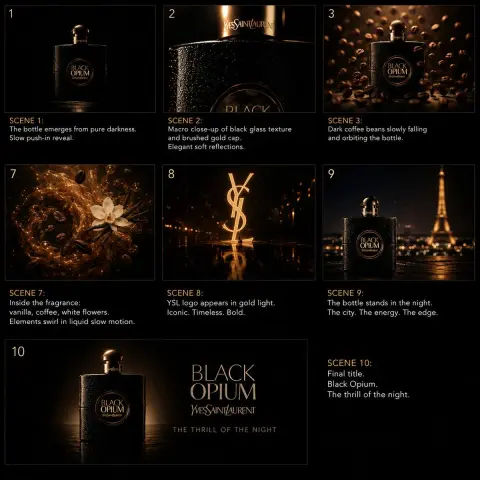
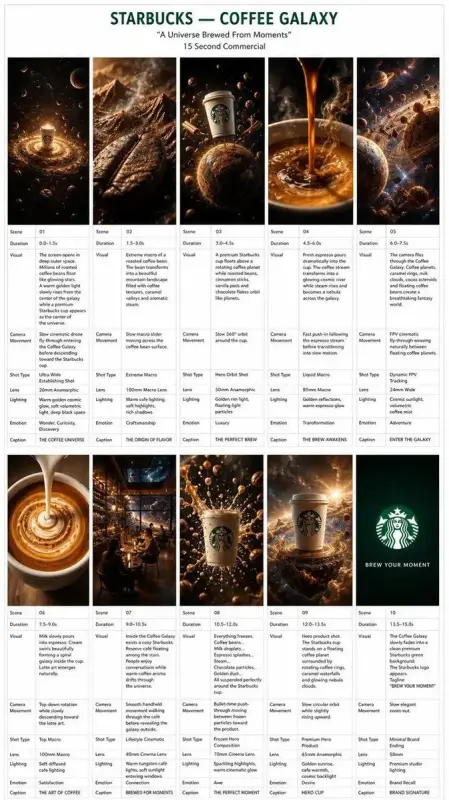
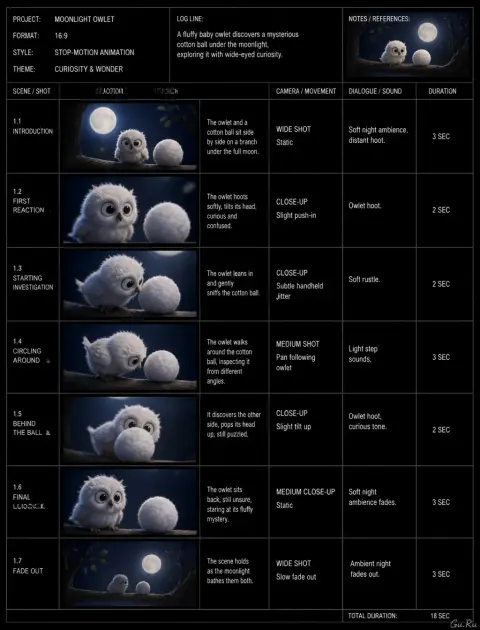
ChatGPT Storyboard Prompts
Explore sequences and multi-panel compositions with a consistent visual direction.
ChatGPT Background Prompts
Explore prompts for changing or designing the setting around a subject.
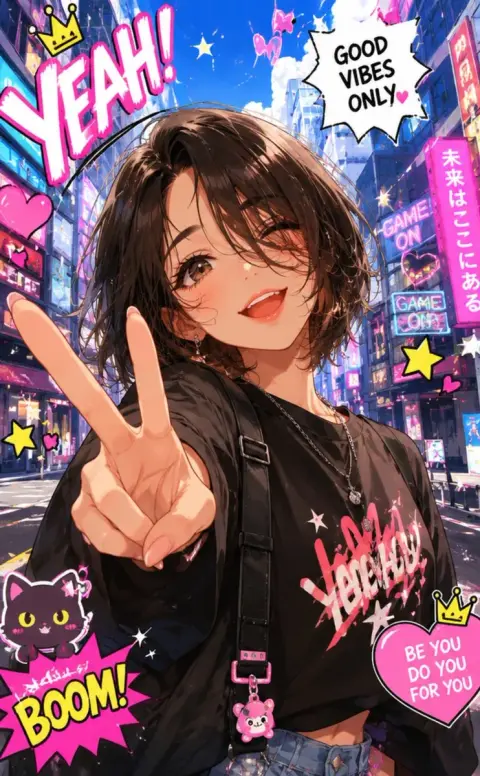
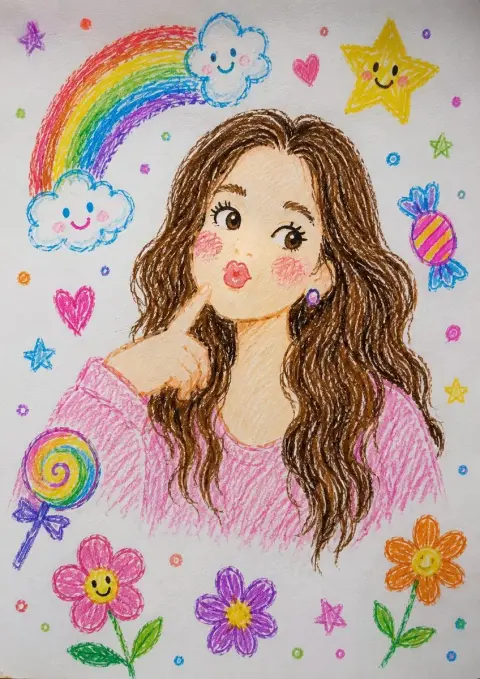
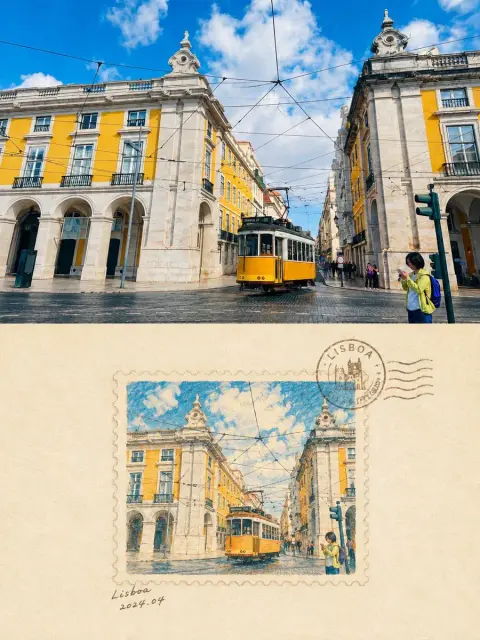
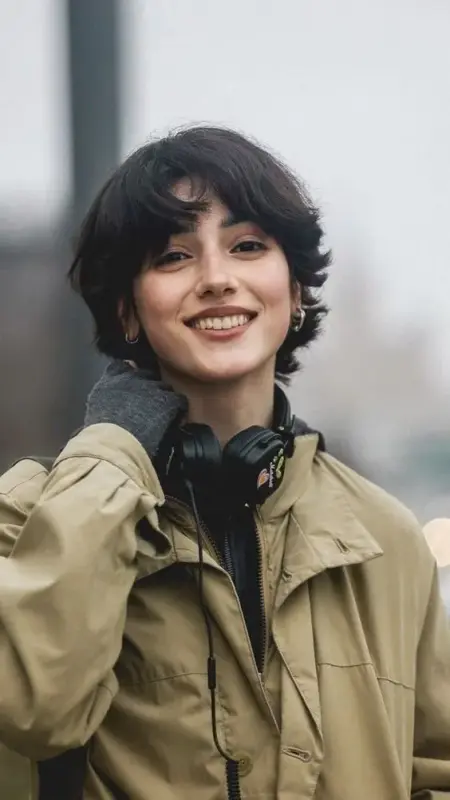
ChatGPT Photo Restoration Prompts
Find photo restoration instructions. Use your original image as the reference and inspect recovered details.
Other ChatGPT Photo Prompts
More image ideas, creative experiments and edits from smaller categories.
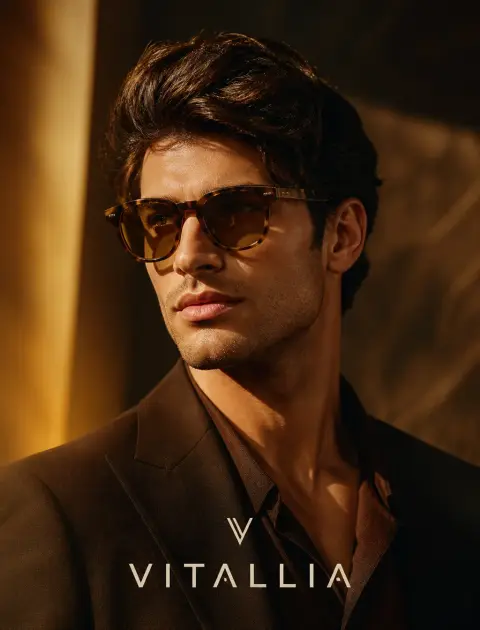
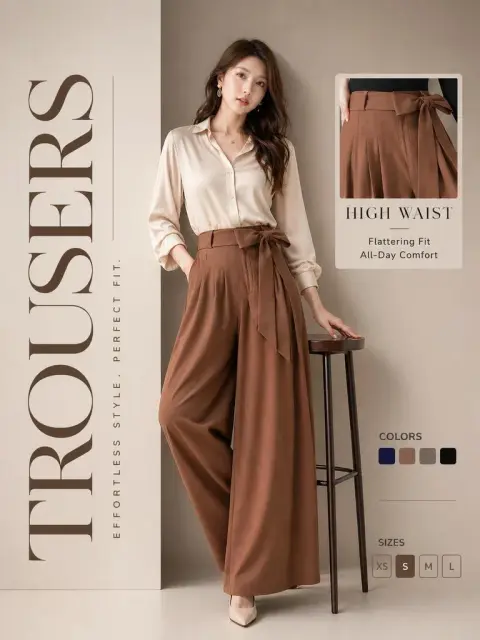
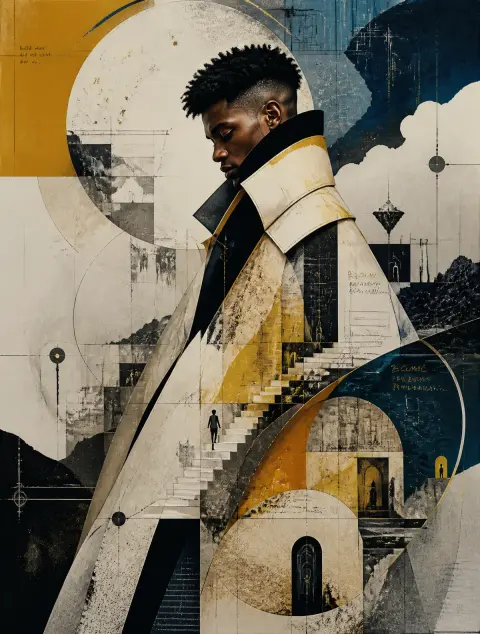
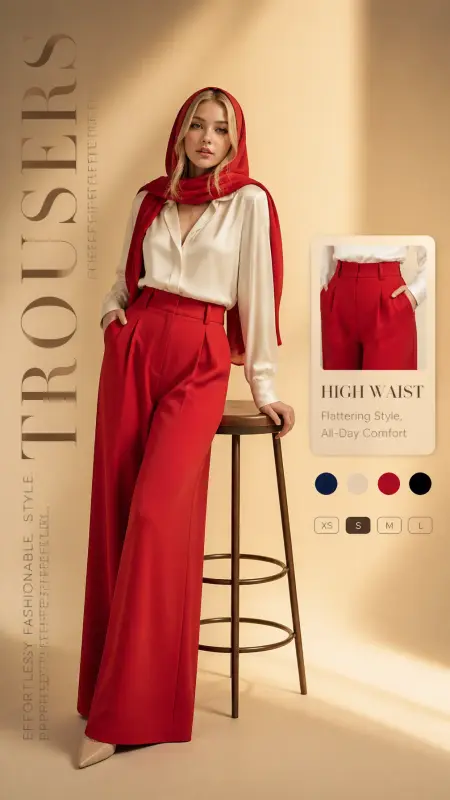
From inspiration to image
How to Use ChatGPT Photo Prompts
Start with an example close to your idea. Keep what works, change the details, and build your own result.
- 01
Find an example worth adapting
Pick a category and open an image close to the result you want. Read the full prompt before copying it, including any text, brand names or reference-image instructions that need replacing.
- 02
Build a clear ChatGPT photo prompt
Start with what the image should show, then add composition, lighting and materials. For example, specify a waist-up portrait beside a window with a plain wall behind the subject. Add the aspect ratio and any text only after the scene is clear.
- 03
Separate new images from photo edits
A new scene can start from text. Editing a particular face, garment or product needs a reference image and an instruction explaining what to retain. Several examples here mention an uploaded reference; their displayed output does not replace that input.
- 04
Copy into ChatGPT or use the generator
Copy the complete prompt to use in your own ChatGPT conversation, or choose Use this prompt to open this site’s generator with the text prefilled. Review the selected model, upload any required reference and check the credit cost before generating.
Frequently Asked Questions
How do I keep my own face in a ChatGPT photo?
Upload a clear photo and ask the model to preserve your facial features while changing the setting, lighting or clothes. Describe those changes separately. Identity consistency can vary, so compare the output with your reference.
Can I use these prompts to edit an existing image?
Yes, when your selected tool supports image editing. Upload the image, explain the change and list what should remain unchanged. A prompt written for a new scene may need simplifying for a small edit.
How do I add readable text to an image?
Put the exact wording in quotation marks, specify its placement and keep the message short. Check spelling and layout in the output. If the text is wrong, request a focused correction instead of rewriting the whole scene.
Why does the same prompt create a different photo?
The original reference, model version, settings and generation variability affect the result. The gallery image is an example rather than a guaranteed output. Match the key inputs where possible and revise one instruction at a time.
Can I use a ChatGPT photo prompt with another model?
The scene description can be a useful starting point for another image model. Remove unsupported instructions, check its reference-image options and adjust the prompt to the result. Identical wording will not produce identical images across tools.
Are these examples from ChatGPT?
The source catalog labels these examples as GPT Image. That identifies the model family, not the app or exact model version used by the original author. The source link is available on every example.
What makes the best ChatGPT image prompts?
Useful prompts describe a specific scene, a clear composition and any constraints. Choose an example that matches your task rather than the longest prompt, and remove contradictory instructions before trying it.
Is copying a prompt free?
You can browse and copy these prompts without signing in. Generating on this site follows the model and credit pricing shown in the generator; copying does not start a generation.