The prompt library
Nano Banana Prompts
Find your next image idea. Browse by subject, then open any example to copy the prompt or make it your own.
How to use these prompts1,152
prompts to explore
Find an image. Make it yours.
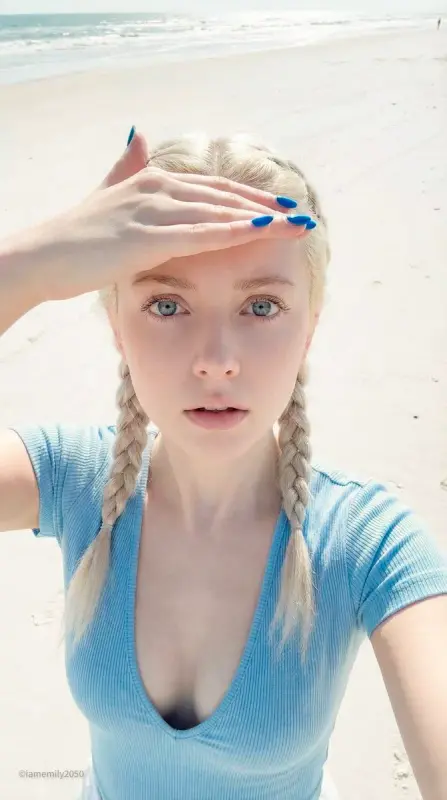
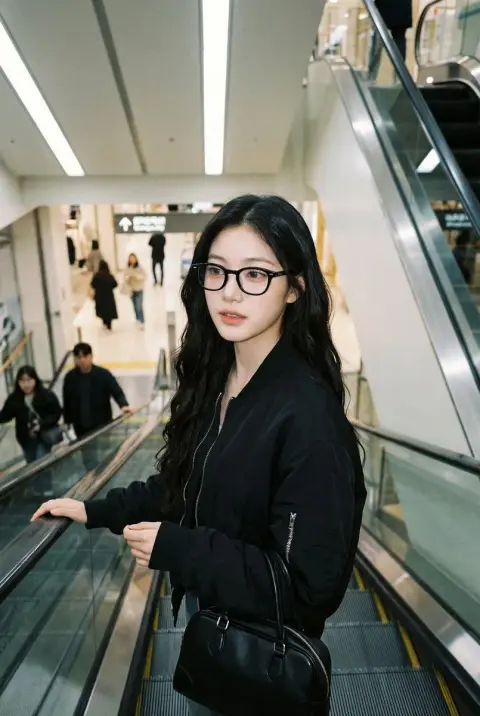
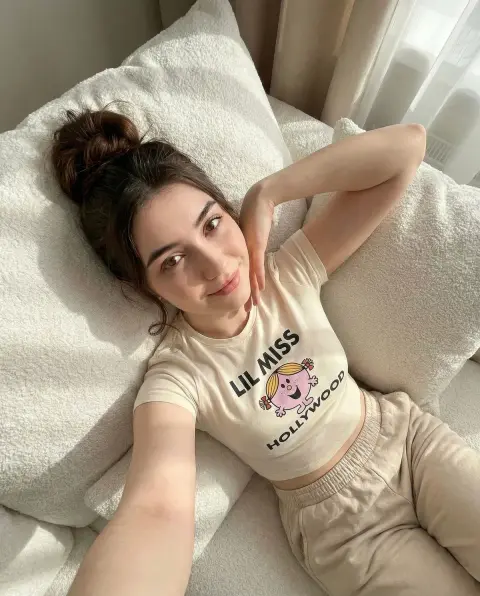
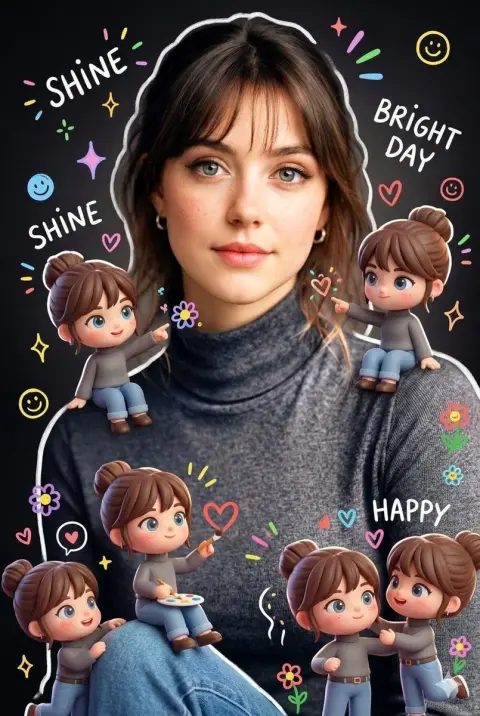
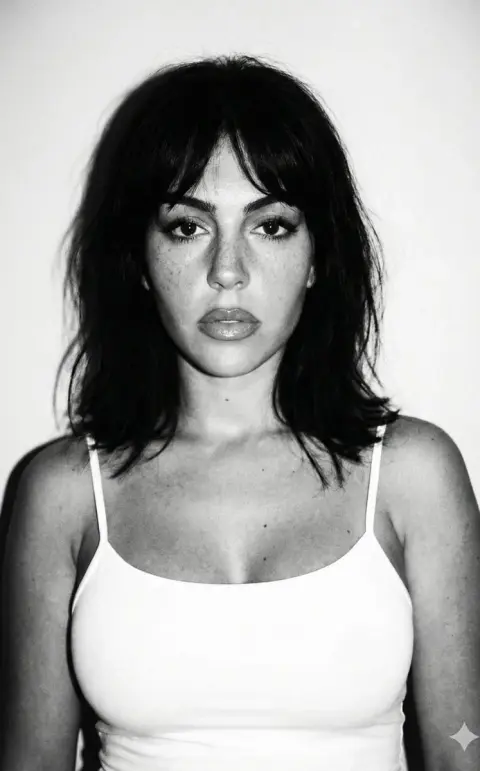
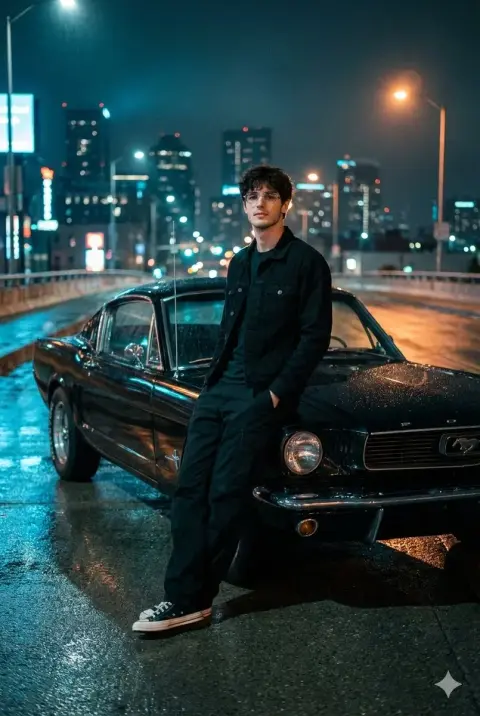
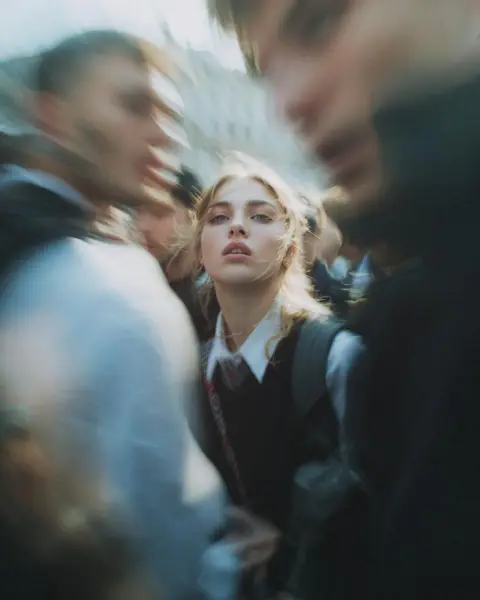
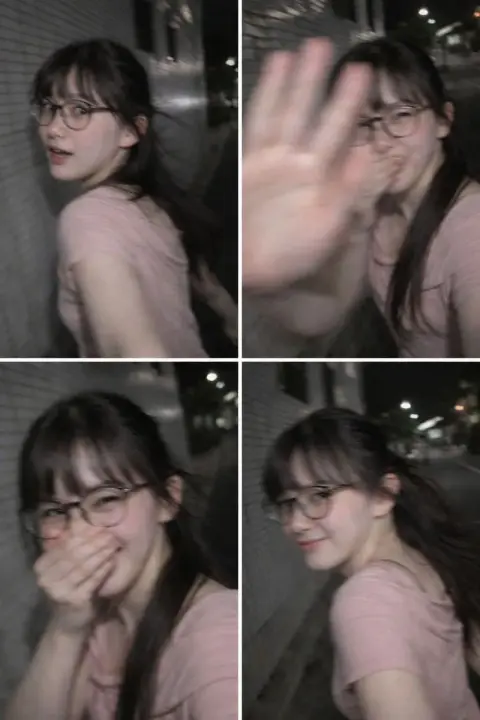
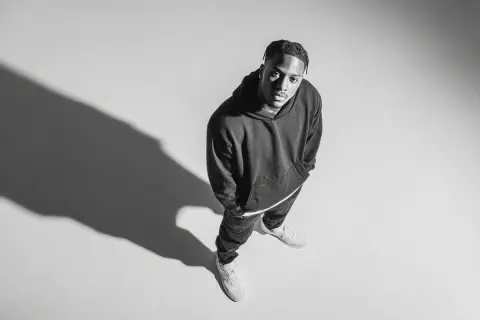
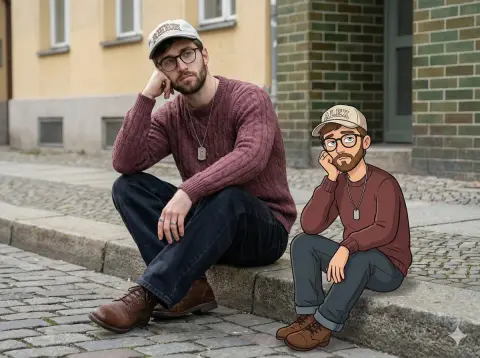
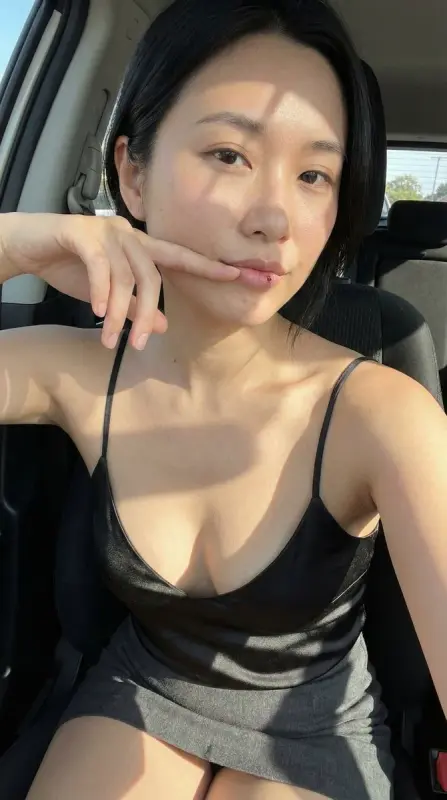
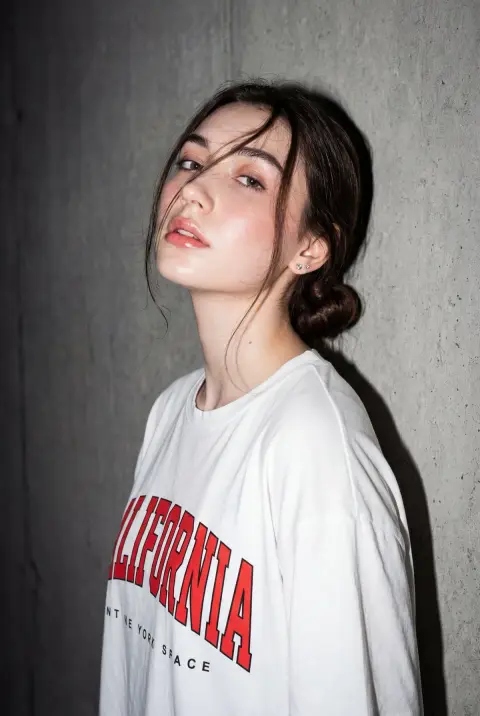
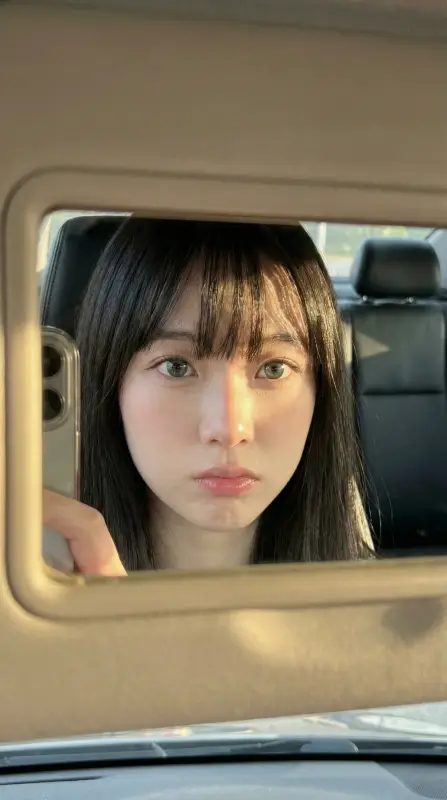
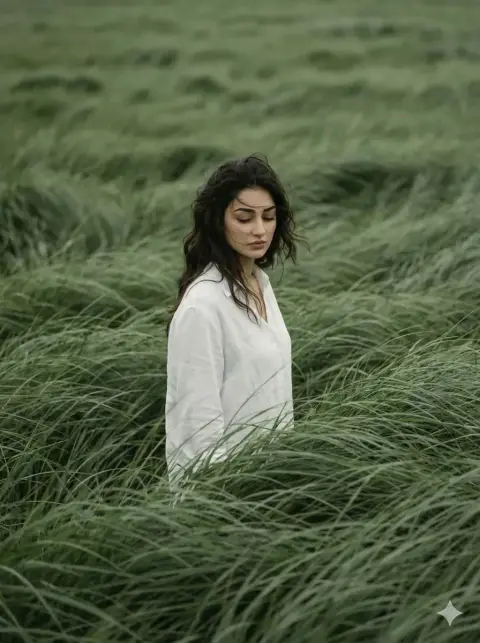
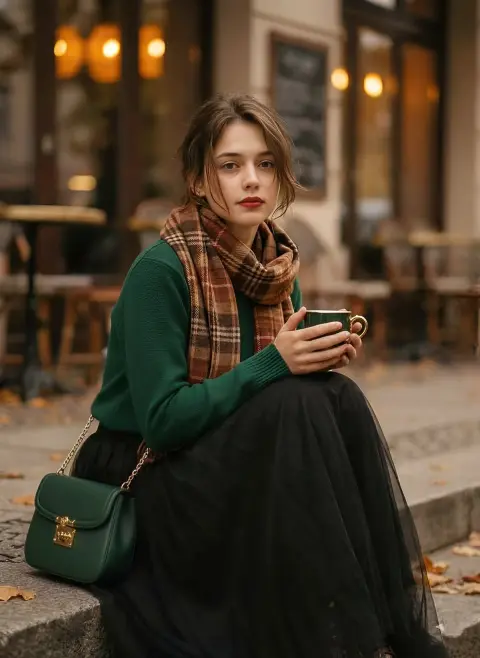
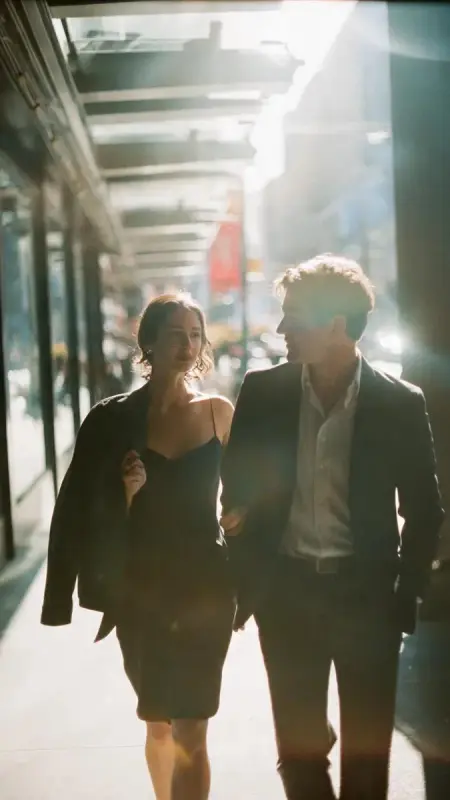
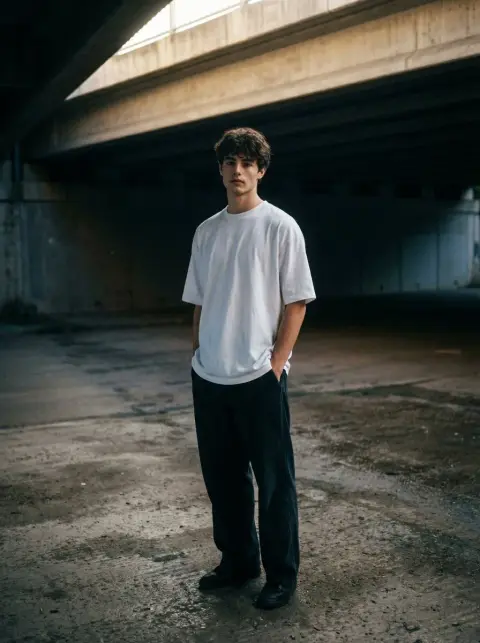
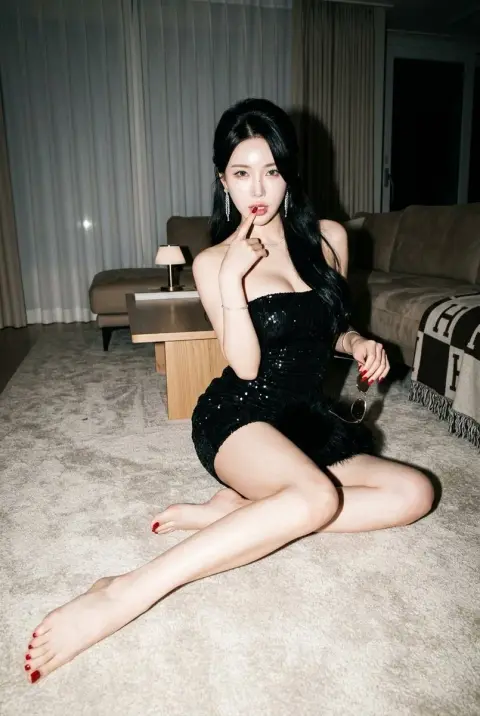
Nano Banana Portrait Prompts
Explore faces, expressions, lighting and personal photo ideas. Add your own reference when the prompt asks for a particular identity.
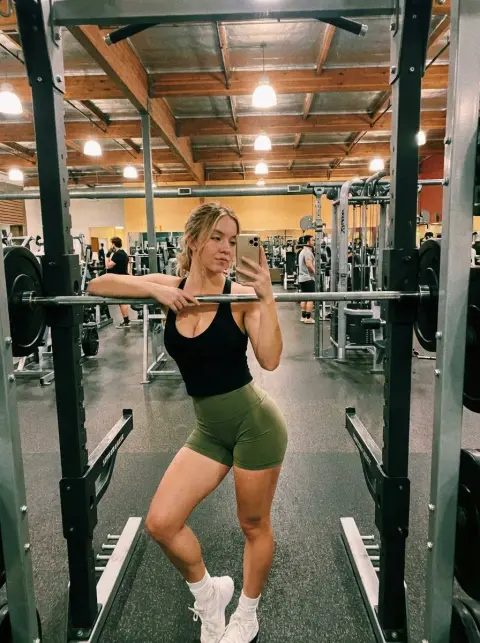
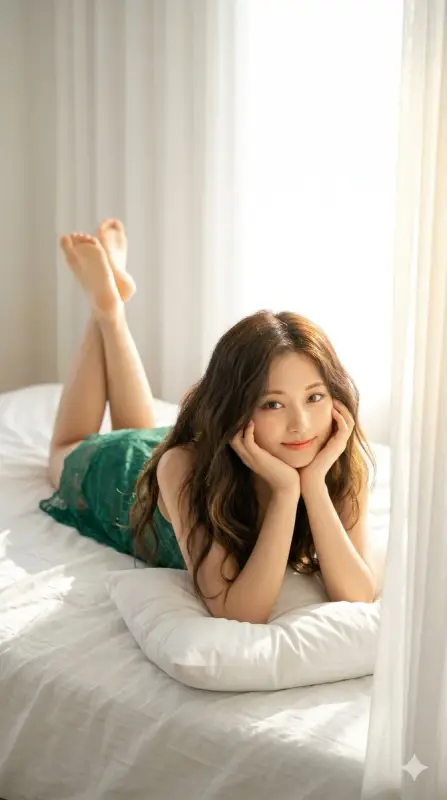
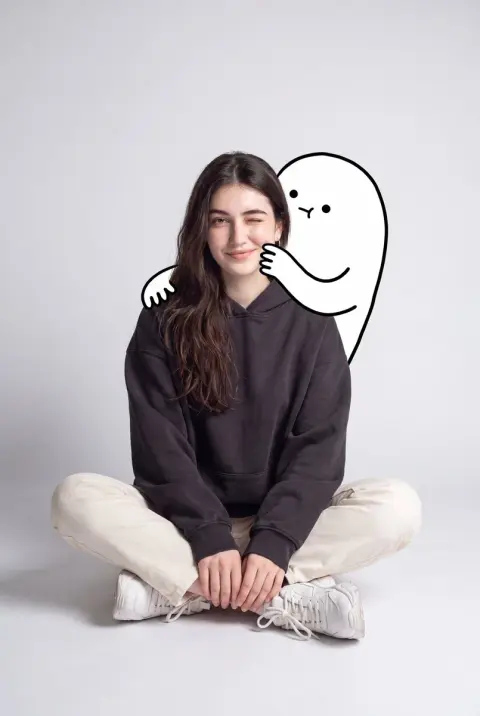
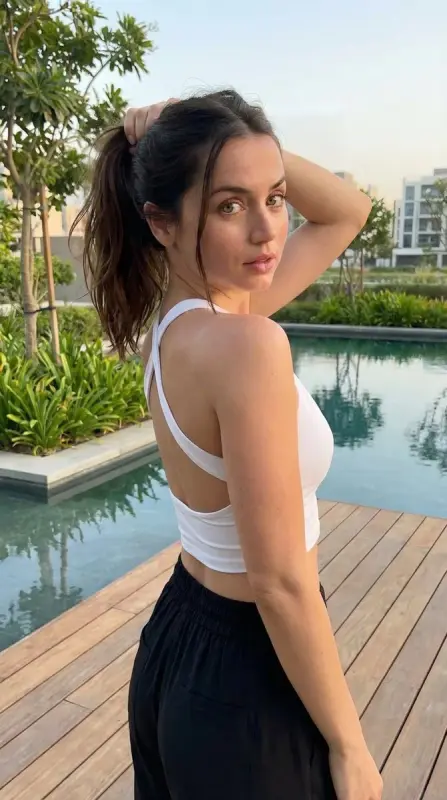
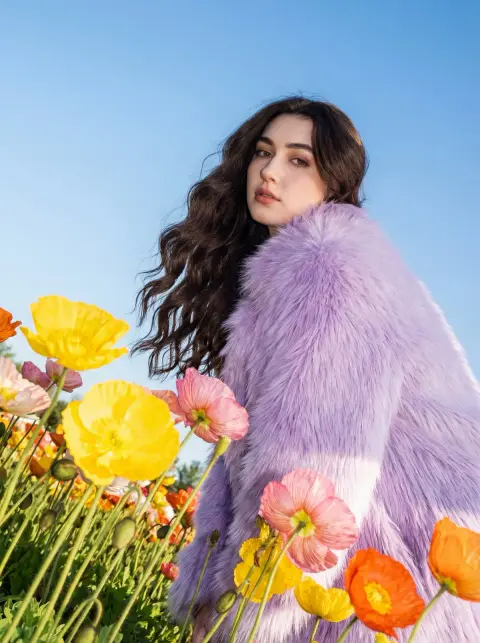
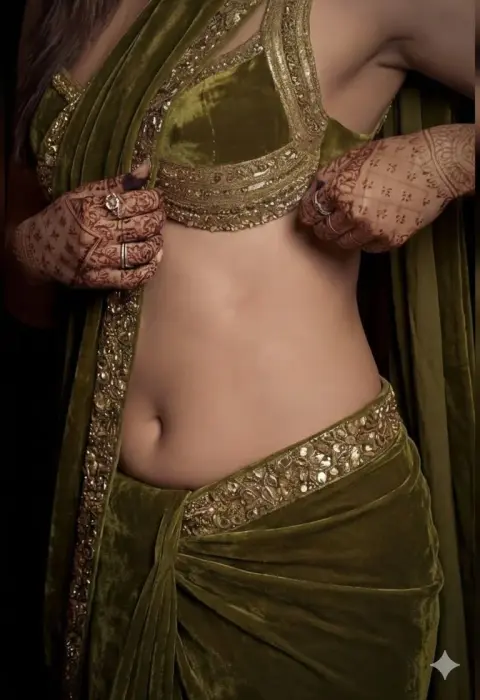
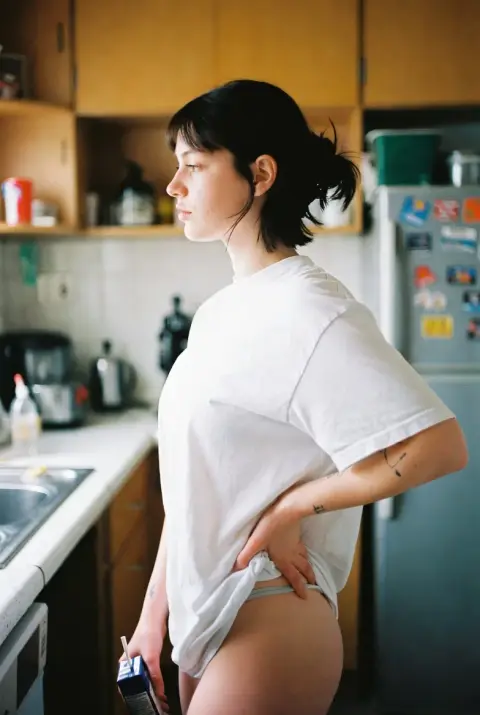
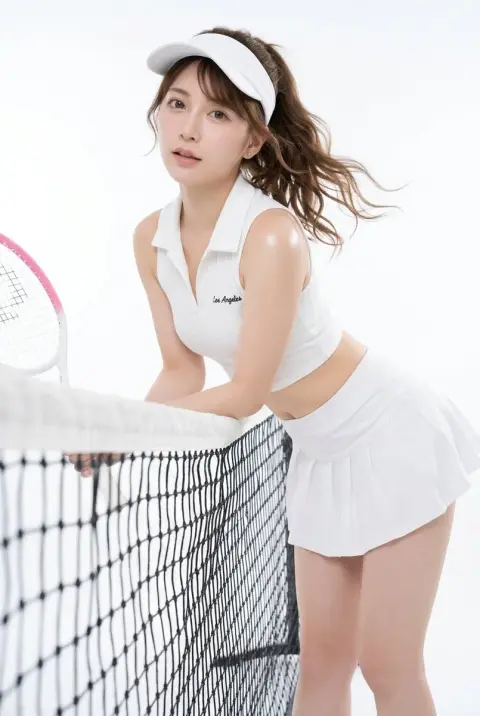
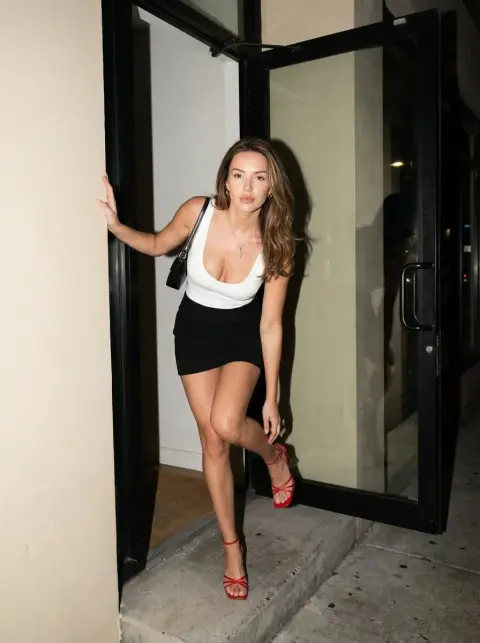
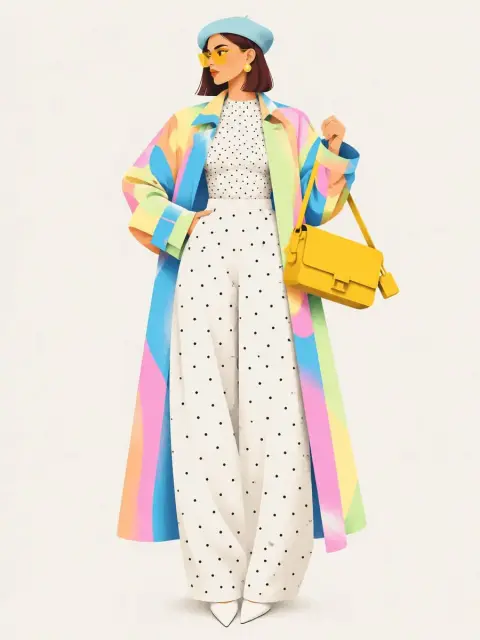
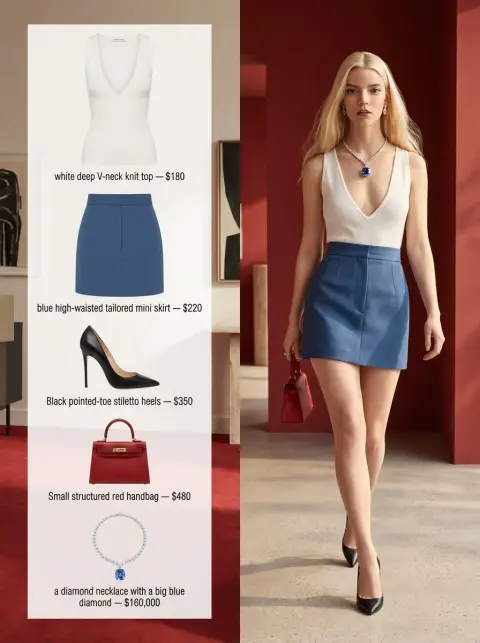
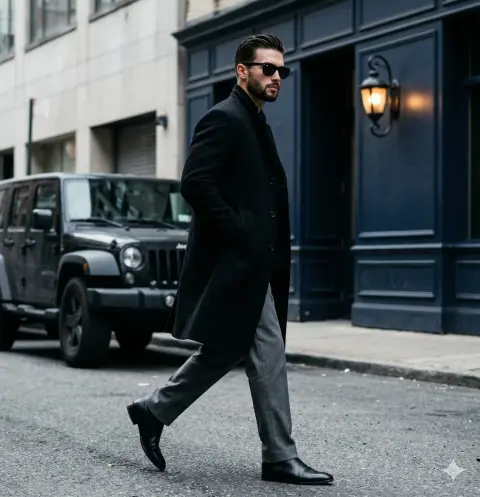
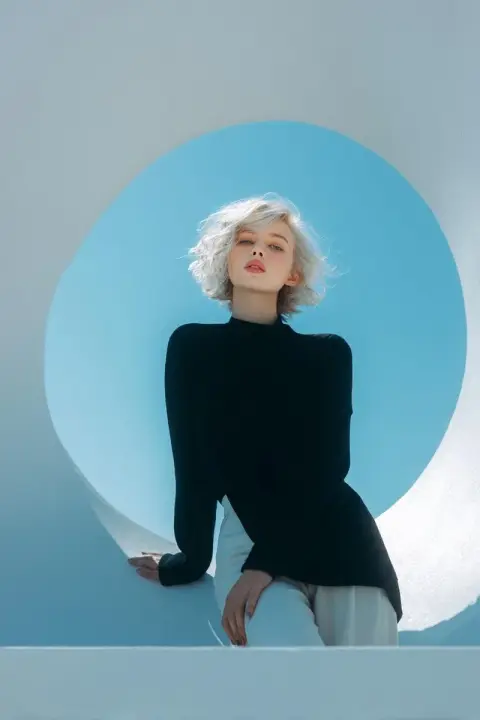
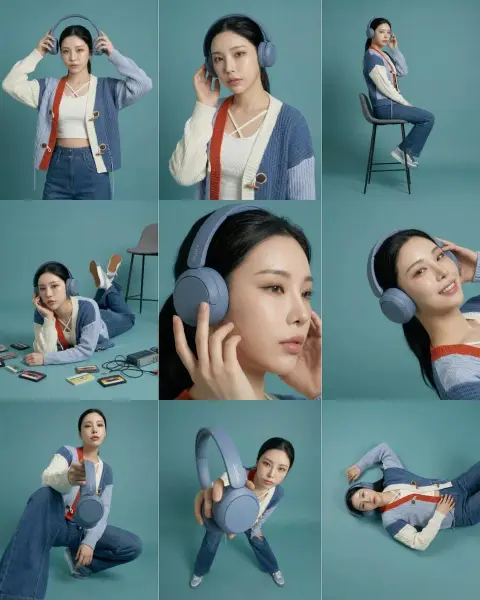
Nano Banana Fashion Prompts
Compare outfits, editorial poses and styling. Adapt the clothing and setting to your own shoot.
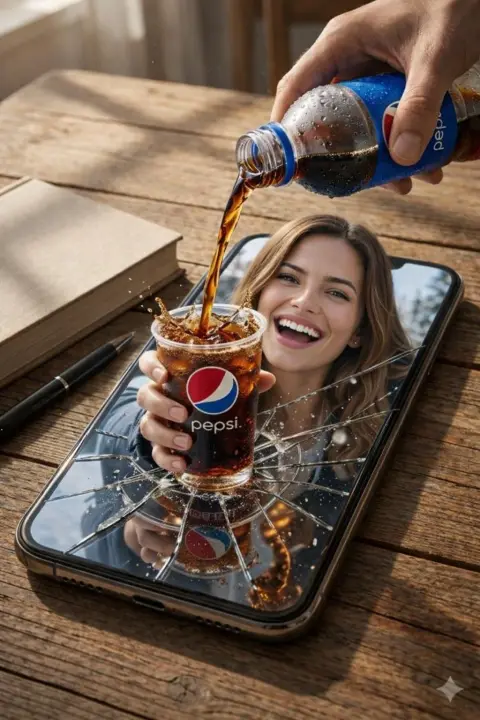
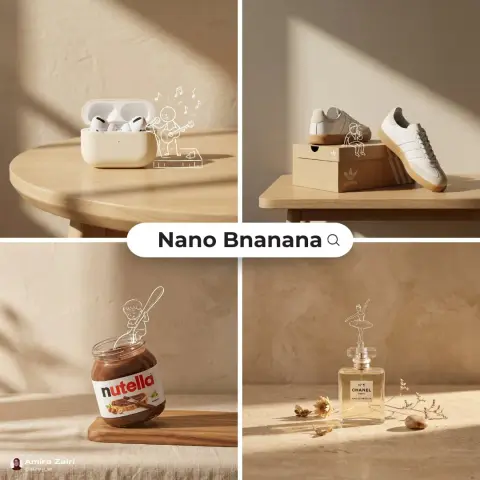
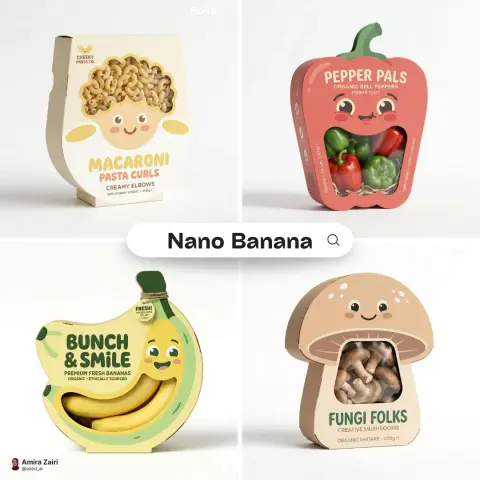
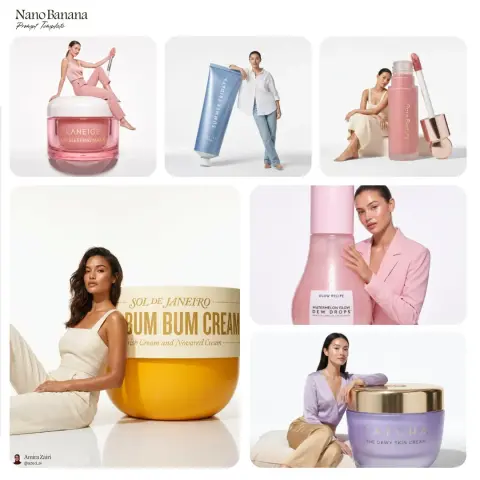
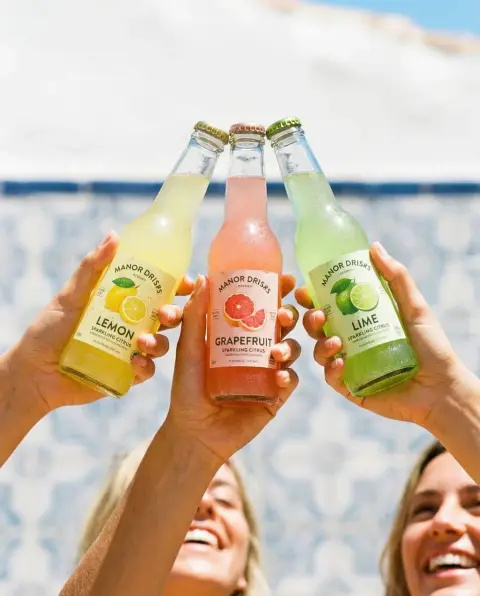
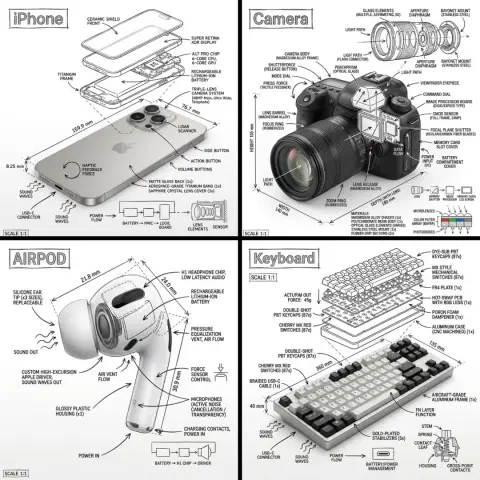
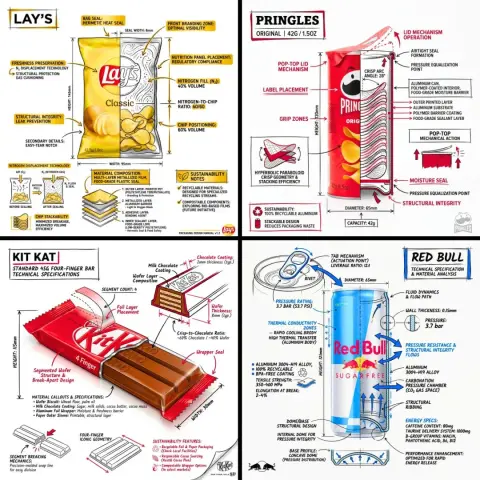
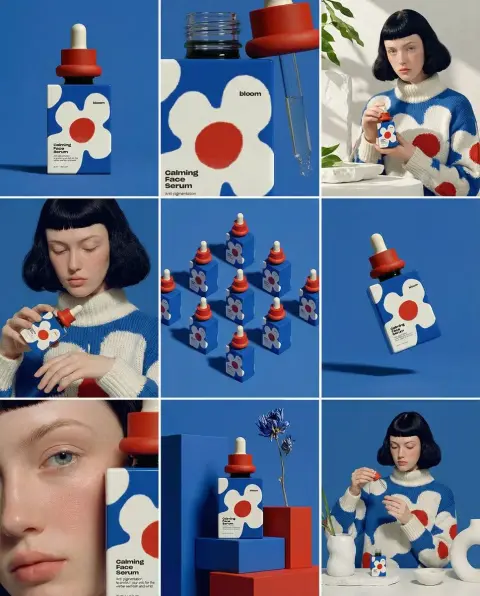
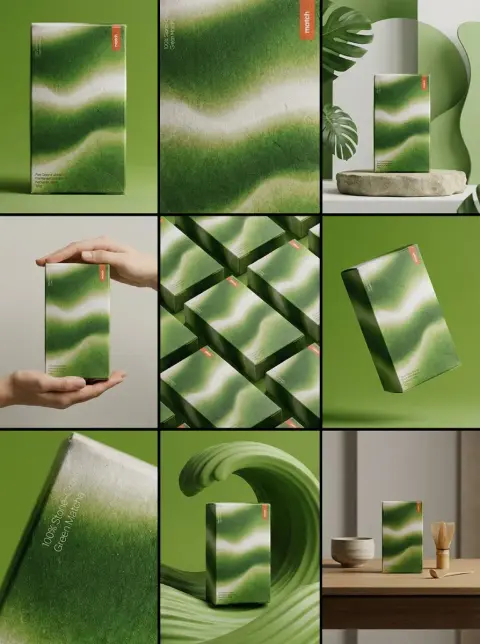
Nano Banana Product Photography Prompts
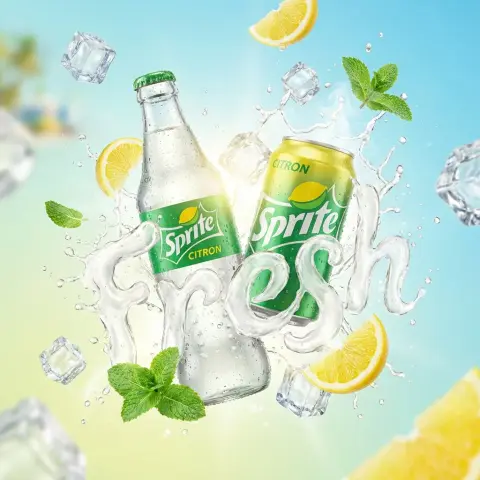
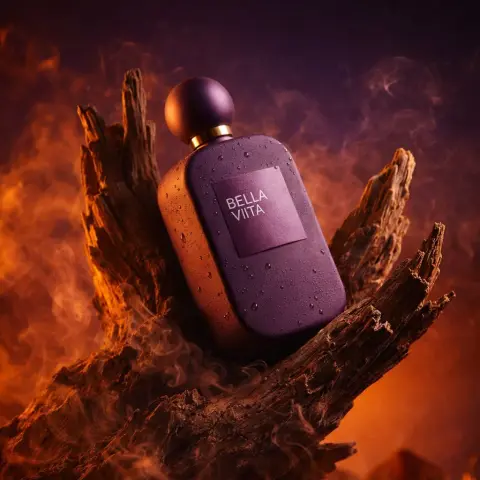
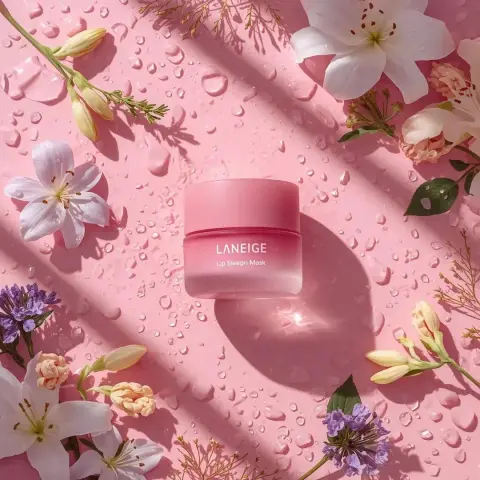
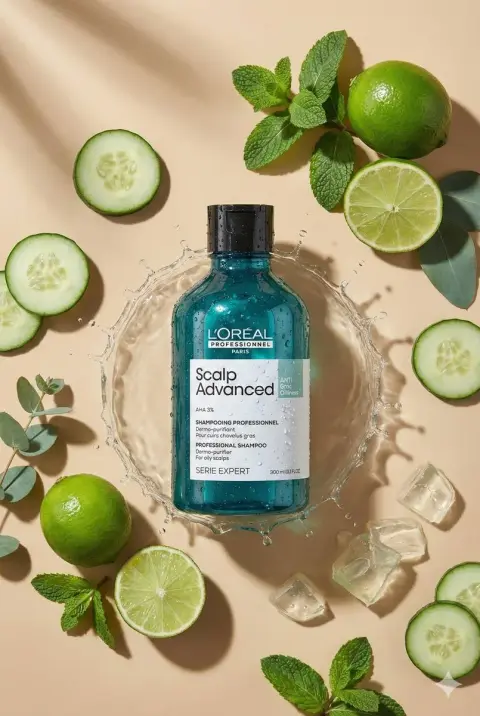
Find product compositions, surfaces and lighting setups. Check packaging and labels after generating.
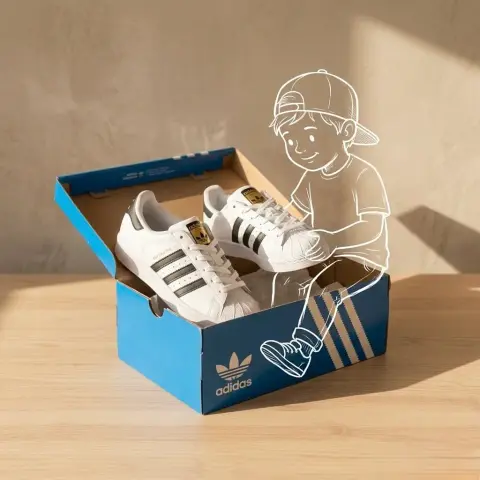
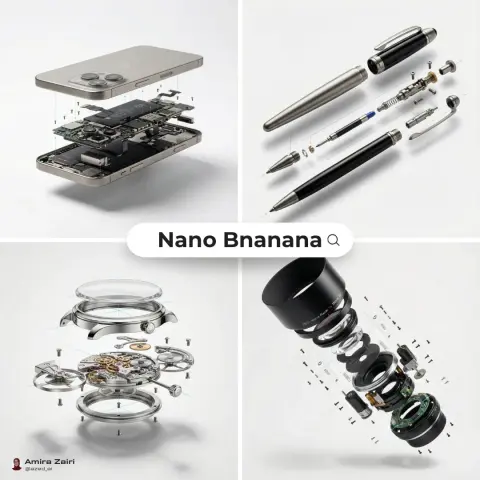
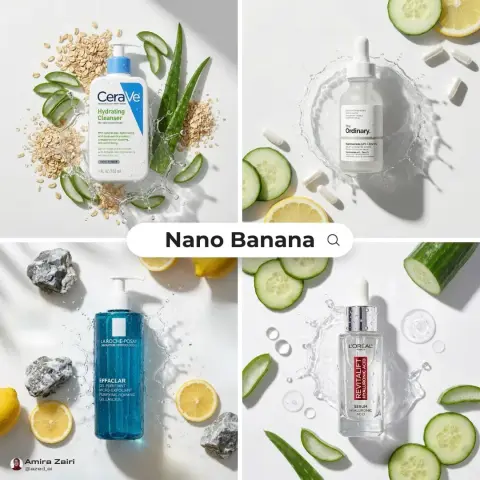
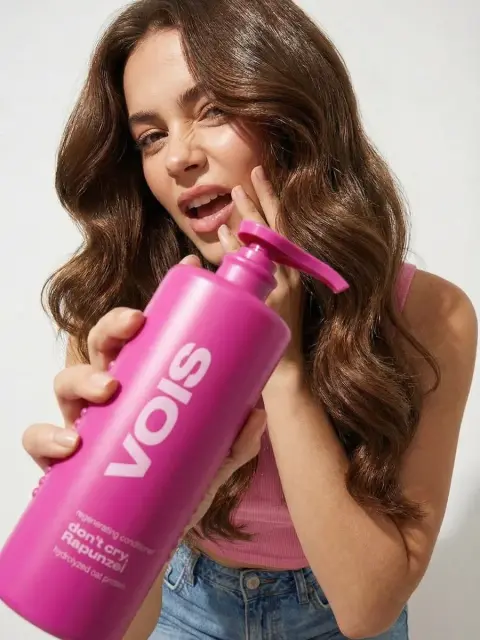
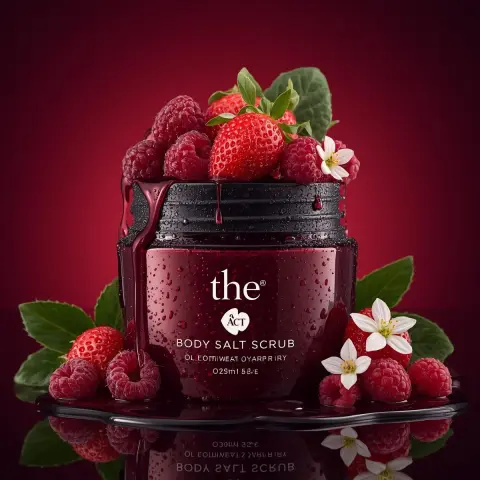
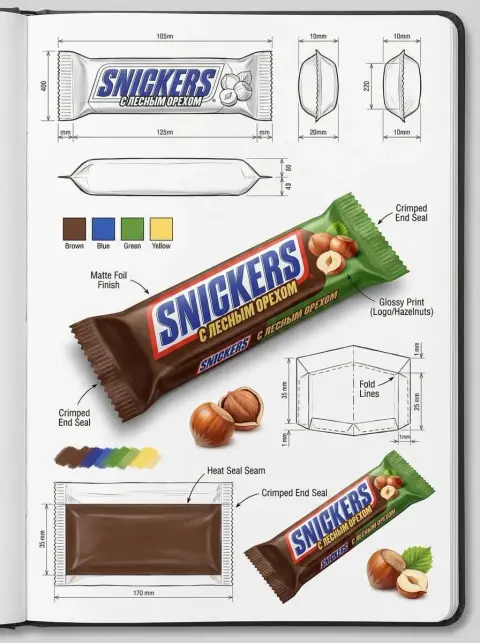
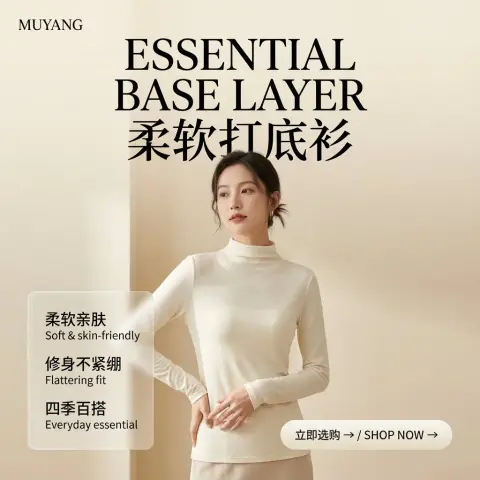
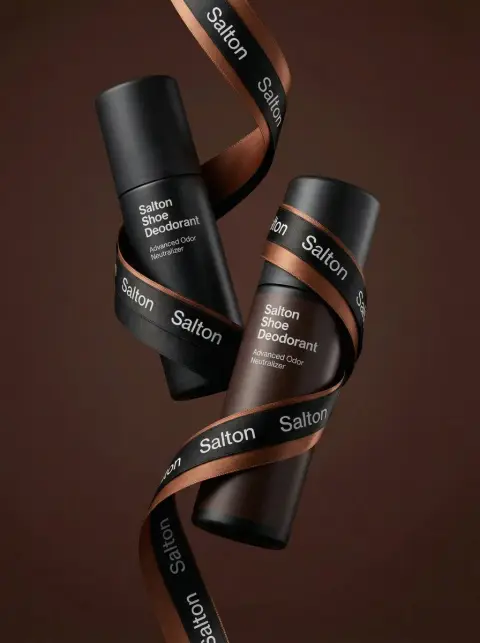
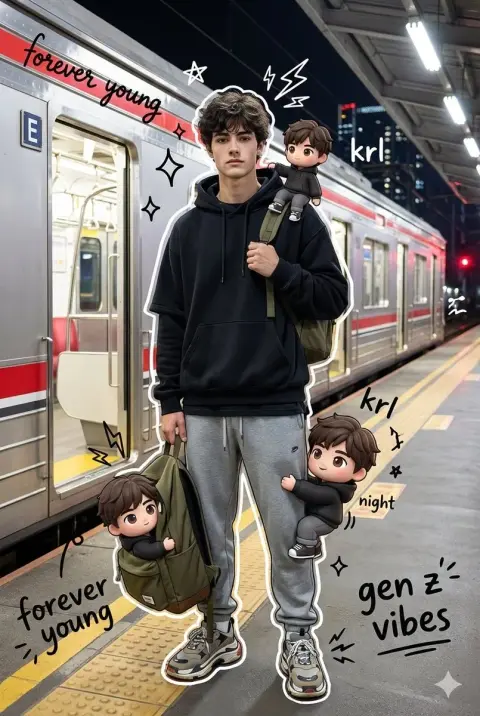
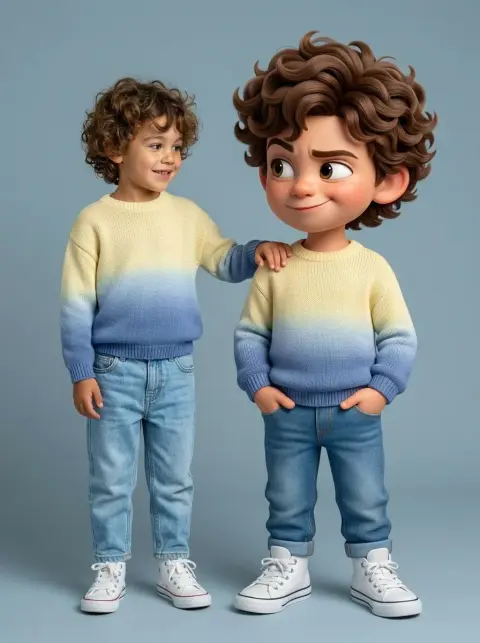
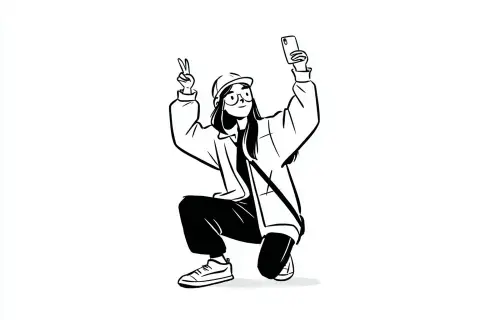
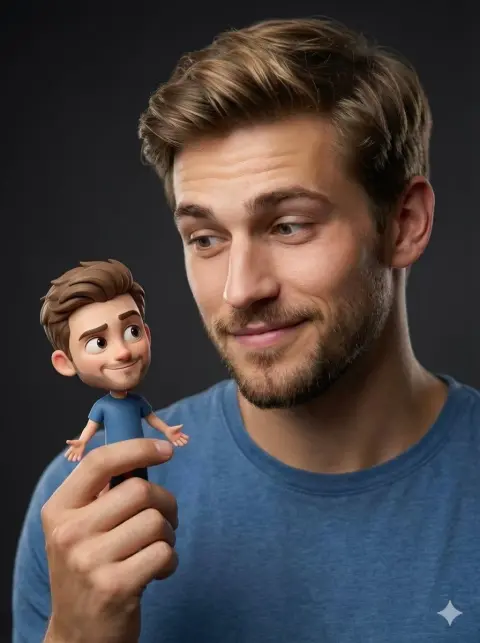
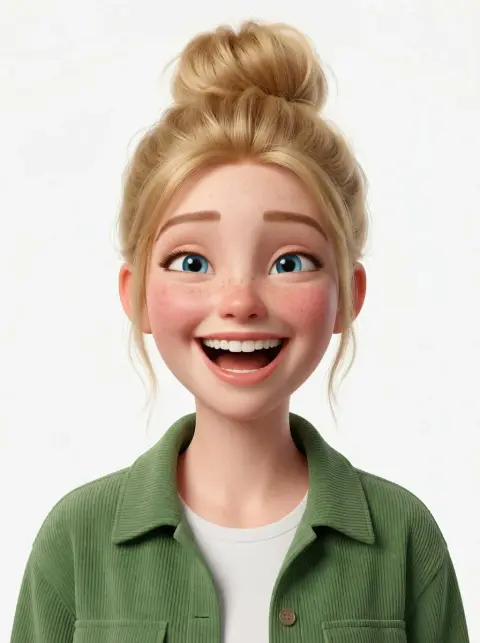
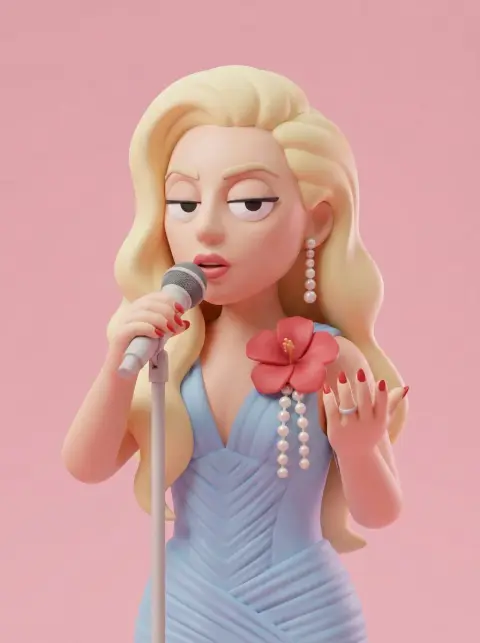
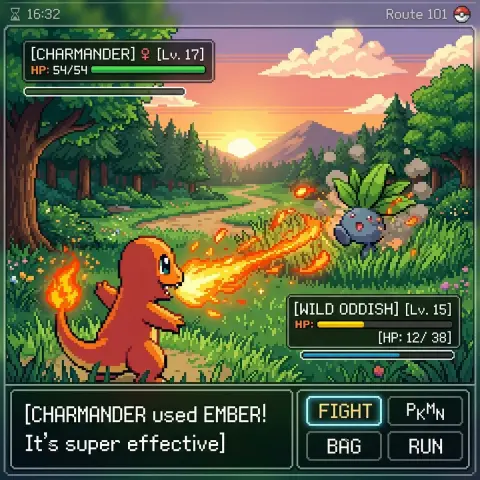
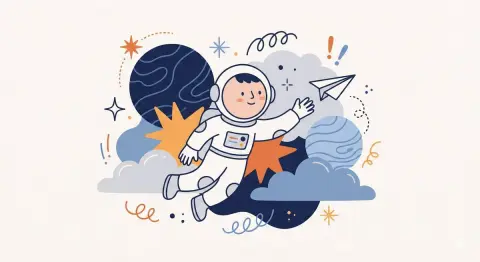
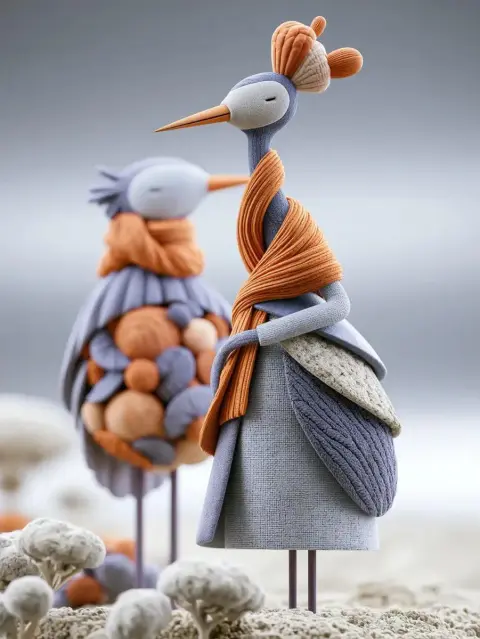
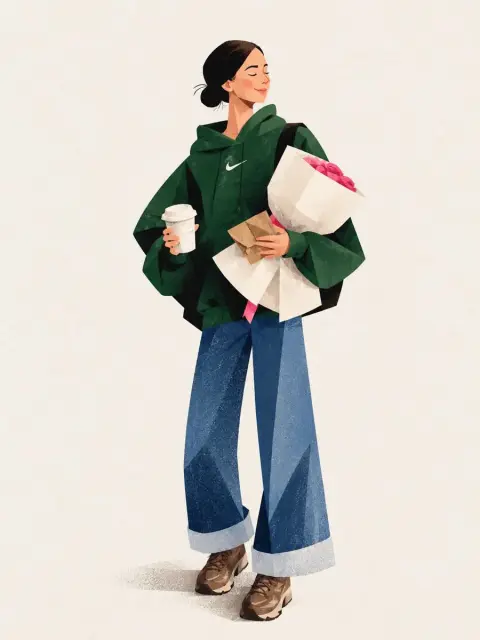
Nano Banana Illustration Prompts
Browse drawn characters, painted scenes and three-dimensional illustration ideas.
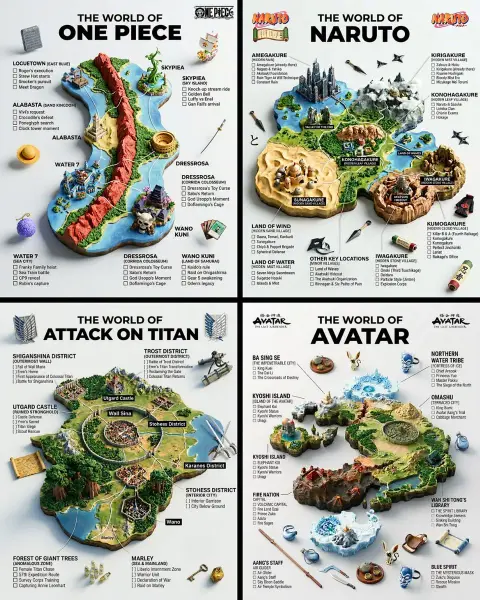
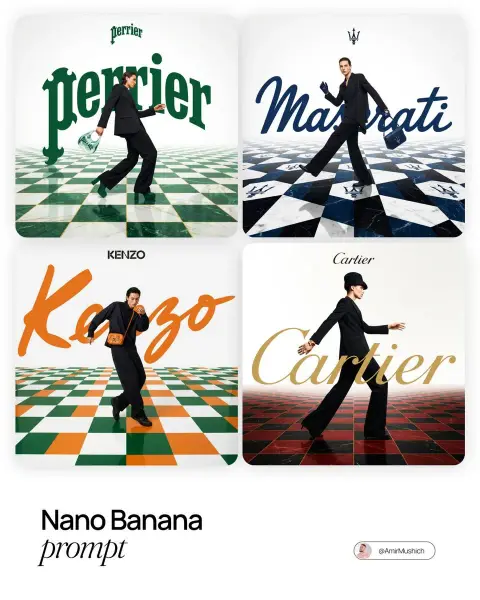
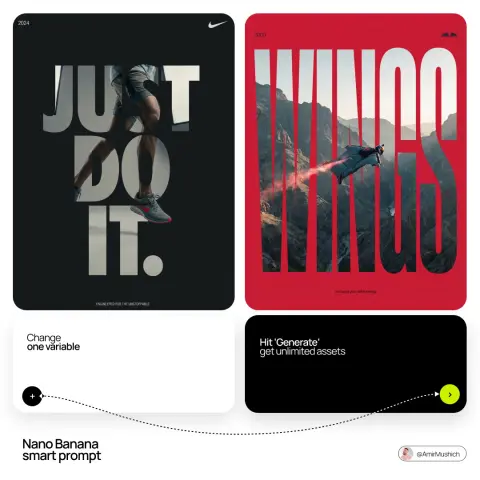
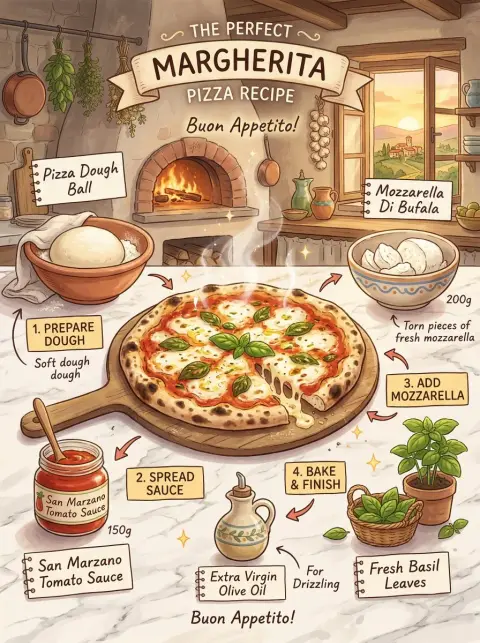
Nano Banana Poster Design Prompts
Explore poster layouts and image-led campaigns. Replace the original text and brand details before use.
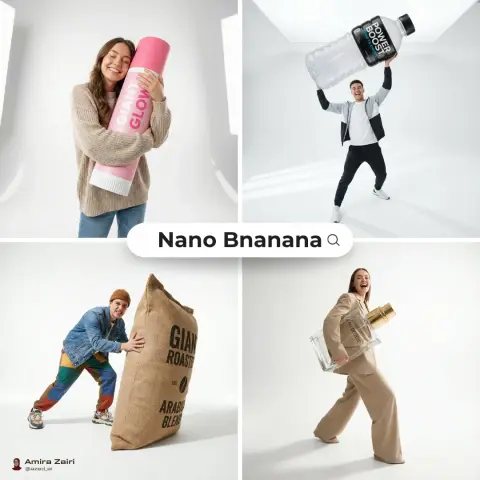
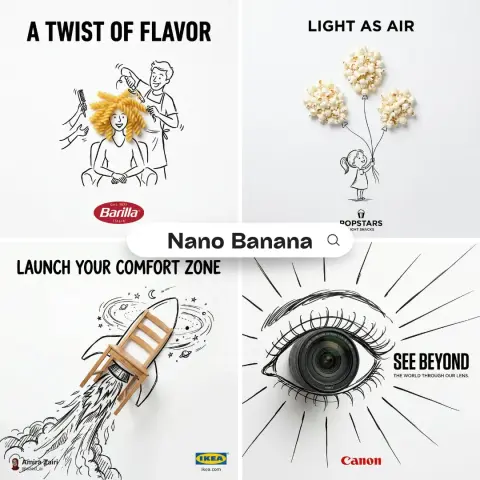
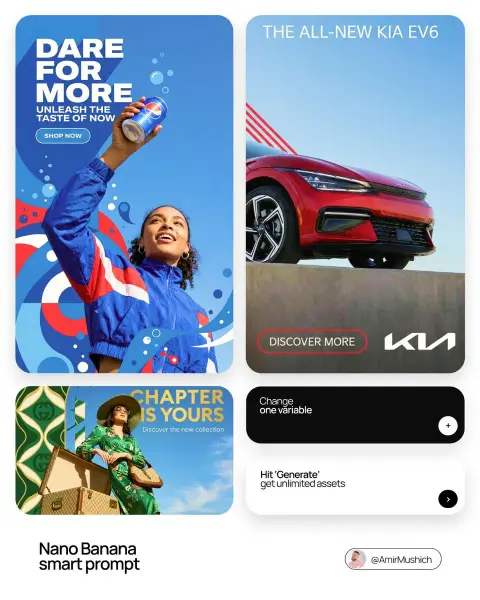
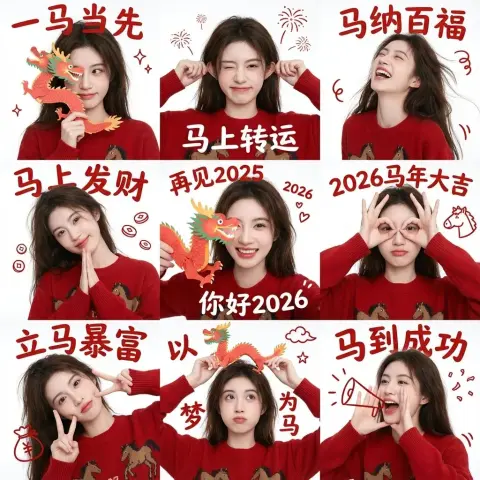
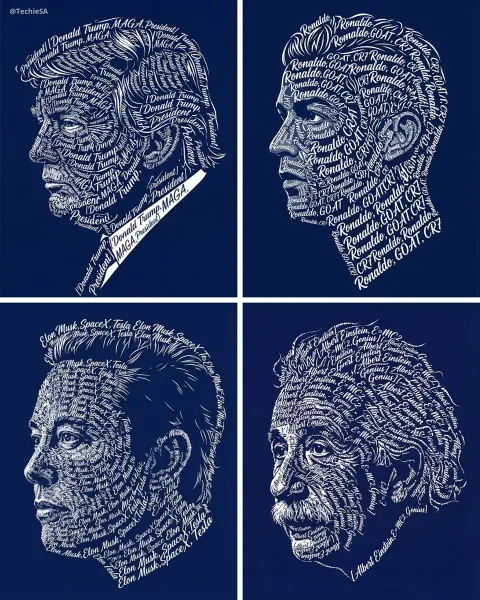
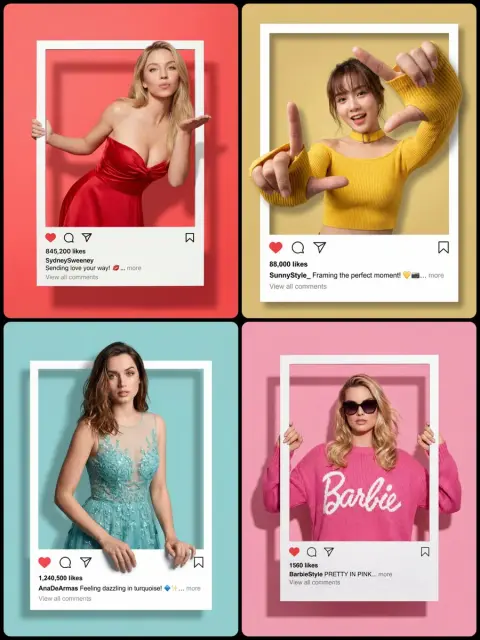
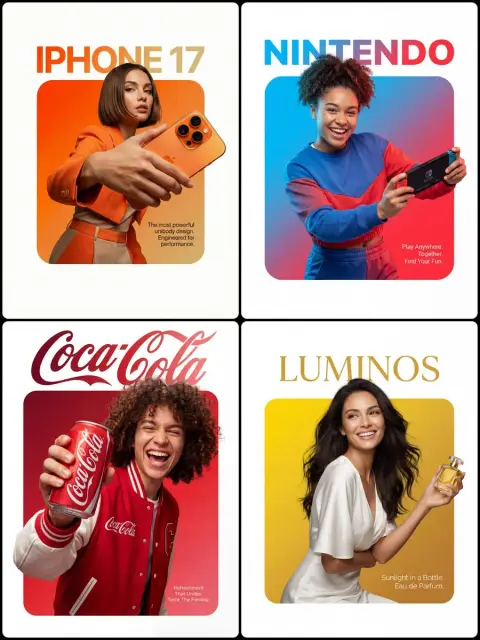
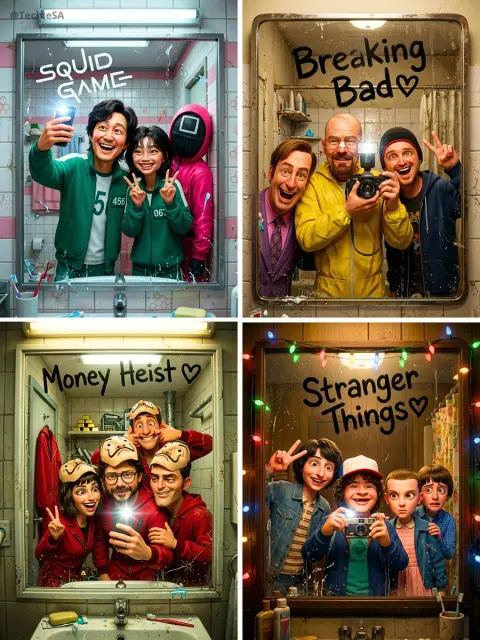
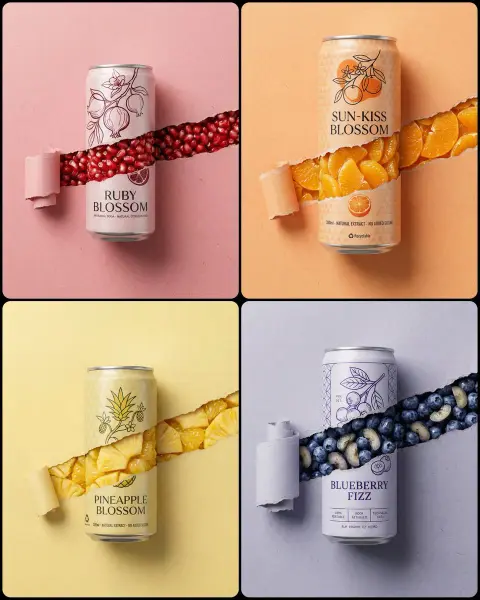
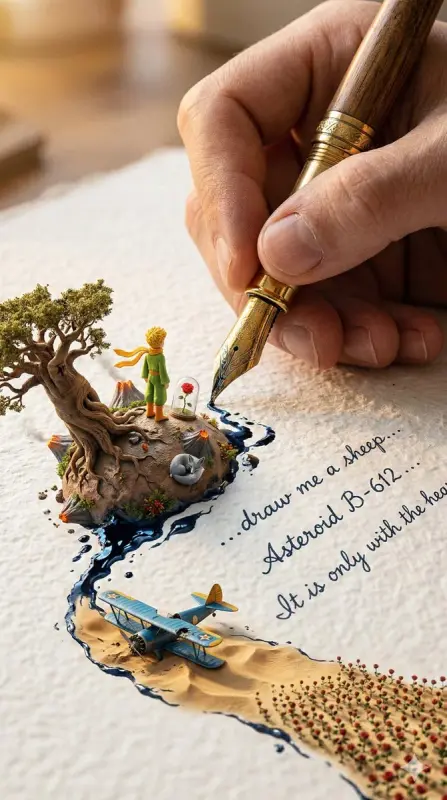
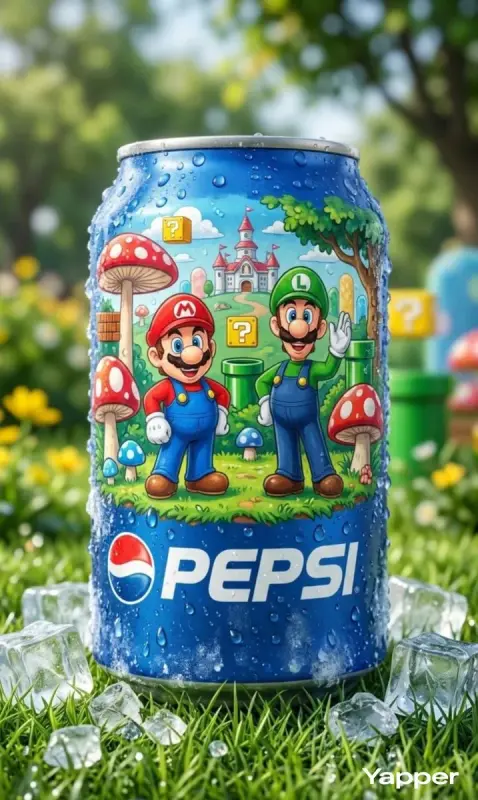
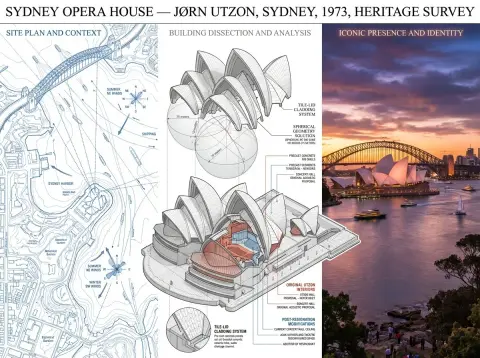
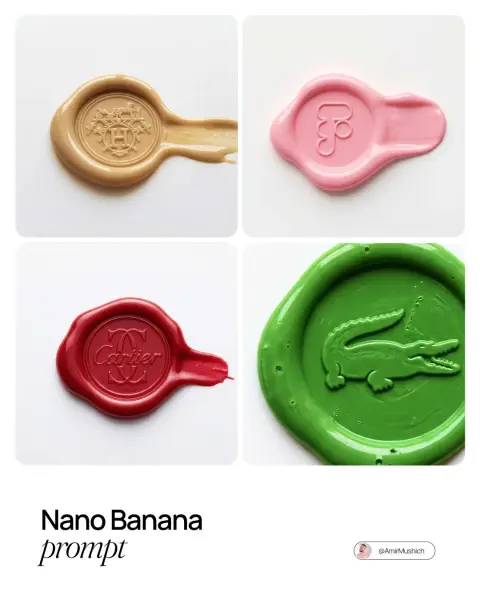
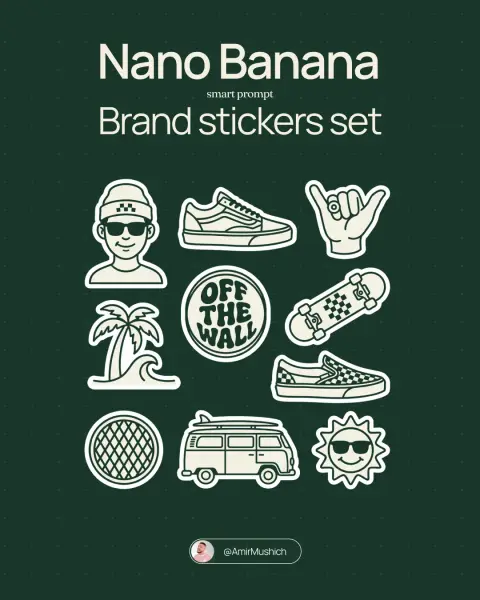
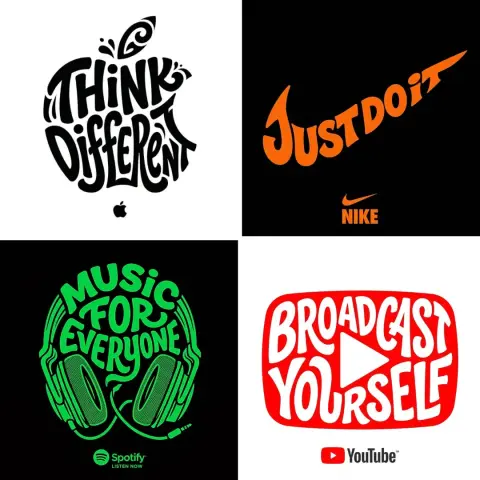
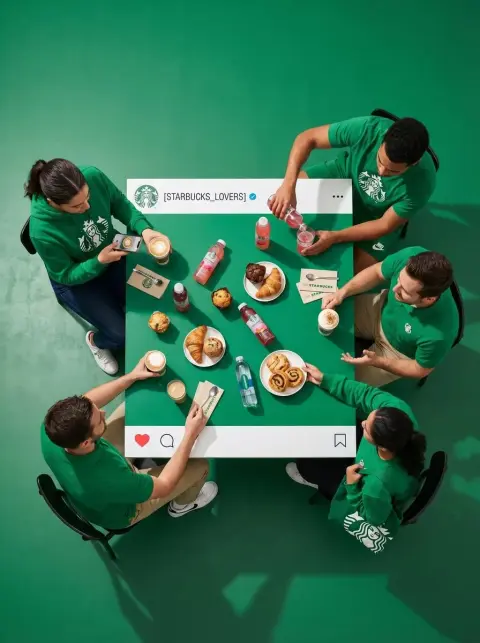
Nano Banana Branding Prompts
Study visual identities and brand campaign concepts, then adapt the colors, symbols and wording.
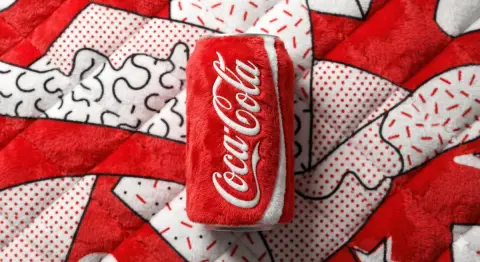
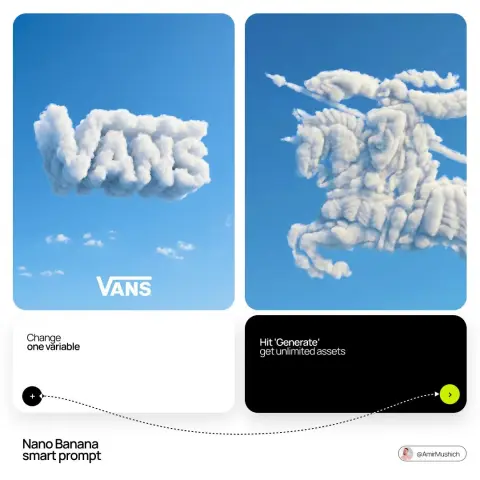
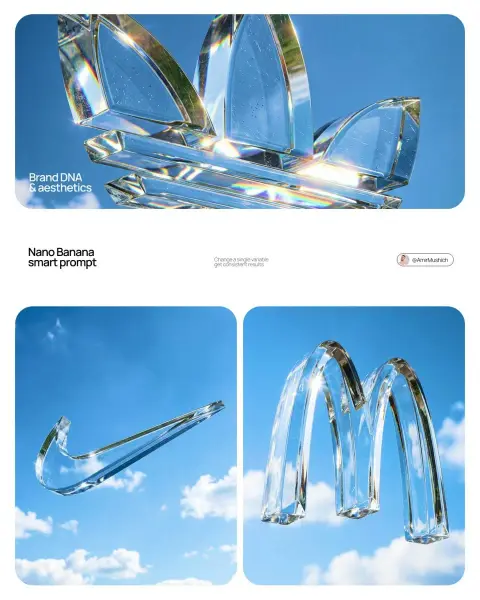
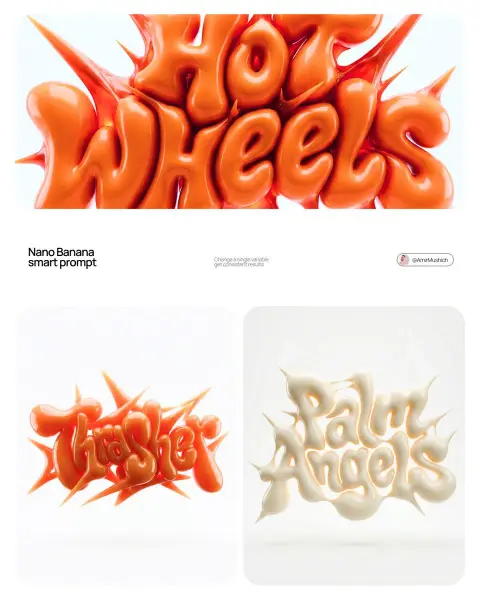
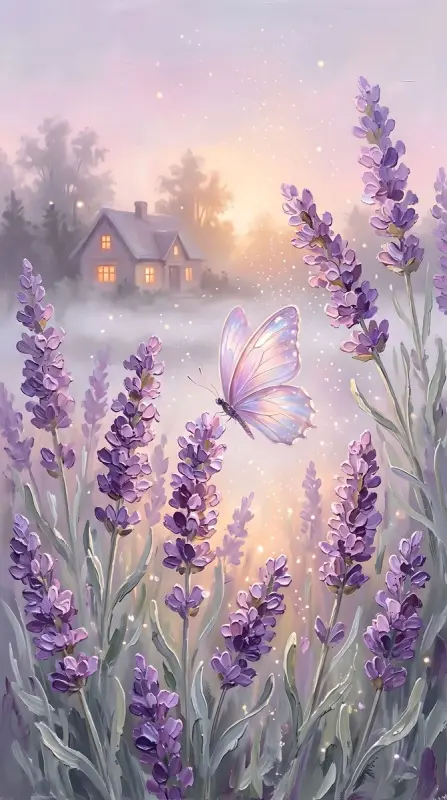
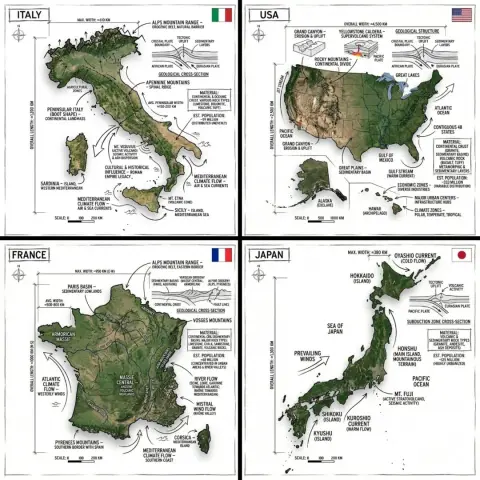
Nano Banana Landscape Prompts
Explore outdoor scenery, imagined environments and atmospheric landscapes.
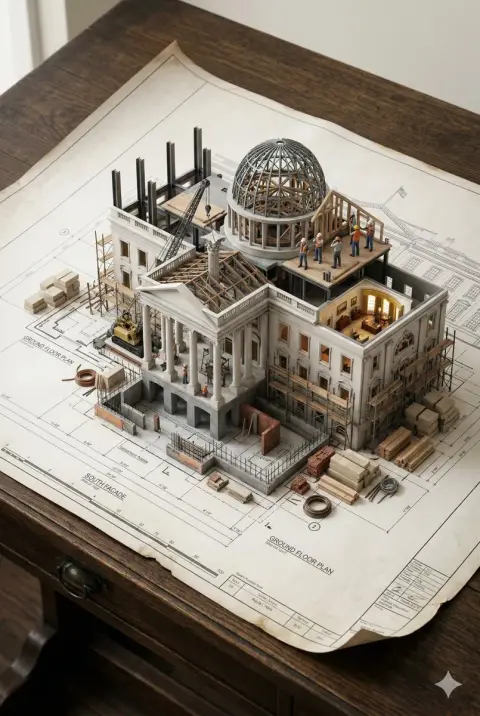
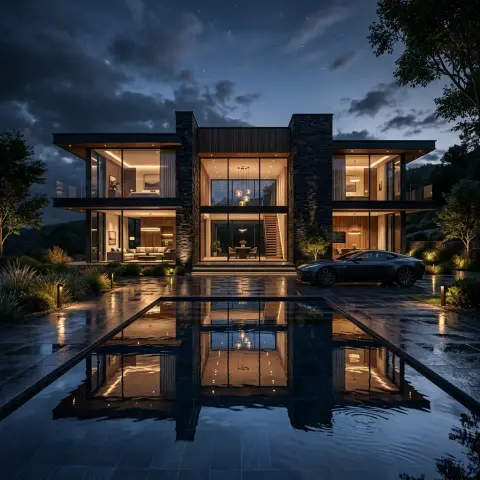
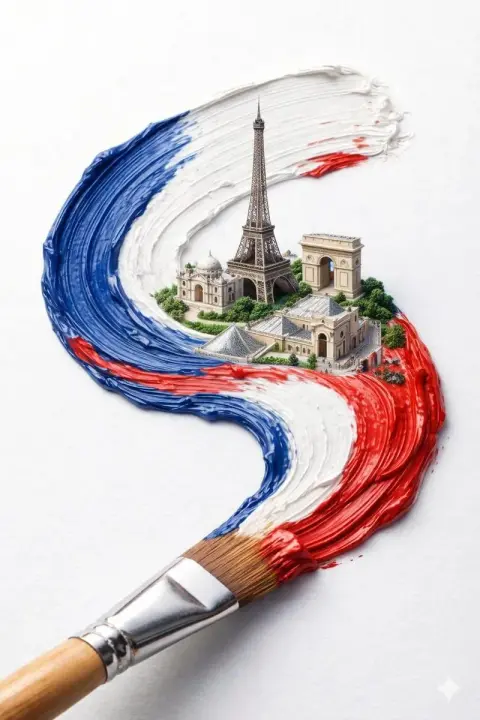
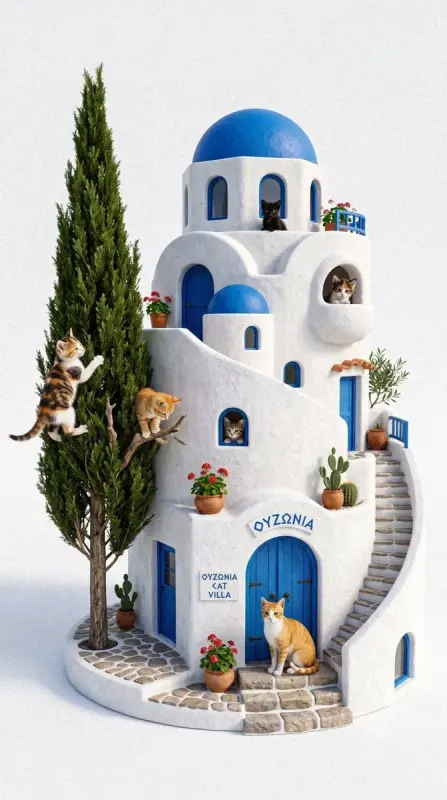
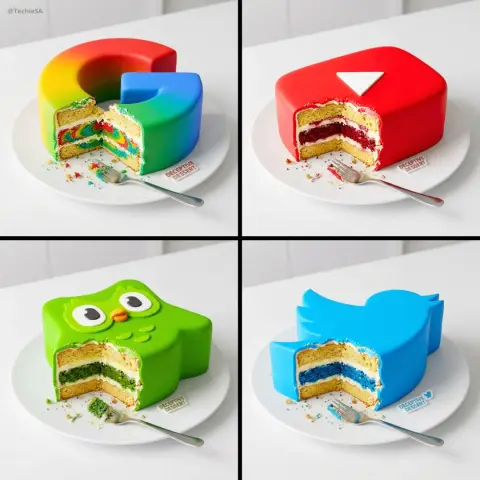
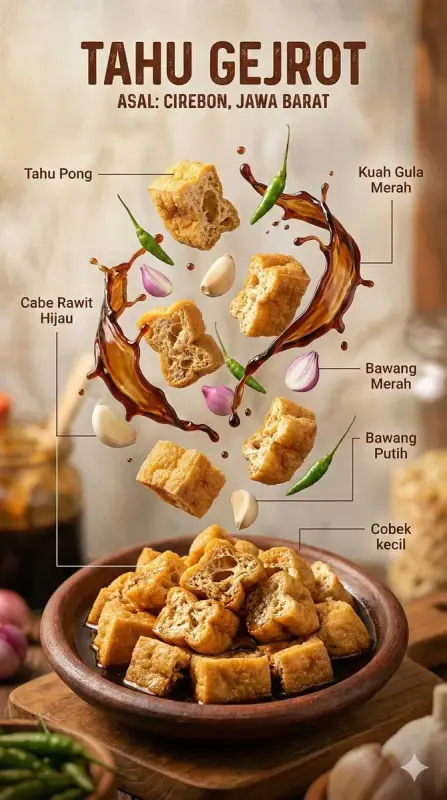
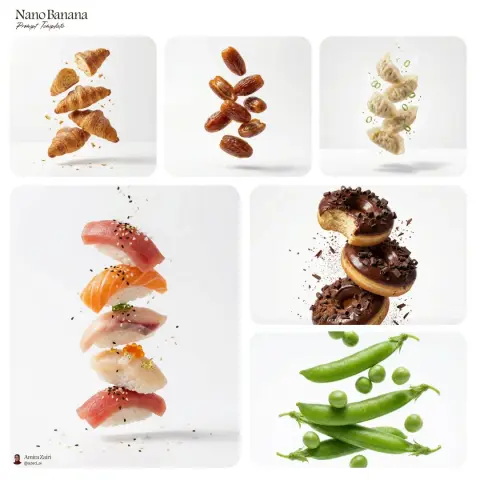
Nano Banana Food Photography Prompts
Browse food and drink compositions, textures, props and serving ideas.
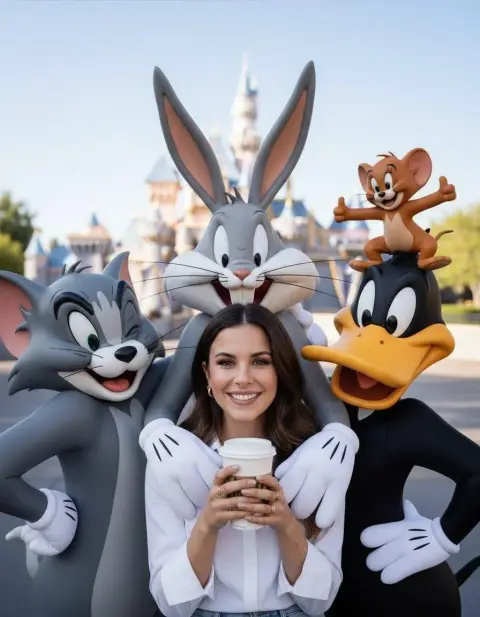
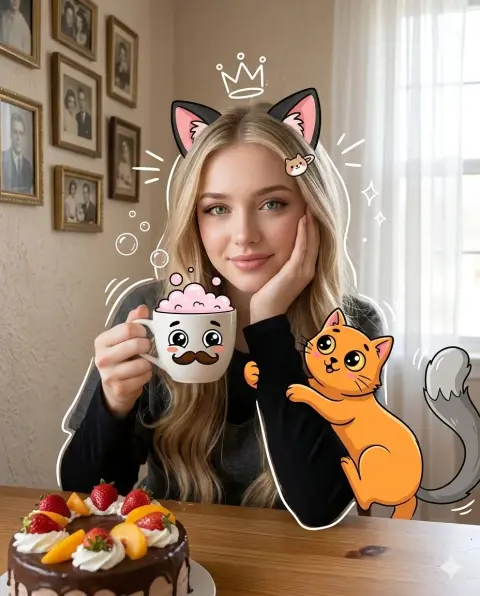
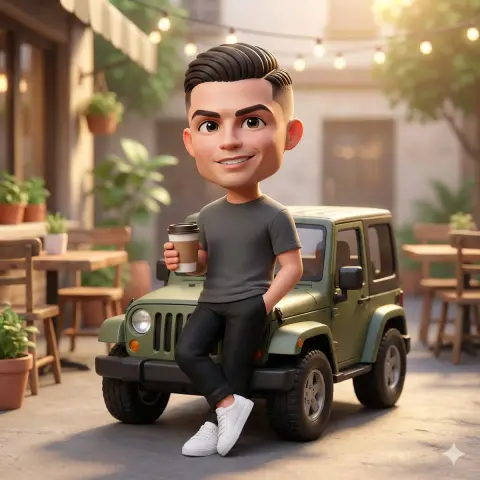
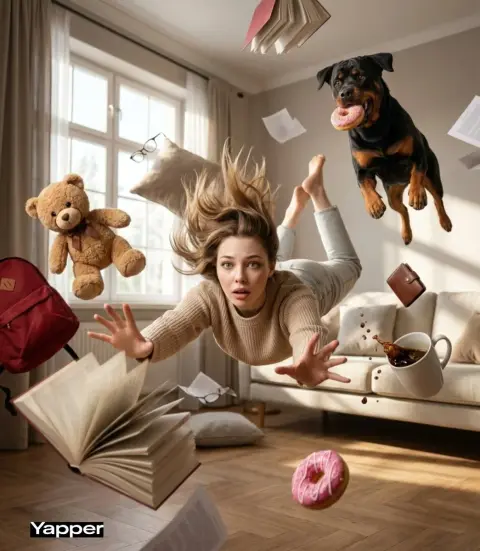
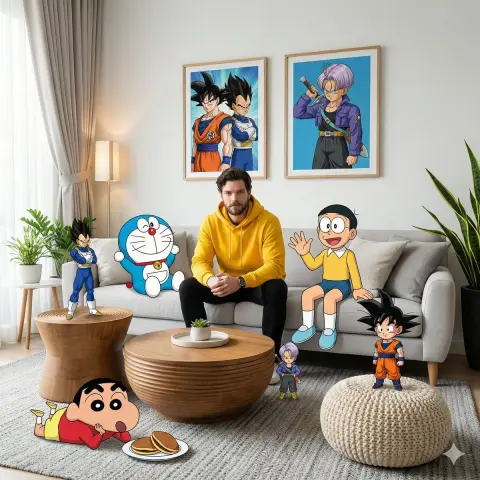
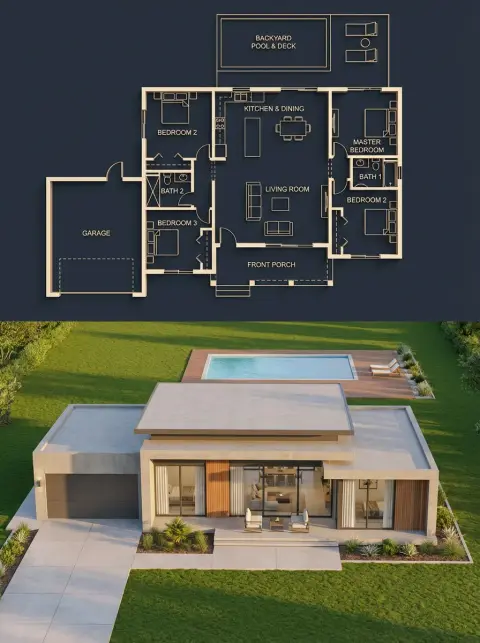
Nano Banana Interior Design Prompts
Find room concepts, furniture arrangements and architectural scenes.
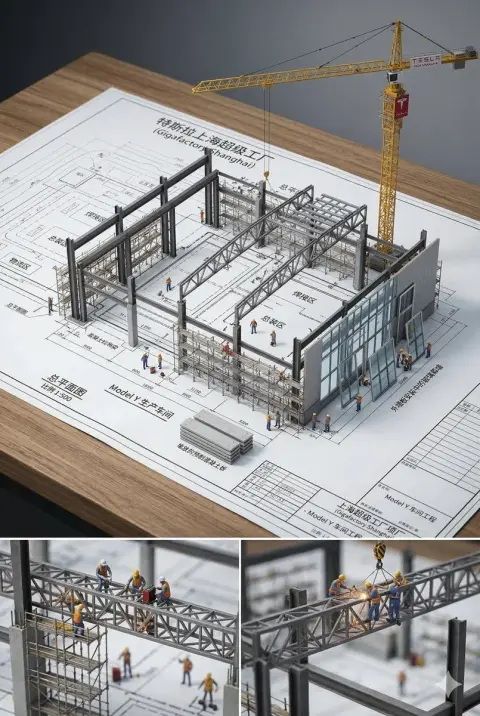
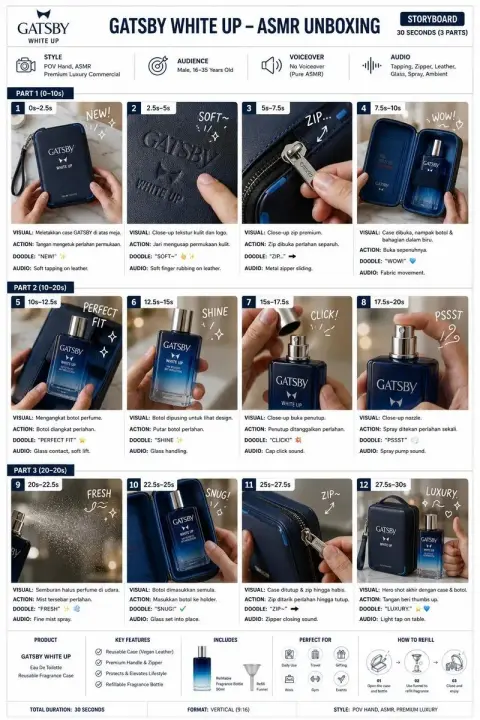
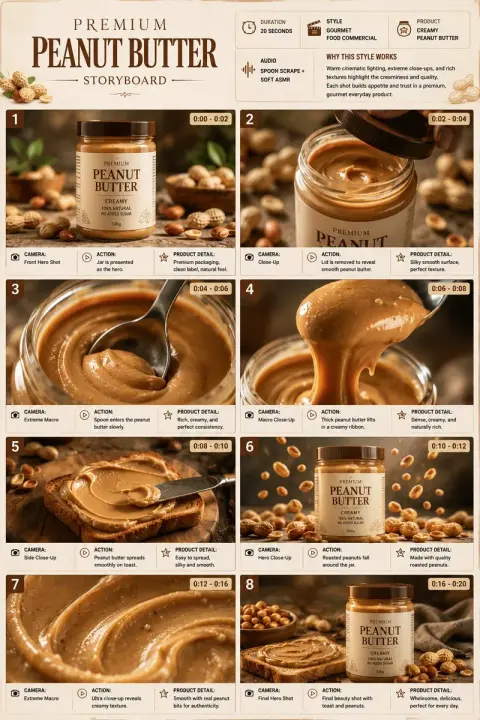
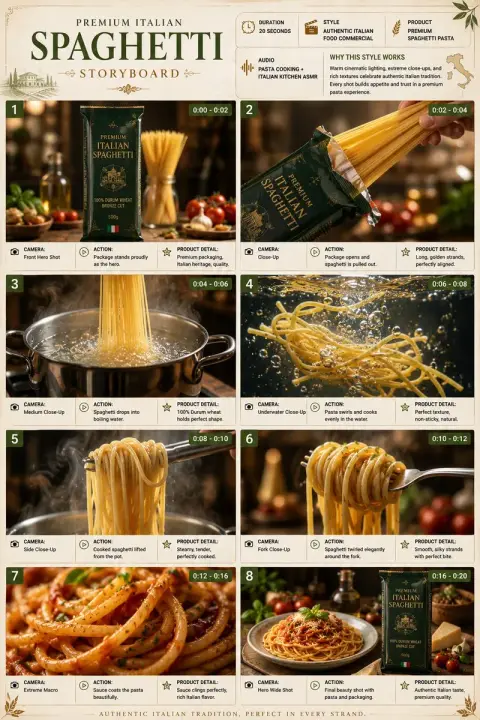
Nano Banana Storyboard Prompts
Explore sequences and multi-panel compositions with a consistent visual direction.
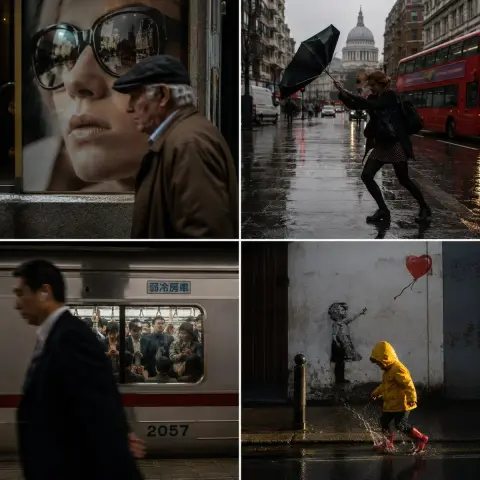
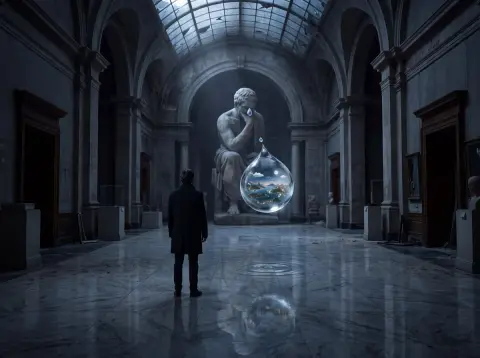
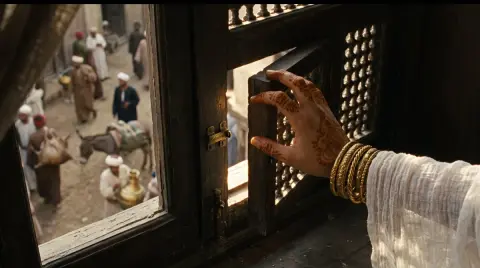
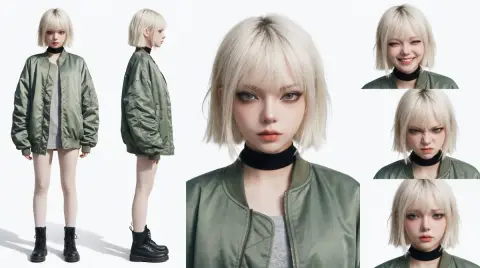
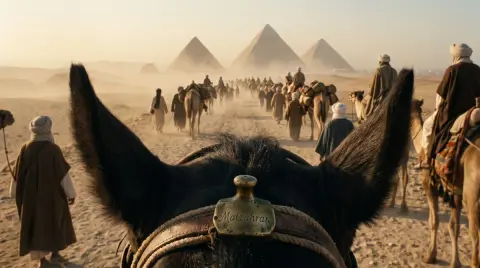
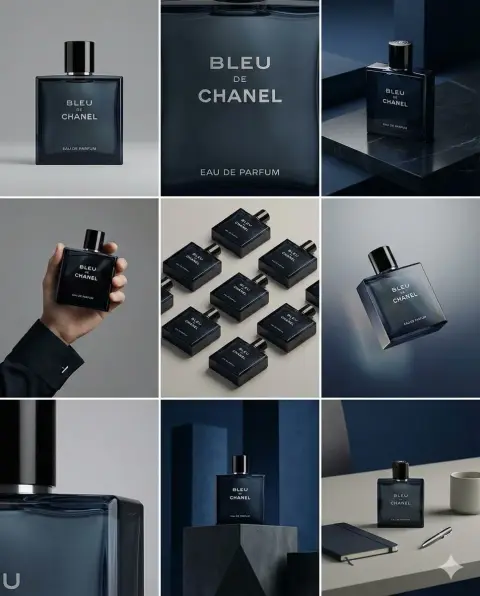
Other Nano Banana Prompts
More image ideas, creative experiments and edits from smaller categories.
From inspiration to image
How to Use Nano Banana Prompts
Start with an example close to your idea. Keep what works, change the details, and build your own result.
- 01
Choose an image and copy its prompt
Browse a category such as portraits, products or illustrations. Open an example to see the full instructions and its source. Copy the prompt, or use it in the generator with the text already filled in.
- 02
Write a Nano Banana prompt around one result
Describe the subject and setting first. Then choose the visual treatment: photographic, painted or three-dimensional. Add composition, light and aspect ratio. Replace bracketed placeholders and remove source-specific brands before generating.
- 03
Keep reference instructions explicit
If you upload a portrait or product, state what must remain consistent and what should change. Check the prompt for references to extra images that you have not supplied. The gallery shows outputs; original reference inputs are not included.
- 04
Check the version for Pro and Nano Banana 2
People searching for Nano Banana Pro prompts or Nano Banana 2 prompts can use these examples as starting points, but the source catalog records only the Nano Banana family. It does not verify either version. Check the model available in your generator and adapt the instructions to its supported inputs.
Frequently Asked Questions
Do Nano Banana prompts need a reference image?
Text-only scenes can start without one. Use your own reference when the instructions mention an uploaded image or when a particular face, product or composition needs to carry through. The gallery displays the result, not the original input.
How do I change a background without changing the subject?
Upload the image and describe the replacement background. Explicitly ask to retain the subject’s face, pose, clothing or product details. Keep the requested edit narrow, then inspect the subject and edges in the result.
What should a good Nano Banana prompt include?
Describe the subject, action or setting, composition, lighting and visual style. Add an aspect ratio and exact text only when needed. Specific directions are more useful than repeating quality words or mixing incompatible styles.
Can I browse and copy Nano Banana prompts for free?
Yes. Browsing examples and copying their text does not require a generation. If you choose to generate on this site, review the selected model and its credit cost in the generator.
How can I make several images in the same style?
Keep a stable description of the palette, lighting, materials and composition, and use the same model and reference where supported. Change the subject or scene in small steps and compare each result for consistency.
Can I use these prompts with Nano Banana Pro or Nano Banana 2?
You can adapt the text, but these are family-labeled source examples, not verified demonstrations of Pro or 2. Model versions may interpret references, typography and detail differently.
How do I keep my product recognizable?
Upload a clear reference and specify the shape, color and label details that must remain. Describe the new background separately. Inspect the output carefully; an instruction to preserve a product is not a guarantee of exact reproduction.
Why does my result look different?
The model version, reference inputs, settings and generation variability all affect the output. Start with the source model family and simplify the prompt if several directions compete.