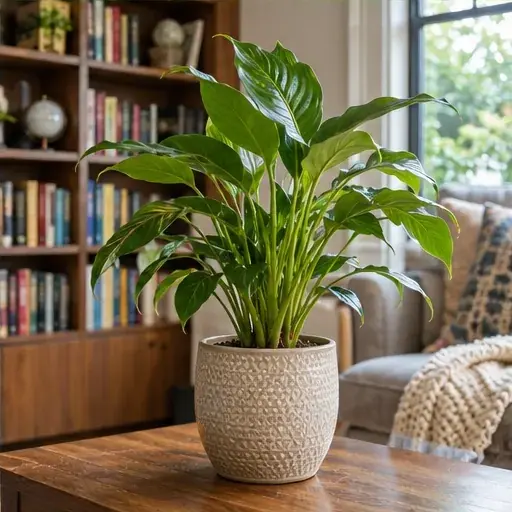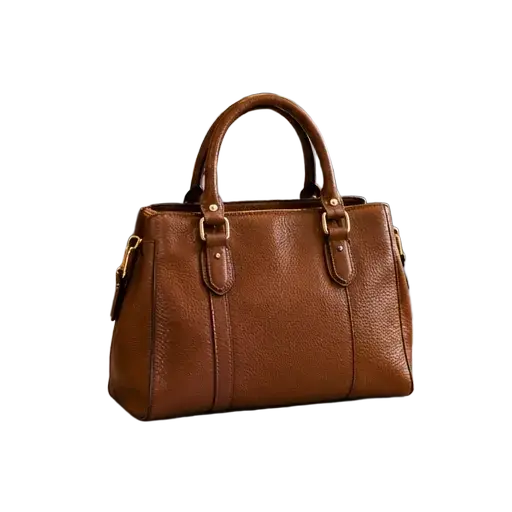

Try it free — get 2 credits when you sign up

AI Background Remover Online

Remove the background and download a transparent PNG.

Try background removal with 2 free credits when you sign up. Each image costs 1 credit; buy more credits when you need them.

See the difference

Portraits and profile pictures: OriginalOriginal
Portraits and profile pictures: ResultResult

AI Background Removal for Product Photos, Portraits and More

These images were processed with the same background removal tool. Drag to compare the original with the transparent PNG.

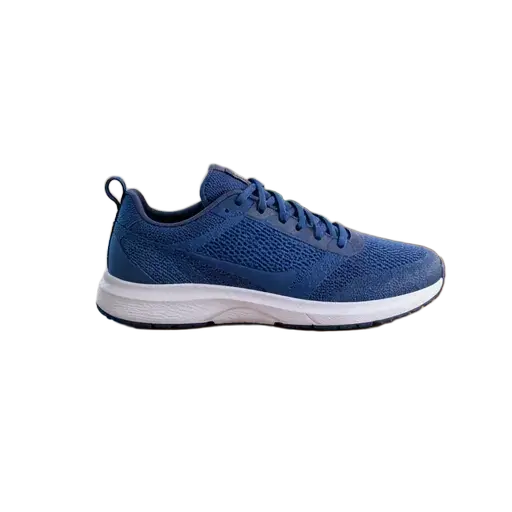
Product photos

Product photos: Transparent PNG
OriginalTransparent PNG

Portraits and profile pictures

Portraits and profile pictures: Transparent PNG
OriginalTransparent PNG

Pets and animals

Pets and animals: Transparent PNG
OriginalTransparent PNG

Clothing and accessories

Clothing and accessories: Transparent PNG
OriginalTransparent PNG

Food and drinks

Food and drinks: Transparent PNG
OriginalTransparent PNG

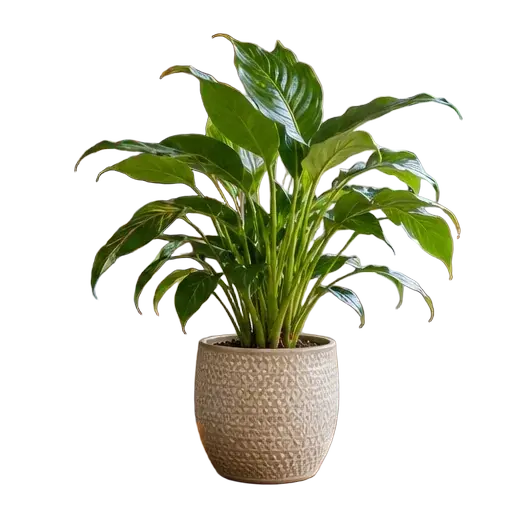
Home and everyday objects

Home and everyday objects: Transparent PNG
OriginalTransparent PNG

Cars and vehicles

Cars and vehicles: Transparent PNG
OriginalTransparent PNG

Flowers and arrangements

Flowers and arrangements: Transparent PNG
OriginalTransparent PNG

Coffee and drinks

Coffee and drinks: Transparent PNG
OriginalTransparent PNG

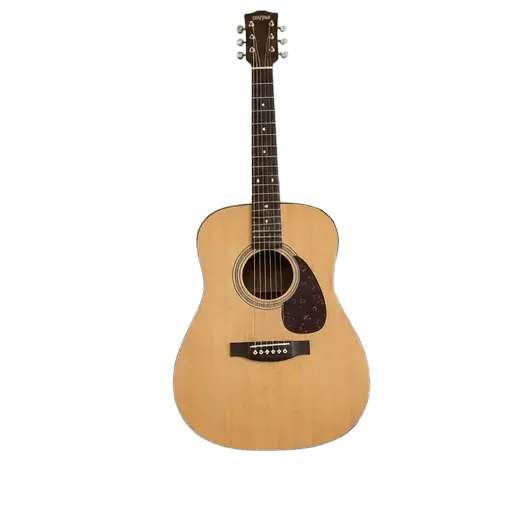
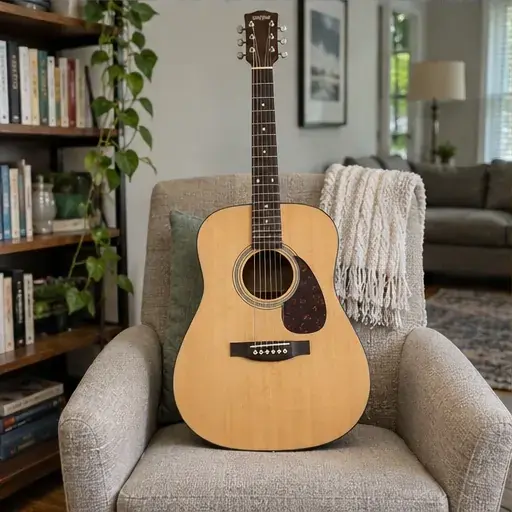
Musical instruments

Musical instruments: Transparent PNG
OriginalTransparent PNG

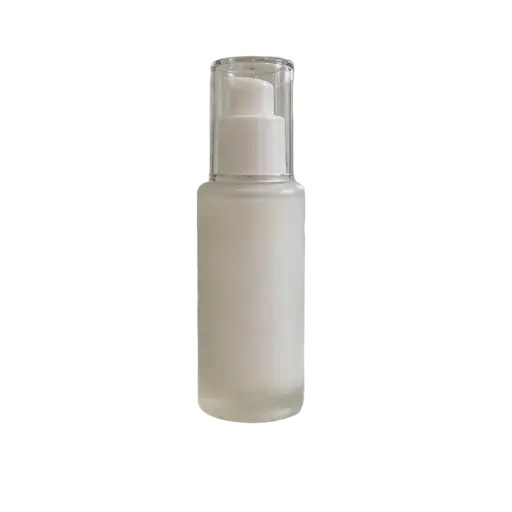
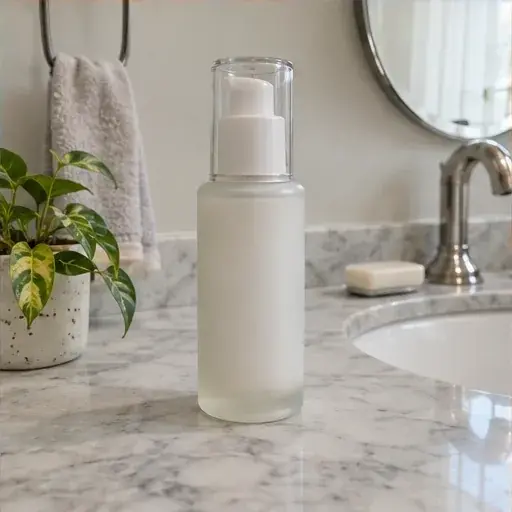
Beauty products

Beauty products: Transparent PNG
OriginalTransparent PNG

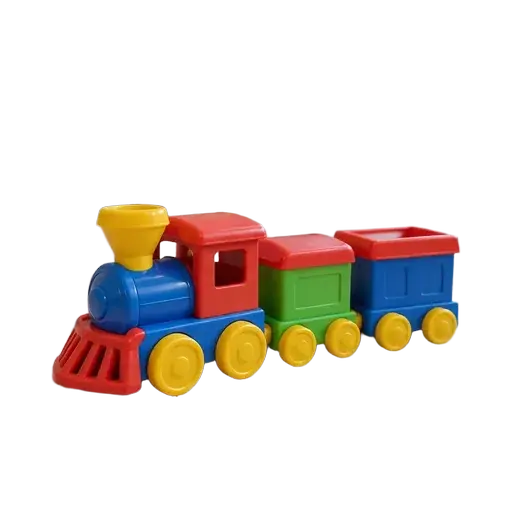
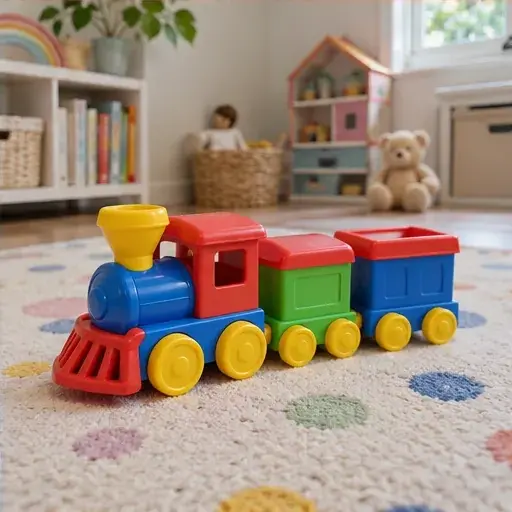
Toys and collectibles

Toys and collectibles: Transparent PNG
OriginalTransparent PNG

How to Remove a Background Online with Free Credits

01

Upload a photo to remove its background

Choose a JPEG, PNG or WebP image up to 10 MB.

02

Remove the background with AI

Remove the background for 1 credit per image. Failed processing returns your credit.

03

Download your transparent PNG

Review the cutout and fine edges, then download a transparent PNG at the original image dimensions.

Remove Photo Backgrounds Around Hair and Fine Edges

Fine hair, fur, thin edges and transparent materials can be difficult for image models. The generated result may change details of the subject, so zoom in and check the edges before using it.

Transparent PNG

Remove Backgrounds, Then Put Your Images to Work

Illustrative workflows: remove the background here, then use the downloaded PNG in your design editor.

Product photos for online shops

Remove a busy tabletop background, then place the product cutout into a shop graphic.

OriginalBackground removedIn your design
Product photos for online shops

Portraits for event posters

Cut a person out of a street photo, then add the portrait to an event poster.

OriginalBackground removedIn your design
Portraits for event posters

Pet photos for invitations

Remove the backyard from a pet photo, then use the cutout in a party invitation.

OriginalBackground removedIn your design
Pet photos for invitations

Download Transparent PNGs at Your Original Image Size

JPG, PNG and WebP uploads

Upload one JPEG, PNG or WebP image up to 10 MB.

Transparent PNG downloads

Results are saved as PNG files with transparent backgrounds at the original image dimensions.

AI Background Remover: Free Credits, Downloads and FAQs

Is this AI background remover free?

Try background removal with 2 free credits when you sign up. Each image costs 1 credit; buy more credits when you need them.

Can I remove an image background online without installing software?

Yes. Upload and edit your image in your browser. You need an account to generate an image.

Can I download an image with a transparent background?

Yes. Background removal replaces the background with transparent pixels and saves the result as a PNG.

Can I remove a background on my phone?

You can use the page in a mobile browser and upload an image from your device.

Does the tool work with hair and fur?

You can try portraits and pet photos. Fine edges, flyaway hair and translucent materials can be difficult, so inspect the result carefully.

What happens to my uploaded images?

See our privacy policy for information about how images and account data are handled.

Read our privacy policy for more information.

Remove Your Image Background Online

Upload a photo, remove its background with AI, and download a transparent PNG for your next project.

Upload an image