Try it free — get 2 credits when you sign up

AI Image Upscaler: Enlarge Images Online

Increase the resolution of photos, product images, and illustrations with AI. Choose 2× or 4× upscaling and download a larger PNG for your next project.

Start with 2 free credits when you sign up. JPG, PNG or WebP up to 10 MB.

Explore Image Upscaling in Detail

See before & after
Drag to compare
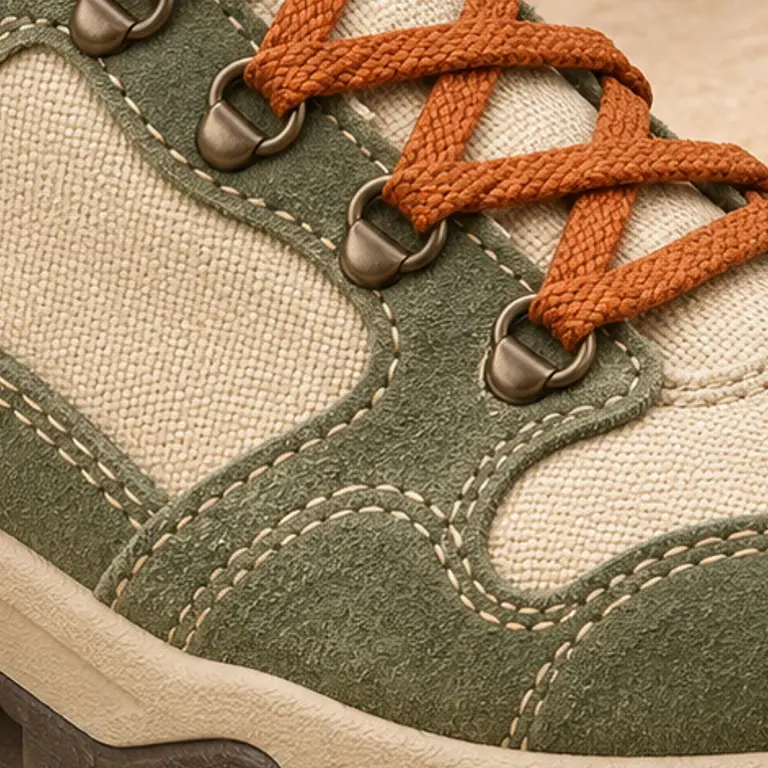
Product image upscaling demo showing canvas texture, orange sneaker laces, and stitching: 4× size demo
Original4× size demo

Illustrative upscaling demo, not a result from this tool. Inspect the stitching and woven laces, or switch to the full image.

AI Image Upscaling Before and After

Explore image upscaling examples for portraits, products, illustrations, and landscapes. Compare each image at the same display size, then switch between the full image and a close-up to inspect fine detail.

These image upscaling demos compare a 512 px image with a larger version prepared from newly generated, higher-resolution artwork. They illustrate details to inspect, not actual AI upscaling results from this tool.

01

Photo Upscaling: Faces, Hair, and Fine Detail

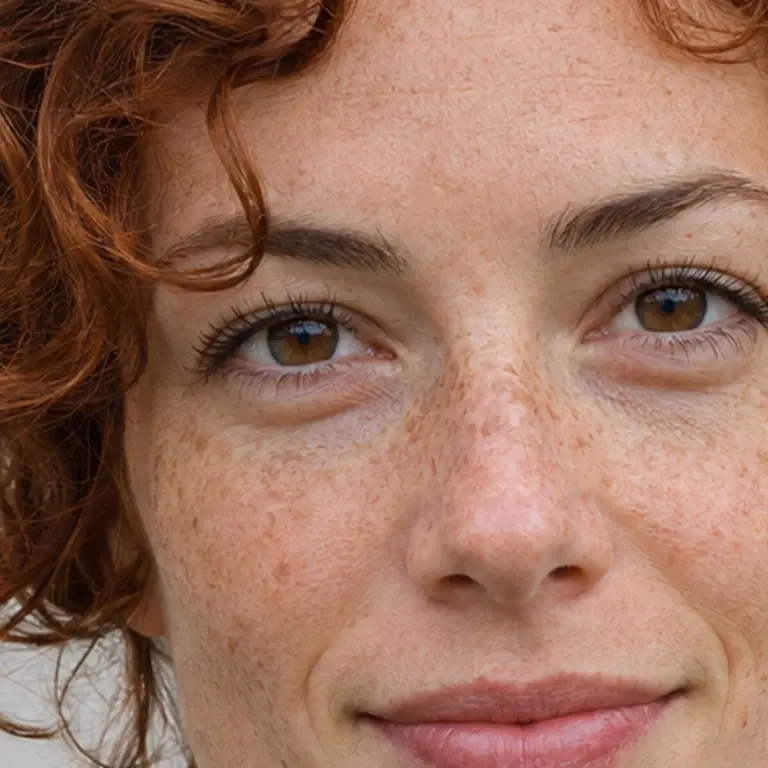
Photo upscaling gives a small portrait more room in a profile or layout. Look closely at eyes, curls, and freckles when reviewing an upscaled photo, and check that the expression still looks natural.

512 × 512 input · 2048 × 2048 demo

Portrait photo upscaling demo showing freckles, auburn curls, and a teal knitted sweater

512 × 512 original

Outlined area shown in the close-up

Drag to compare
Portrait photo upscaling demo showing freckles, auburn curls, and a teal knitted sweater: 4× size demo
Original4× size demo

Compare texture and edges at the same display size. Use the close-up to inspect details that matter when upscaling an image.

02

Upscale Product Images: Texture and Edges

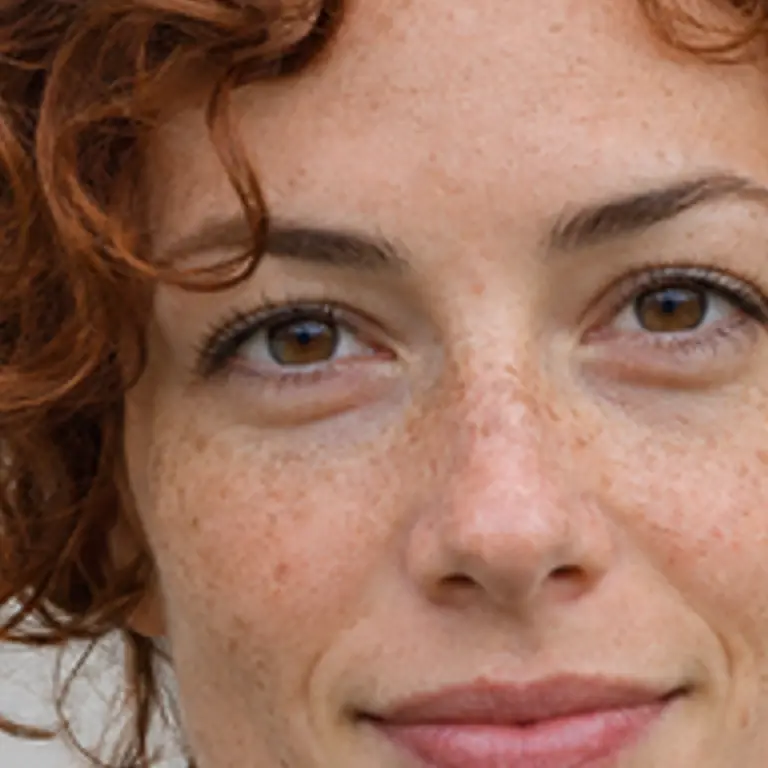
When upscaling product images for a listing or design, inspect fabric texture and clean edges. Use the canvas weave, orange laces, and stitching in this example to see which details matter at a larger size.

512 × 512 input · 2048 × 2048 demo

Product image upscaling demo showing canvas texture, orange sneaker laces, and stitching

512 × 512 original

Outlined area shown in the close-up

Drag to compare
Product image upscaling demo showing canvas texture, orange sneaker laces, and stitching: 4× size demo
Original4× size demo

Compare texture and edges at the same display size. Use the close-up to inspect details that matter when upscaling an image.
03

Upscale Illustrations and Anime Images

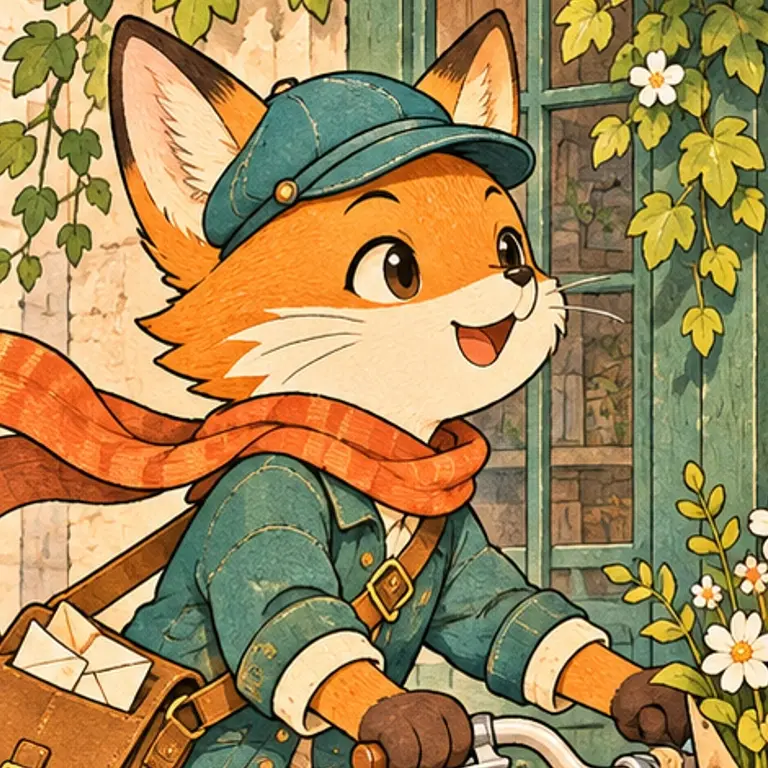
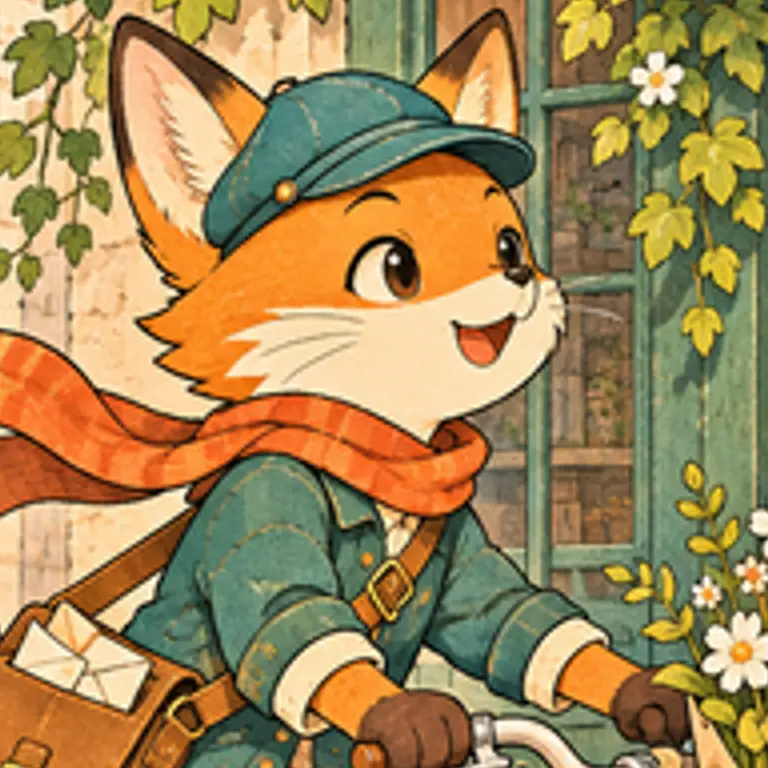
Upscale illustrations for larger layouts or prints, then check linework and color boundaries. This example highlights the fox’s outlines, bicycle spokes, and flower-shop details worth inspecting.

512 × 512 input · 2048 × 2048 demo

Illustration upscaling demo showing a fox cycling past a flower shop

512 × 512 original

Outlined area shown in the close-up

Drag to compare
Illustration upscaling demo showing a fox cycling past a flower shop: 4× size demo
Original4× size demo

Compare texture and edges at the same display size. Use the close-up to inspect details that matter when upscaling an image.
04

Landscape Photo Upscaling for Displays and Prints

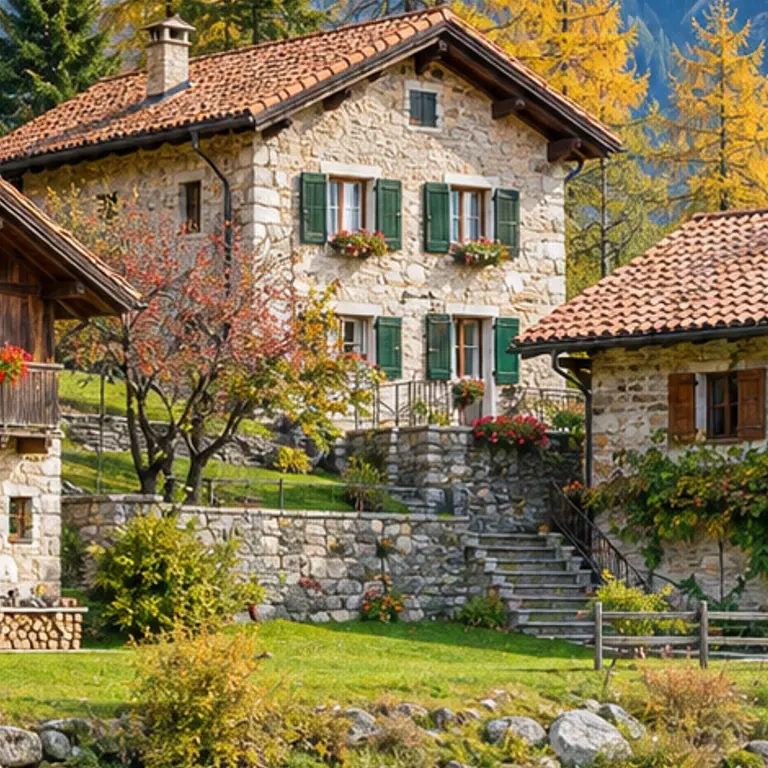
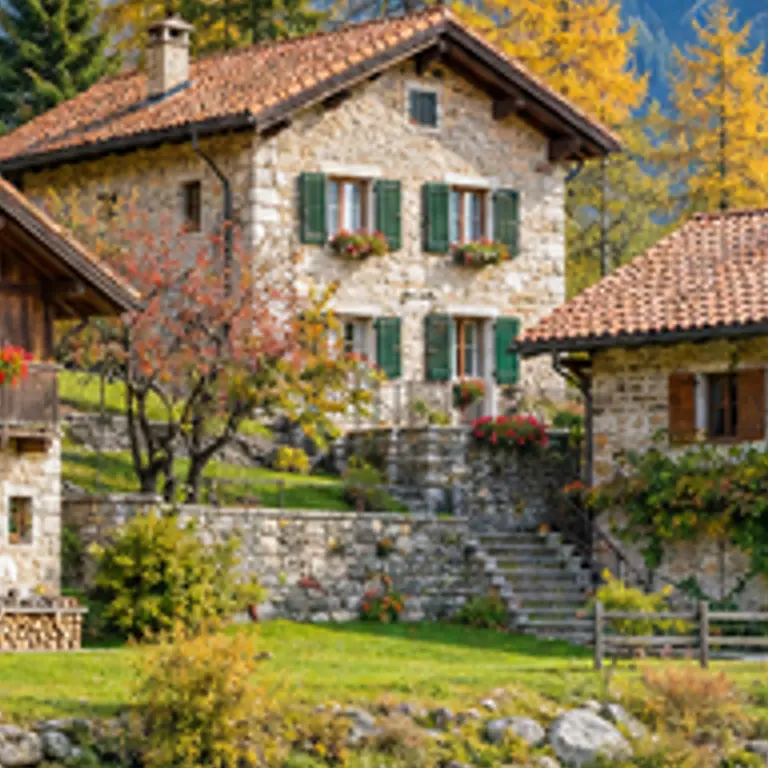
When upscaling landscape photos, inspect roof tiles, window frames, and foliage. Choose image dimensions that suit your display or print, then check small details at the intended viewing size.

512 × 512 input · 2048 × 2048 demo

Landscape photo upscaling demo showing lakeside rooftops, autumn trees, and mountains

512 × 512 original

Outlined area shown in the close-up

Drag to compare
Landscape photo upscaling demo showing lakeside rooftops, autumn trees, and mountains: 4× size demo
Original4× size demo

Compare texture and edges at the same display size. Use the close-up to inspect details that matter when upscaling an image.
Choose Your Image Upscaling Size: 2×, 4×, and Beyond

Choose an upscaling factor based on the image resolution your project needs. Each factor multiplies both width and height; a higher number does not guarantee better detail.

How 2× and 4× Upscaling Change Image Resolution

Example source: 512 × 512 px

ScaleOutput sizeCredits
2×1024 × 10241
4×2048 × 20482
8×4096 × 40964
16×8192 × 81928

Some sizes are too large for this image. Choose a lower scale.

Can You Upscale an Image to 4K?

It depends on the original dimensions and selected scale. For example, 1920 × 1080 becomes 3840 × 2160 at 2×. The tool keeps the original aspect ratio and shows the expected output dimensions.

What Resolution Do You Need for Printing?

Divide pixel dimensions by your printer’s requested PPI. A 3000 × 2400 image is 10 × 8 inches at 300 PPI. Check the result at the intended print size before ordering.

How 8× and 16× Image Upscaling Works

8× and 16× use 4× AI enhancement followed by interpolation to the selected size.

How to Upscale an Image Online

  1. 01

    Upload Your Image

    Choose one JPG, PNG, or WebP file up to 10 MB.

  2. 02

    Choose a Scale and Check the Output Size

    Choose 2× / 4× / 8× / 16× for 1 / 2 / 4 / 8 credits. Original proportions are preserved.

  3. 03

    Review and Download the Upscaled Image

    Inspect your upscaled image at its intended viewing size, then download the PNG. Keep the original photo for comparison.

AI Upscaling vs Resizing: What Changes?

Both methods increase the pixel dimensions. Ordinary resizing interpolates existing pixels; AI upscaling estimates detail. Compare the same source region before choosing which result suits your image.

More Pixels and AI-Generated Detail

A 512 × 512 image becomes 2048 × 2048 at 4×: four times the width and height, and sixteen times the pixels. Added pixels are not proof of recovered original detail.

What Happens to Faces, Text, and Blurry Areas?

Check expressions, lettering, and repeating patterns closely. Severe blur or compression leaves less information to work with. AI may add plausible texture or change small shapes; keep the original and inspect the result before using it.

Illustration upscaling demo showing a fox cycling past a flower shop: 4× size demo
Ordinary resizing4× size demo

Compare texture and edges at the same display size. Use the close-up to inspect details that matter when upscaling an image.

AI image upscaler FAQ

Can I use the AI image upscaler for free?

Yes. Sign up to receive 2 free credits. A 2× upscale costs 1 credit and 4× costs 2 credits; 8× and 16× cost 4 and 8 credits. You can buy more credits after using your free balance.

Which formats can I upload and download?

Upload one JPG, PNG, or WebP image up to 10 MB. Your processed image is downloaded as a PNG.

How large can my image be?

Upload a file up to 10 MB. The enlarged result must stay within 12,000 pixels on each side and 100 megapixels in total. Choose 2× or a smaller source if you reach that limit.

Can I upscale multiple images at once?

This tool processes one image at a time. Download your result, then upload the next image.

Are my uploaded images stored?

Images are processed and may be stored using Cloudflare infrastructure. Deleting a history entry does not necessarily immediately delete stored files. Read our Privacy Policy for storage and deletion information.

What happens to my credits if processing fails?

Credits charged for a failed processing task are returned. Check the selected scale and credit cost before starting another task.