Photo to cartoon online
Photo to Cartoon: Turn Your Photo into a Cartoon Online
Upload a picture, choose a cartoon style, and add your own ideas. Create a cartoon portrait or illustration in your browser.
Your cartoon will appear here
Upload a photo and choose a style to get started.
Find your look
Choose a Photo to Cartoon Style
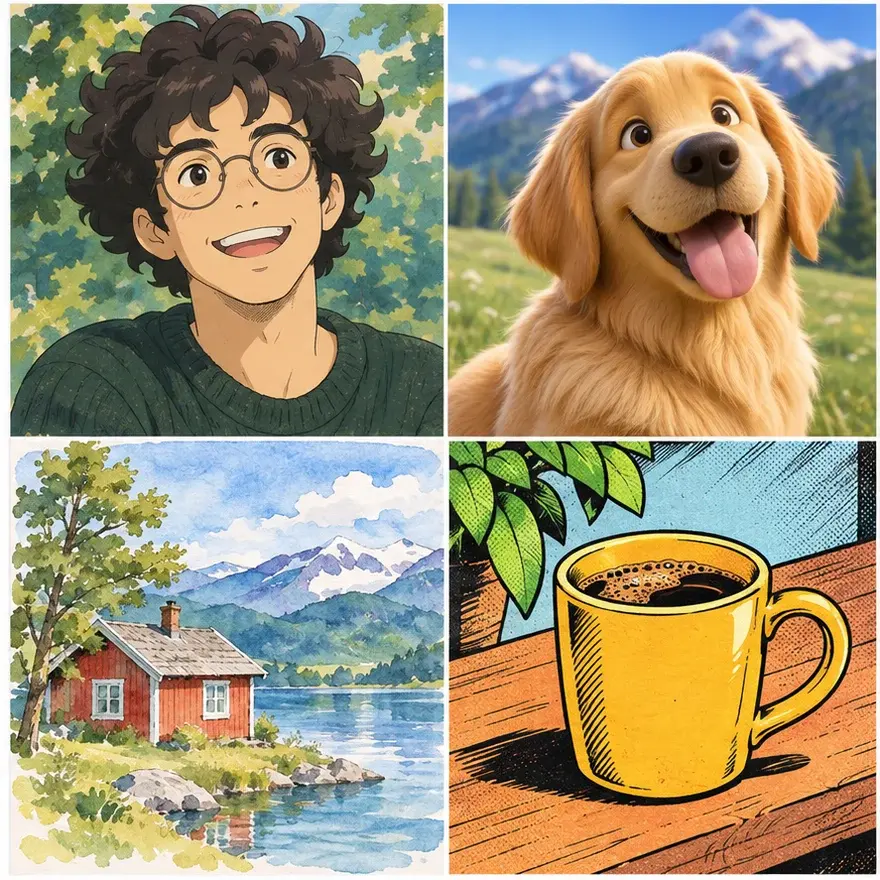
Anime creates an illustrated look, Comic Book uses graphic outlines, and 3D Animation adds a rounded, dimensional finish. Try Watercolor for a softer painted effect, and add your own details.
How to Turn a Photo into a Cartoon
Upload your photo
Choose a clear photo of a person, pet, or scene.
Choose your style
Pick a cartoon effect. Optionally add details about the mood or colors.
Generate and download
Sign in, check the credit cost, generate your cartoon, and download the result.
Will My Cartoon Still Look Like Me?
The same portrait can look very different in each cartoon style while keeping familiar features. In this illustration, Hayao Miyazaki’s white hair, beard, and glasses carry through four different interpretations of the original photo.
To make your own cartoon portrait more recognizable, start with a clear, well-lit photo and describe the features you want to keep. Results vary: AI may change facial details, skin tone, or expression, so review each image and refine your prompt or try another style. Each new generation uses credits.
What Photos Can I Turn into Cartoons?
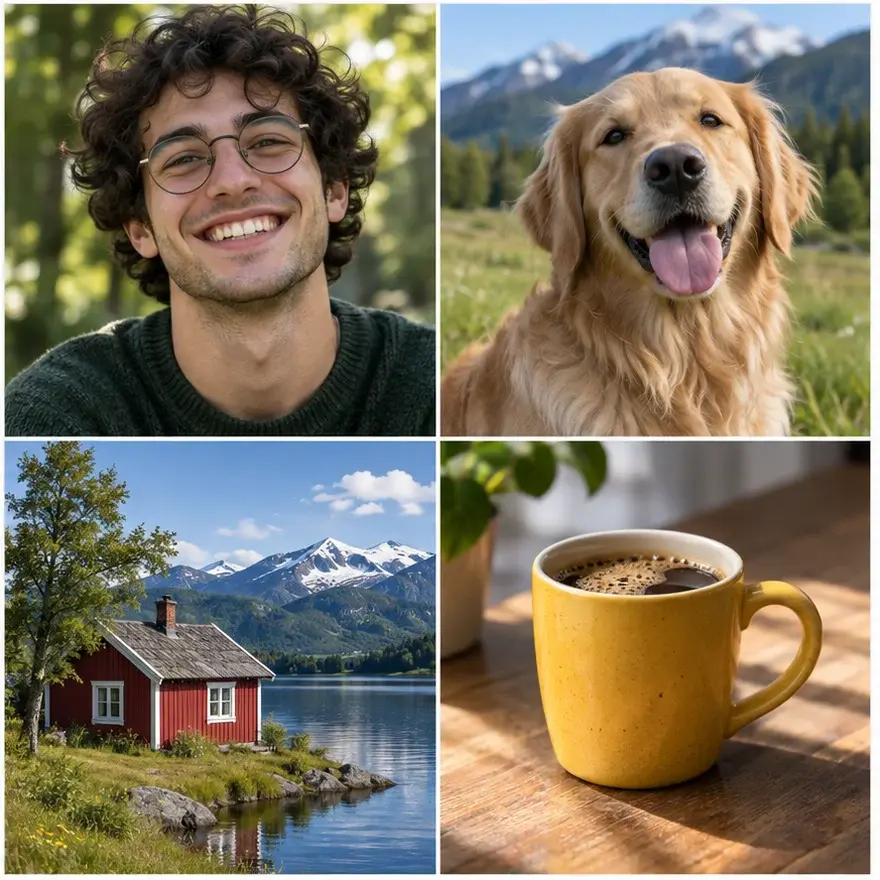
From a portrait or pet to a favorite landscape or everyday object, many kinds of photos can inspire a cartoon. The examples alongside show the same subjects reimagined as hand-painted animation, 3D, watercolor, and comic illustrations.
Start with a clear, well-lit original and describe any details you want to preserve. You can also try group or full-body photos; results vary by image and model, especially when faces are small or details are hard to see.
Is Photo to Cartoon Free?
New accounts receive 2 free credits. Generation uses credits; costs vary by model and settings. Sign in to generate an image. The workbench shows the credit cost before you create, and each new generation uses credits.
Try the cartoon generatorWhat Happens to the Photos I Upload?
Your photo is uploaded to the service and sent to the model provider to process your request. Upload only images you have permission to use. You can manage your uploaded files in your account. For details about data handling and third-party services, read our Privacy Policy.
Photo to Cartoon FAQ
Can I turn a picture of myself into a cartoon?
Yes. Upload a clear portrait, choose a style, and describe any details you want to preserve. Facial features may change, so review the result.
Can I turn a pet or group photo into a cartoon?
You can try both. Use a clear image where the subjects are easy to see; results vary by photo and model.
What image formats can I upload?
The photo upload accepts JPEG, PNG, and WebP images. The maximum file size is 10 MB per image.
Can I make different cartoon versions of the same photo?
Yes. Change the style, description, or model and generate another version. Each generation uses credits.
Can I use my cartoon image commercially?
Commercial use depends on your rights to the original image and the terms of the model used. Review our Terms of Service and the applicable model provider terms before publishing.
Can I turn a photo into anime?
Yes. Choose Anime in the style picker and add details in the description to guide the result.