AI Clothes Changer: Change Outfits in Any Photo
Change clothes in your photos with AI. Upload a photo, add a reference image or describe the outfit you want, and explore a new look online.
AI Clothes Changer Examples
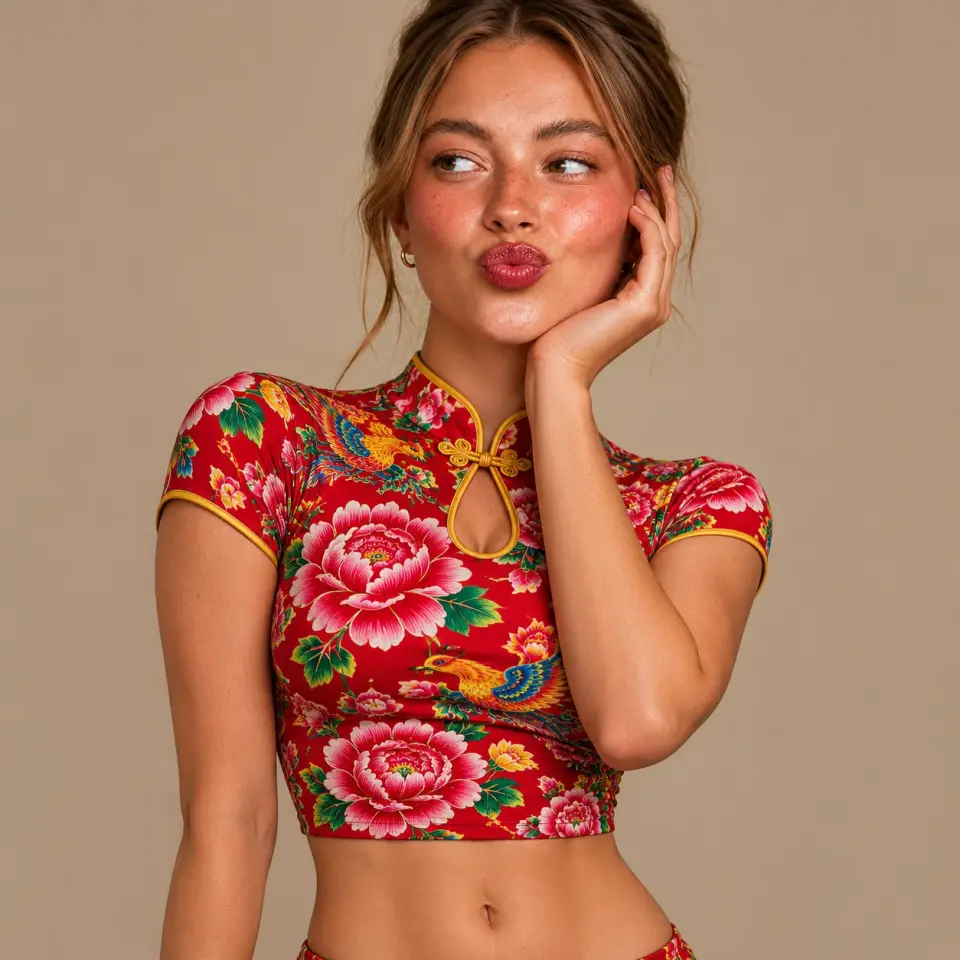
Outfit inspiration
See What You Can Create with an AI Clothes Changer
Explore illustrated outfit ideas using a clothing reference or a description. Results vary with your photo and settings.
A tailored olive blazer with matching trousers.
Your outfit promptLook 03
Explore a Casual Outfit
Try a denim jacket and wide-leg trousers using a clothing reference.
Try this lookFrom photo to new look
How to Change Clothes in a Photo
A few simple steps take you from your original photo to an outfit ready to download.
01
Upload Your Photo
Choose a clear photo of the person whose outfit you want to change.
02
Add a Reference Image or Describe an Outfit
Choose a clear clothing reference image or describe the outfit you want.
03
Generate Your New Look
Choose your settings and generate the image.
04
Review and Download
Check the result, refine your prompt if needed, and download it.
Get Better Results from Your AI Outfit Change
Clear inputs and specific instructions give the model a better starting point.
Use a Clear Photo
A well-lit photo with the outfit visible gives the model more to work with.
Less helpful
Dark and out of focus.
Recommended
Well lit, sharp, and fully visible.
Choose a Clear Clothing Reference
Show the garment and its details clearly.
Less helpful
Garment details are hidden.
Recommended
The shape and details are visible.
Describe the Style, Color, and Fit
Include the details that matter most to your look.
Less helpful
Prompt
“Change my clothes.”
Too vague to guide the look.
Recommended
Prompt
“A relaxed cream linen shirt and high-waisted navy trousers.”
Specifies the style, color, and fit.
Specify What You Want to Keep
Ask to preserve the face, pose or background and check the result.
Less helpful
Prompt
“Change everything.”
Does not say what to preserve.
Recommended
Prompt
“Change the outfit; keep the face, pose, and background.”
Names the details to preserve.
Refine a Result That Does Not Look Right
Try a clearer photo or clothing reference, or describe the color and fit more specifically. Ask the AI to keep the face, body proportions, pose, and background, then check the new result.
Find your use case
What Can You Use an AI Clothes Changer For?
01
Explore Outfit Ideas and Virtual Try-Ons
Preview a different look in your photo using a clothing reference or a description.
02
Create Social Media and Profile Images
Experiment with outfits for portraits and content without taking another photo.
03
Visualize Clothing for Product Content
Explore ideas for clothing imagery and check the result against the actual garment before publishing.
Before you use an image
What to Know Before Using Your Results
Review the details
Check the Face, Body Proportions, and Clothing Details
The AI aims to preserve the person and background, but it can change details or body proportions. Check the face, hands, clothing, and background before using an image.
Check the size guide
Virtual Try-On Is Not a Sizing Tool
A generated image cannot tell you how a garment will fit in real life. Use the garment measurements and size guide when choosing a size.
AI Clothes Changer Credits and Pricing
New accounts receive2 one-time free credits. The cost of a generation depends on your model and settings, and is shown in the tool before you generate.
View pricingAI Clothes Changer FAQ
How can I change clothes in a photo online?
Upload a photo, add a clothing reference image or describe the outfit you want, then generate your new look.
Is the AI clothes changer free?
New accounts receive 2 free credits. Each generation uses credits, with the cost depending on your chosen model and settings.
Can I use a reference image to change an outfit?
Yes. Add a clear image of the clothing you want alongside your photo.
Can I change clothes using a text description?
Yes. Describe the outfit, including its color, style and fit, in the prompt.
Can I try on a dress with AI?
Yes. Use a dress reference image or describe the dress you would like to see.
Will the AI keep my face and background?
You can ask the model to preserve them, but results vary. Review the image and refine your prompt if needed.
What kind of photo works best?
Choose a clear, well-lit photo where the person and clothing are visible. A full-body photo works well for dresses.
Can I use a virtual try-on to choose a size?
No. AI images cannot show how a garment will fit in real life. Check the garment measurements and size guide before buying.
Will my body proportions stay the same?
The model may change body proportions or other details. Ask it to preserve them and review each result carefully.
Try the AI Clothes Changer Free
Start with Free Credits
New accounts receive 2 free credits. Generation uses credits; costs vary by model and settings.
Try the AI Clothes Changer